
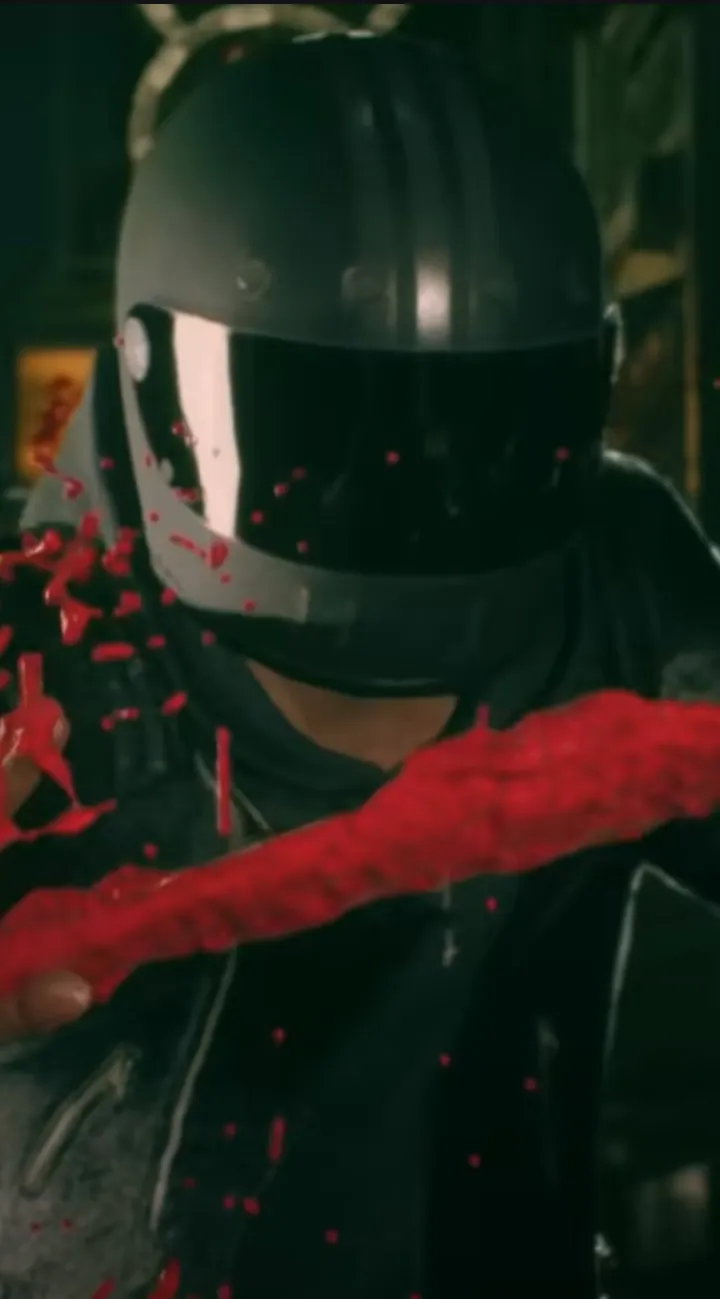
Master Slitterhead's controls and UI. Learn movement, combat inputs, and UI elements like health, stamina, and possession meters for survival.
Mastering the controls and understanding the user interface are crucial for survival in the grim, neon-drenched streets of Slitterhead. This guide breaks down every button press and visual cue you need to know, from basic movement and combat to navigating complex menus and managing your unique abilities. Get a firm grasp on these fundamentals to ensure you're always one step ahead of the horrors that lurk in the shadows.
Navigating the world of Slitterhead requires a keen understanding of its intricate control scheme and a sharp eye for the information presented on the user interface. Whether you're engaging in brutal combat, exploring the labyrinthine city, or managing your character's progression, knowing your inputs and what the UI elements sify is paramount. This section will equip you with the knowledge to move, fight, and survive with confidence.
Movement and Interaction
- Movement: Standard WASD keys on PC, Left Analog Stick on controllers. Sprinting is typically mapped to Left Shift or L3.
- Jumping/Dodging: Spacebar on PC, B/Circle button on controllers. Dodging is essential for evading enemy attacks.
- Interaction: E key on PC, X/Square button on controllers. Used for picking up items, opening doors, and interacting with NPCs.
Combat Controls
| Action | PC Key | Controller Button |
|---|---|---|
| Light Attack | Left Mouse Button | Right Trigger (R2) |
| Heavy Attack | Right Mouse Button | Right Bumper (R1) |
| Block/Parry | Right Click | Left Trigger (L2) |
| Special Ability/Possession | Q | Left Bumper (L1) |
| Reload/Weapon Swap | R | Y/Triangle |
User Interface (UI) Breakdown
The Slitterhead UI provides vital information at a glance:
- Health Bar: Displays your current health. Depletes when taking damage.
- Stamina Bar: Governs actions like sprinting and heavy attacks. Regenerates over time.
- Possession Meter: Fills as you perform certain actions or absorb energy. Used for possession abilities.
- Minimap: Shows your immediate surroundings, objectives, and points of interest.
- Objective Marker: A clear indicator of your current quest goal.
- Ammo Count: Displays the remaining ammunition for your equipped weapon.
- Status Effects: Icons indicating buffs or debuffs affecting your character (e.g., poison, bleed).
Familiarize yourself with these elements to make informed decisions during intense encounters and exploration.
100% Human-Written. AI Fact-Checked. Community Verified. Learn how AntMag verifies content