
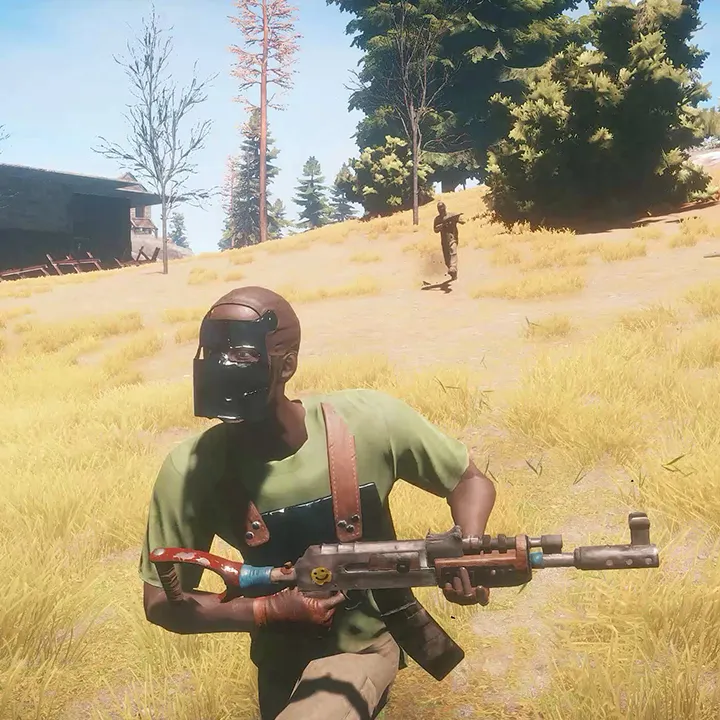
Learn the essential controls and user interface elements in Rust. This guide covers movement, interaction, inventory, and HUD details to help you survive and thrive.
This guide covers the basic controls and user interface elements for Rust. Understanding these fundamentals is crucial for navigating the game world, managing your inventory, and interacting with the environment effectively.
| Action | Keybind |
|---|---|
| Move Forward | W |
| Move Backward | S |
| Move Left | A |
| Move Right | D |
| Jump | Spacebar |
| Crouch | Ctrl |
| Prone | Z |
| Sprint | Shift |
| Interact | E |
| Inventory | Tab |
| Map | M |
| Journal | J |
| Crafting | Q |
| Attack | Left Mouse Button |
| Aim Down Sights | Right Mouse Button |
| Reload | R |
| Use Item | Middle Mouse Button |
| Drop Item | G |
| Building Menu | B |
| Console | F1 |
| Screenshot | F12 |
100% Human-Written. AI Fact-Checked. Community Verified. Learn how AntMag verifies content