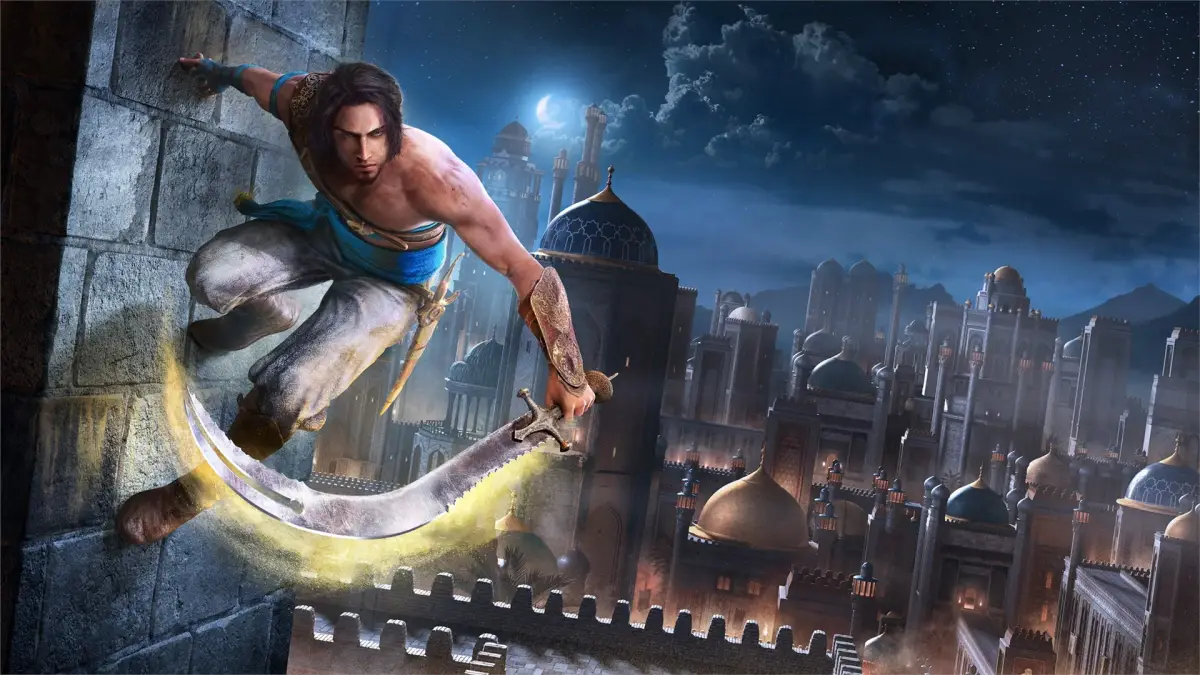
Navigate Part 5 of Prince of Persia: The Sands of Time Remake with our expert guide. Learn controls, menu options, and essential gameplay mechanics to master the game.
Alright, let's dive into Part 5 of our Prince of Persia: The Sands of Time Remake journey! This section is going to cover some of the foundational stuff you'll need to know to get going, like how to navigate the menus and what all those buttons do. Don't worry, it's not as complicated as it sounds, and I'll walk you through it step-by-step.
In-Game Screens/Windows:
When you first boot up the game, you'll be greeted by the main menu. It's pretty straightforward, but let's quickly go over what each option does:
- Start a New Game: Exactly what it sounds like – this is how you begin your adventure from scratch.
- Load a Game: If you've played before and saved your progress, this is where you'll pick up where you left off.
- Options: This is your hub for customizing the game's settings. You'll find sub-sections here for:
- Controller: Adjust how the game responds to your inputs.
- Sound: Tweak the music and sound effects.
- Display: Change visual settings.
- Camera: Fine-tune how the camera behaves.
- Language: Switch the game's audio and text to different languages. Fun fact: if you switch the language, Prince and everyone else will actually speak in that language! Imagine hearing him exclaim something in French or Spanish – pretty neat!
- Extra Features: This is where you'll find cool unlockables, including the original Prince of Persia game! You'll need to earn these as you play, so keep an eye out for ways to unlock them.
The Controls, Basics & Everything In Between:
The controls in The Sands of Time Remake are pretty intuitive, and thankfully, a lot of the fiddly bits from older games are now handled automatically. You can't change the default button layout, but honestly, they work really well once you get used to them.
Here’s a breakdown of what each button does:
- Start: This is your pause button. Hit it to bring up the menu, and hit it again to unpause and get back into the action.
- Select: As far as I can tell, this button doesn't do anything in-game. Don't worry about it!
- D-Pad: Similar to Select, the D-Pad doesn't have any active functions during gameplay. It's mainly used for navigating menus and cursors.
- Left Analog Stick: This is your primary movement control. You'll use it to make Prince walk or run. Hold it halfway to walk, and push it all the way in one direction to sprint.
- Right Analog Stick: This stick controls the camera. If you're finding the current view a bit awkward, use this to adjust it. Pushing it UP/DOWN changes how far the camera is from Prince, while pushing it LEFT/RIGHT rotates the camera around him.
- Triangle: This button is used for a couple of things. You can use it to stab forward with the Dagger of Time, which can stun enemies if it connects. It's also how you'll absorb Sand Clouds.
- Square: This is your main attack button. Pressing it once draws your sword (or readies it if enemies are nearby). Mashing the Square button will unleash a rapid combo of up to six strikes, ending with a powerful overhead smash. You'll also use Square to break certain obstacles in the environment.
- X: This is your 'Action' button, and it's super important! It's used for a variety of things like climbing, jumping, and interacting with objects. Think of it as your universal 'do stuff' button.
We'll be using these controls constantly, so make sure you're comfortable with them. Don't hesitate to practice in a safe area if you need to!
100% Human-Written. AI Fact-Checked. Community Verified. Learn how AntMag verifies content