
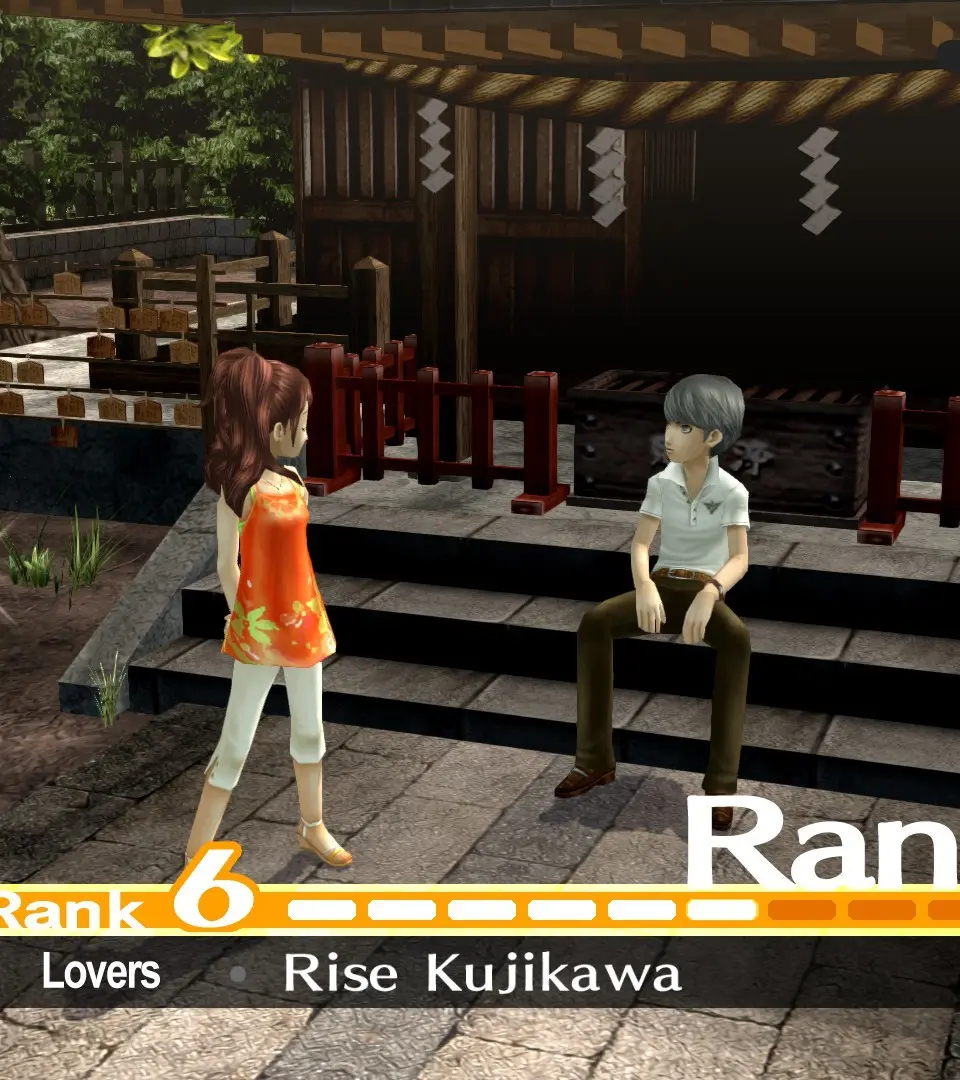
Master Persona 4 Golden's controls and user interface. Learn about button layouts, menus, and essential UI elements to navigate the world and combat effectively.
This section details the controls and user interface elements for Persona 4 Golden. Understanding these will help you navigate menus, manage your party, and execute actions efficiently in both exploration and combat.
| Action | Button |
|---|---|
| Move | Left Stick |
| Camera Control | Right Stick |
| Confirm / Interact | A Button (Xbox) / X Button (PlayStation) |
| Cancel / Back | B Button (Xbox) / Circle Button (PlayStation) |
| Menu | Start Button (Xbox) / Options Button (PlayStation) |
| Persona Menu | Y Button (Xbox) / Triangle Button (PlayStation) |
| Skill/Item Menu | X Button (Xbox) / Square Button (PlayStation) |
| Auto-Battle | Left Trigger (Xbox) / L1 (PlayStation) |
| Focus/Target | Right Trigger (Xbox) / R1 (PlayStation) |
| Quick Save | D-Pad Up |
| Quick Load | D-Pad Down |
| Jump | A Button (Xbox) / X Button (PlayStation) (in some environments) |
The user interface provides crucial information at a glance:
- HP/SP Bars: Display your current Health Points and Skill Points.
- Status Ailments: Icons indicate active status effects (e.g., Poison, Shock, Fear).
- Turn Order: Shows the sequence of actions in combat.
- Information Window: Displays enemy weaknesses, resistances, and item descriptions.
- Map: Accessible via the menu, showing your current location and objectives.
100% Human-Written. AI Fact-Checked. Community Verified. Learn how AntMag verifies content