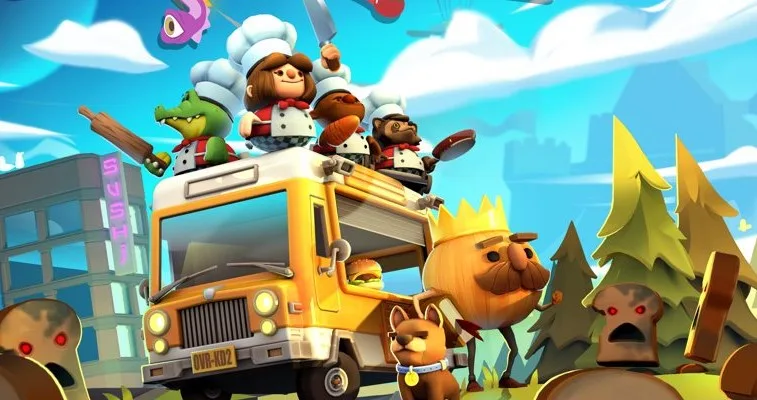
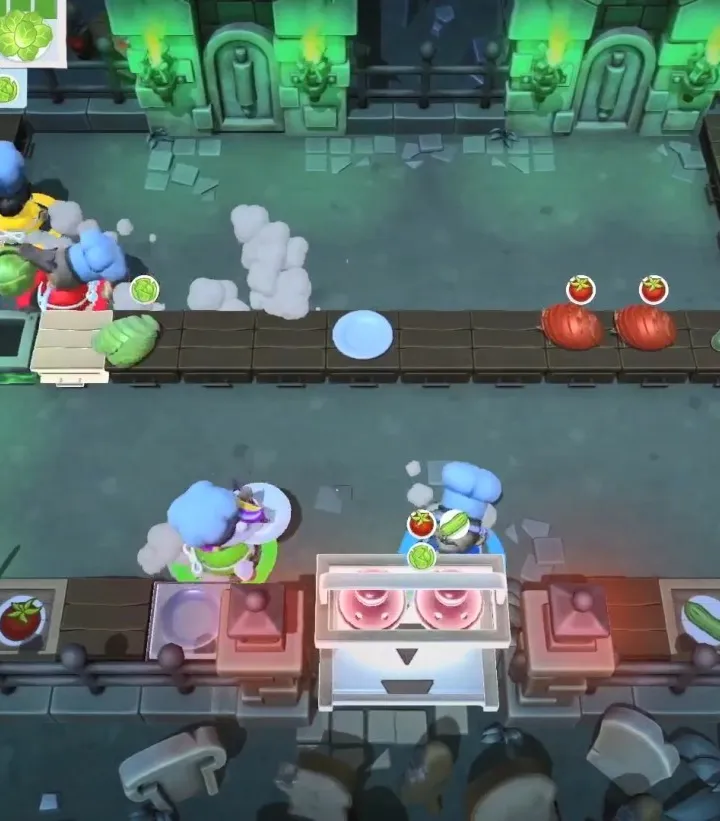
Learn the essential controls and movement mechanics for Overcooked! 2. Master chopping, frying, baking, and throwing to save the Onion Kingdom from the Unbread.
Overcooked! 2 is a cooperative cooking simulation game where players work together to fulfill orders under a time limit. This guide covers the fundamental controls and movement mechanics necessary to succeed in the game.
| Action | Button/Input |
|---|---|
| Move | Left Stick / WASD |
| Interact / Pick Up / Put Down | A Button (Xbox) / X Button (PlayStation) / B Button (Switch) / Spacebar |
| Dash | B Button (Xbox) / Circle Button (PlayStation) / A Button (Switch) / Left Shift |
| Throw | X Button (Xbox) / Square Button (PlayStation) / Y Button (Switch) / G |
| Chop | Y Button (Xbox) / Triangle Button (PlayStation) / X Button (Switch) / F |
| Serve | RT (Xbox) / R2 (PlayStation) / ZR (Switch) / E |
Mastering these controls is key to efficient cooking and overcoming the chaotic kitchens of Overcooked! 2.
100% Human-Written. AI Fact-Checked. Community Verified. Learn how AntMag verifies content