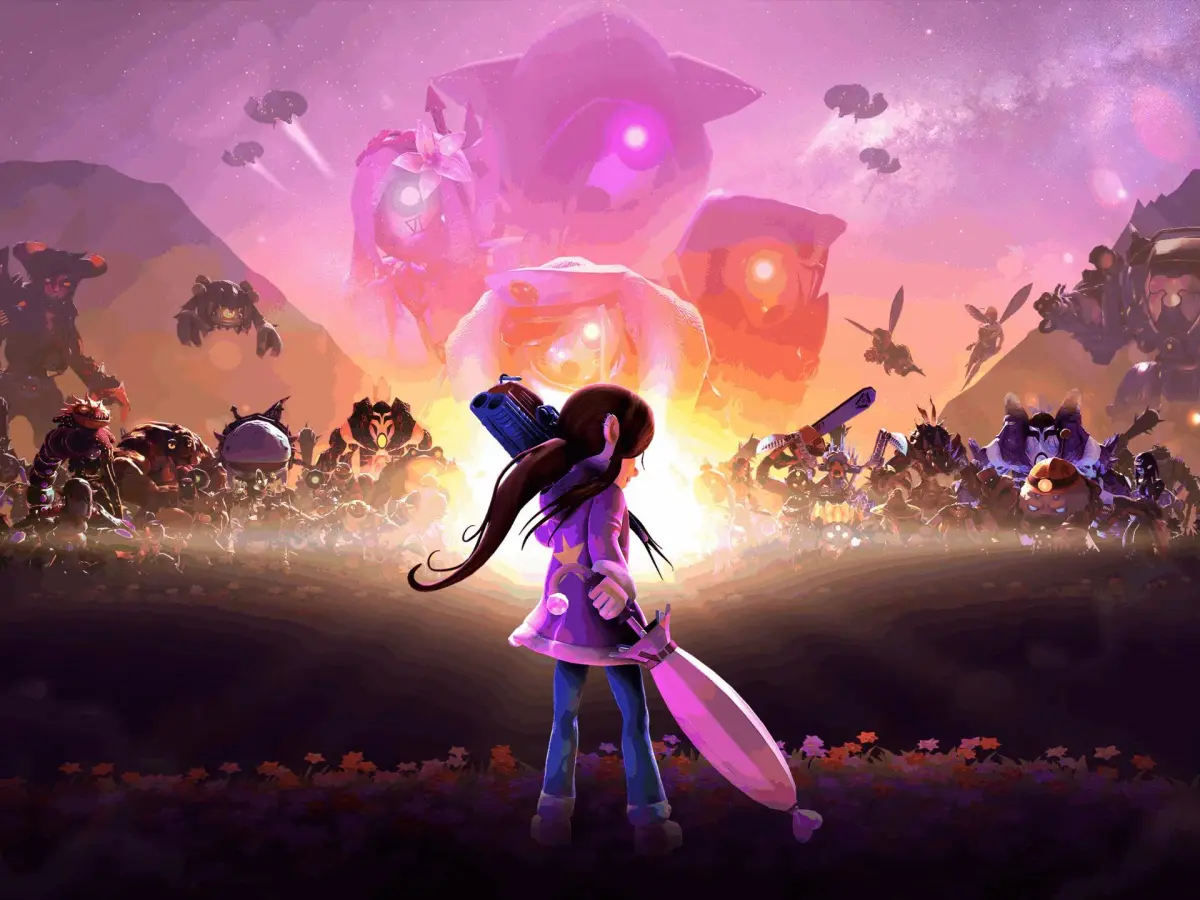
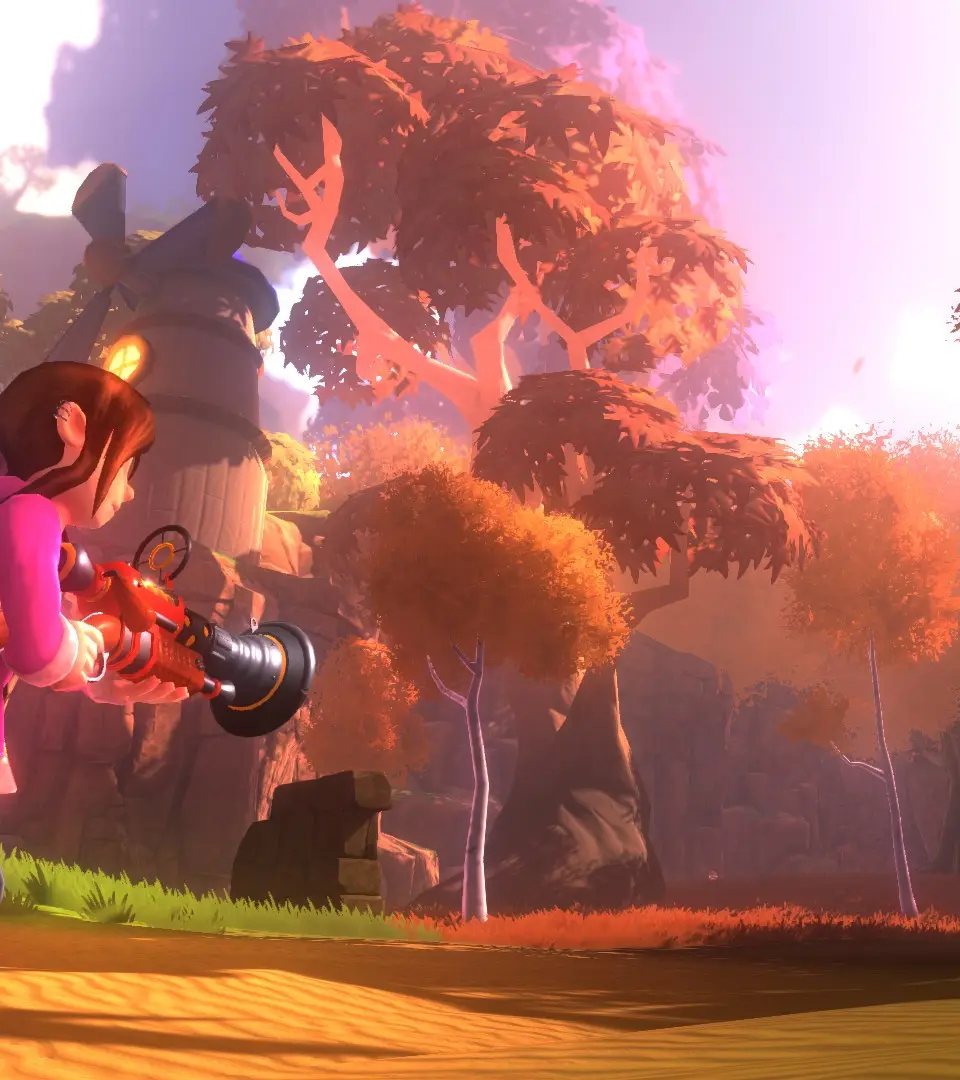
Get a handle on Onirism's user interface! This guide breaks down the heads-up display, menus, and important icons so you can navigate the game world like a pro.
Hey there! So you've jumped into Onirism and are wondering what all those symbols and bars on your screen mean? Don't worry, it's pretty straightforward once you know what you're looking at. This guide will walk you through the main elements of the game's user interface so you can focus on the adventure.
We'll cover the heads-up display (HUD) that shows your vital stats, the different menus you'll use for managing your inventory and skills, and any other important visual cues that pop up during gameplay. Think of it as your in-game cheat sheet for understanding the UI!
100% Human-Written. AI Fact-Checked. Community Verified. Learn how AntMag verifies content