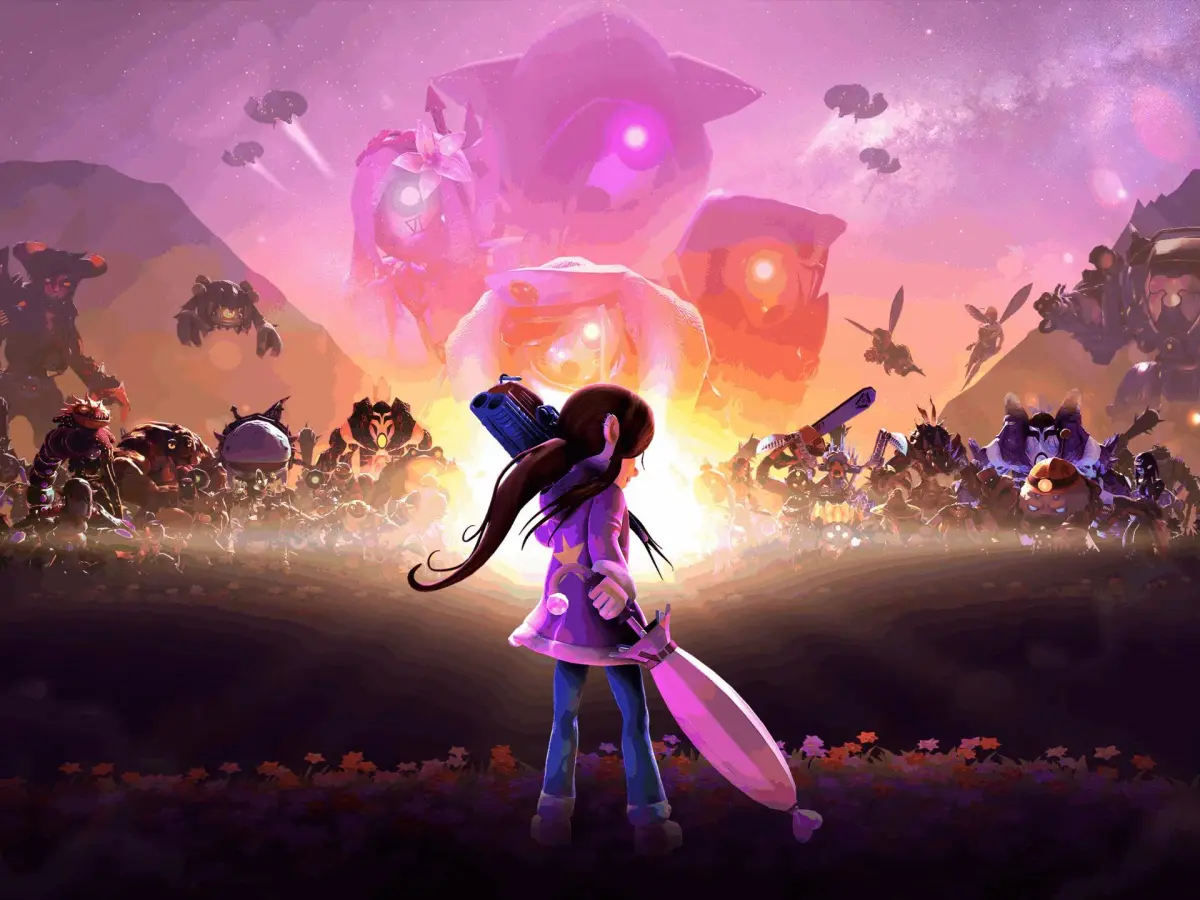
Master Onirism's controls and UI. Learn movement, combat inputs, and understand health, stamina, minimap, and quest log elements.
Mastering the controls and understanding the user interface (UI) are fundamental to navigating the intricate world of Onirism. This guide will break down the essential inputs and explain the various elements of the UI, ensuring you can react swiftly and efficiently to the challenges that await you in the dreamscape.
The core gameplay in Onirism relies on a combination of movement, combat, and interaction. Familiarizing yourself with these controls will allow for fluid exploration and decisive combat encounters. The UI, in turn, provides critical information at a glance, from your health and stamina to quest objectives and item inventories.
Movement Controls:
- Movement: Typically controlled by the left analog stick (console) or WASD keys (PC). This allows for walking, running, and strafing.
- Jumping: Usually mapped to the 'A' button (Xbox) or 'X' button (PlayStation), or the Spacebar on PC. Essential for platforming and evading attacks.
- Dodging/Rolling: Often triggered by double-tapping the movement input or a dedicated button (e.g., 'B' on Xbox, 'Circle' on PlayStation, or Left Shift on PC). Crucial for avoiding enemy damage.
- Sprinting: Hold down the movement button or a dedicated sprint key (e.g., Left Shift on PC) while moving.
Combat Controls:
- Light Attack: Primary attack button (e.g., 'X' on Xbox, 'Square' on PlayStation, Left Mouse Button on PC).
- Heavy Attack: Secondary attack button (e.g., 'Y' on Xbox, 'Triangle' on PlayStation, Right Mouse Button on PC). Often consumes stamina.
- Block/Parry: Defensive button (e.g., 'LT' on Xbox, 'L2' on PlayStation, Right Mouse Button held down on PC). Timing parries can stagger enemies.
- Using Skills/Abilities: Mapped to specific buttons or button combinations, often involving triggers or shoulder buttons.
- Item Usage: Quick-slot items can be accessed via a dedicated button or D-pad.
User Interface (UI) Elements:
| Element | Description |
|---|---|
| Health Bar | Indicates your current health. Depletes when taking damage. |
| Stamina Bar | Used for sprinting, dodging, and heavy attacks. Regenerates over time. |
| Mana/Essence Bar | Fuel for magical abilities and special skills. |
| Minimap | Shows your immediate surroundings, quest markers, and points of interest. |
| Quest Log | Displays active and completed quests, with objectives and descriptions. |
| Inventory | Manages your collected items, equipment, and crafting materials. |
| Skill Tree | Visual representation of available skills and abilities to unlock. |
Pay close attention to the stamina bar during combat; running out can leave you vulnerable. The minimap is your best friend for navigation, especially in complex environments like the Shadowed Forest. Regularly check your quest log to stay on track and your inventory to manage resources and equip better gear.
100% Human-Written. AI Fact-Checked. Community Verified. Learn how AntMag verifies content