
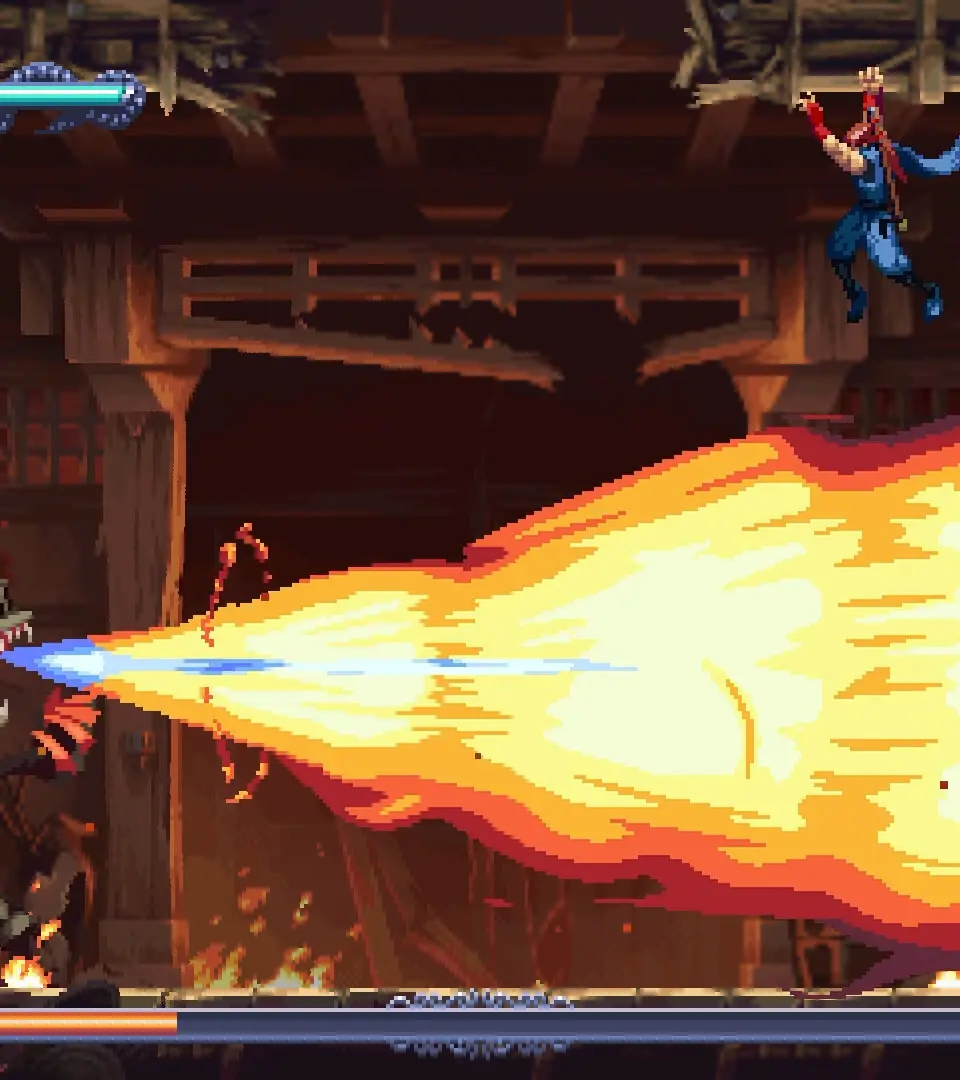
A detailed overview of the Ninja Gaiden: Ragebound UI, explaining health, Ki, essence, and other on-screen elements.
Understanding the User Interface (UI) is crucial for monitoring your status and making informed decisions in the heat of battle. Here's a quick rundown of the key elements you'll see on your screen:
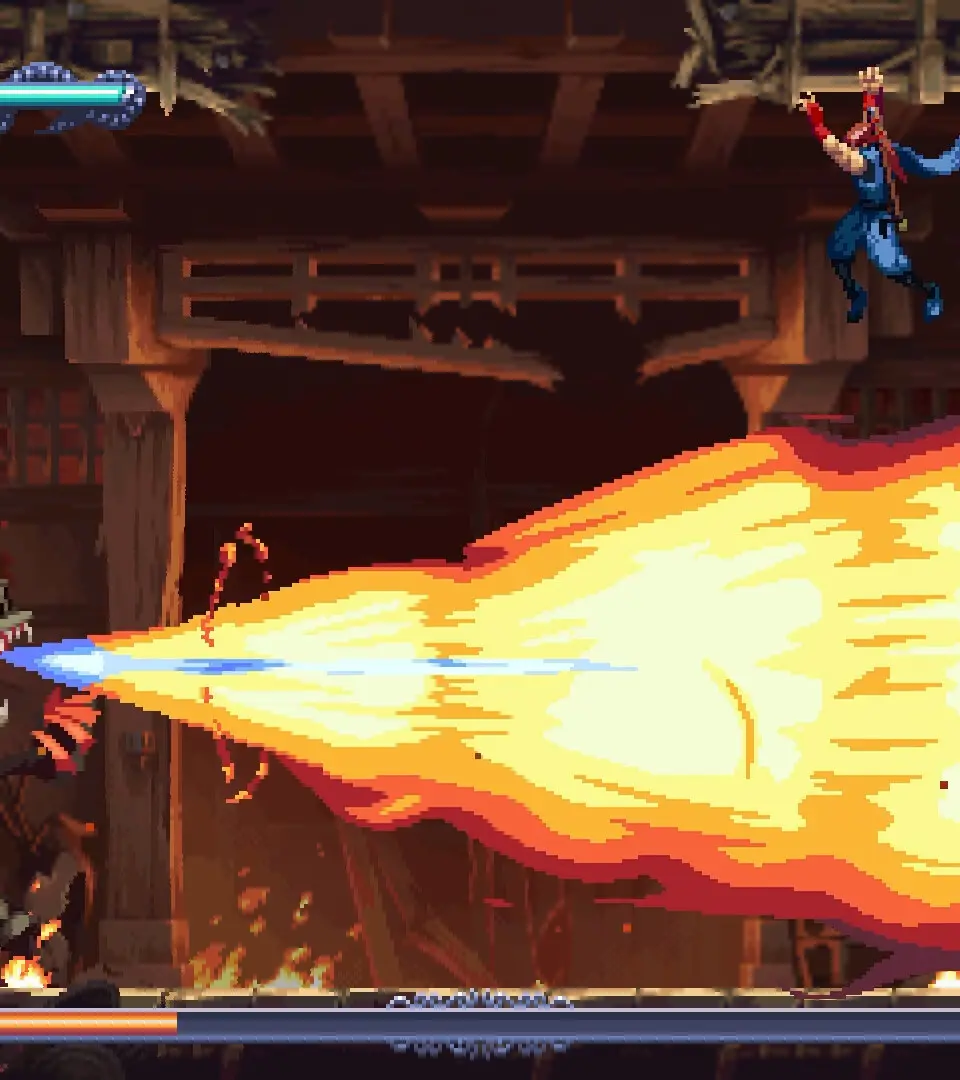
- Health Bar (Top Left): Your current health. Depletes as you take damage. If it reaches zero, you die.
- Ki Gauge (Below Health Bar): Represents your Ninpo energy. Consumed when casting Ninpo spells. Regenerates slowly over time or by absorbing essence.
- Weapon Icon (Bottom Left): Shows your currently equipped melee weapon.
- Projectile Icon (Bottom Left, next to weapon): Displays your currently equipped projectile weapon (e.g., Shuriken, Bow).
- Item Slot (Bottom Right): Shows the item currently selected for quick use (e.g., Elixir of Spiritual Life, Talisman of Rebirth).
- Essence Counter (Top Right): Displays the amount of Yellow Essence you've collected. Used for upgrading weapons, learning Ninpo, and purchasing items.
- Ninpo Slot (Top Right, below Essence): Shows your currently selected Ninpo spell.
- Enemy Health Bar (Above Enemy): Appears when you lock onto an enemy, indicating their remaining health.
- Karma Score (End of Mission): Your performance rating for the mission, influencing rewards.
Keep a close eye on your health and Ki during combat. Don't be afraid to retreat and use items if your health is low. Managing your resources effectively is key to survival.
100% Human-Written. AI Fact-Checked. Community Verified. Learn how AntMag verifies content