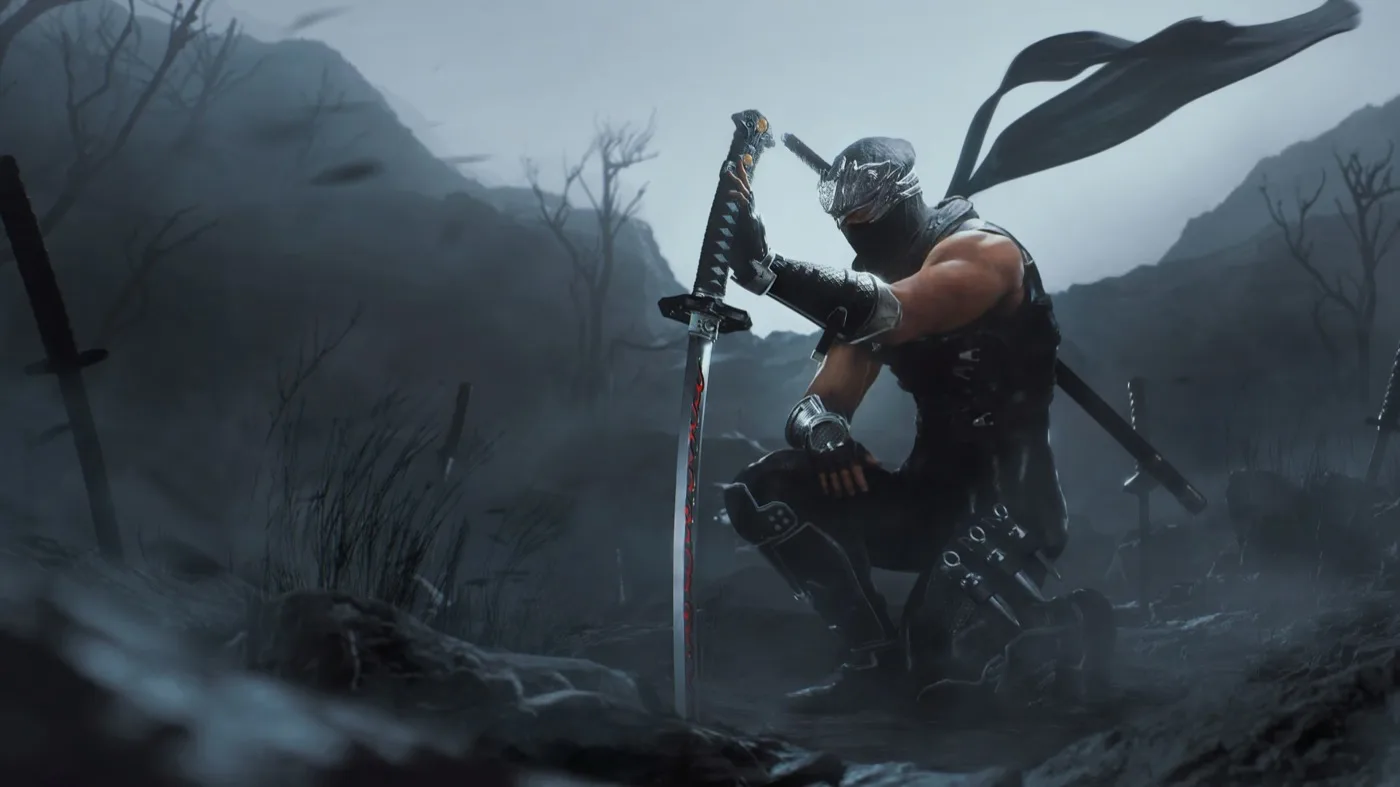
Your ultimate guide to mastering Part 1 of Ninja Gaiden 2 Black. Learn essential combat mechanics, controls, and strategies to overcome early challenges.
Hey there! Welcome to Ninja Gaiden 2 Black. This guide is here to help you get a handle on the game, especially the early parts. We'll cover the basic controls, some neat moves, and how the game works so you can start slicing and dicing like a pro.
This section focuses on the core gameplay mechanics and controls you'll need to know right from the start. We'll break down what each button does and introduce you to some fundamental techniques that will make your journey through the game much smoother.
Controls:
Here's a rundown of the essential buttons and what they do:
- X Button: Regular Attack
- Y Button: Hard Attack/Hold for Ultimate Technique (UT) or Obliteration Technique
- A Button: Jump/Action Button. Hold it down to dive underwater.
- B Button: Secondary Weapon/Projectile. Hold it to charge up your projectile.
- Start Button: Opens the Menu Screen.
- Select Button: Opens the Options Menu.
- LB Button: Block. Essential for defense!
- LT Button: Action Button. Used for various interactions.
- RB Button: Re-center Camera. Super useful for keeping track of the action.
- RT Button: Map. Handy for navigation.
- D-Pad Left: Cycle through weapons.
- D-Pad Right: Cycle through weapons.
- D-Pad Up: Select Ninpo or Secondary Weapon/Healing Item.
- D-Pad Down: Select Ninpo or Secondary Weapon/Healing Item.
Special Moves:
- Wind Run: Press X + A to dash forward. Great for closing gaps or dodging.
- Ninpo: Press B + Y to unleash your mystical ninja arts.
- Counterattack: While blocking (LB), press X or Y to perform a powerful counter. Timing is key here!
- Reverse Wind: While blocking (LB), move the analog stick in any direction to quickly reposition yourself.
The Chiburi Mechanic:
After you clear out all the enemies in an area, Ryu will perform a move called the Chiburi. This isn't just for show; when he swats the blood off his weapon, your health will regenerate. It'll fill up to the point of the red meter you see on your health bar. If Ryu doesn't do the Chiburi after a fight, it means there's still at least one enemy lurking around that you need to find and defeat.
Health Restore:
When Ryu takes damage, you'll see a red meter appear on his health bar. This indicates how much health will regenerate after the battle ends and the Chiburi move is performed. To restore health beyond this red meter, you'll need to use healing items.
100% Human-Written. AI Fact-Checked. Community Verified. Learn how AntMag verifies content