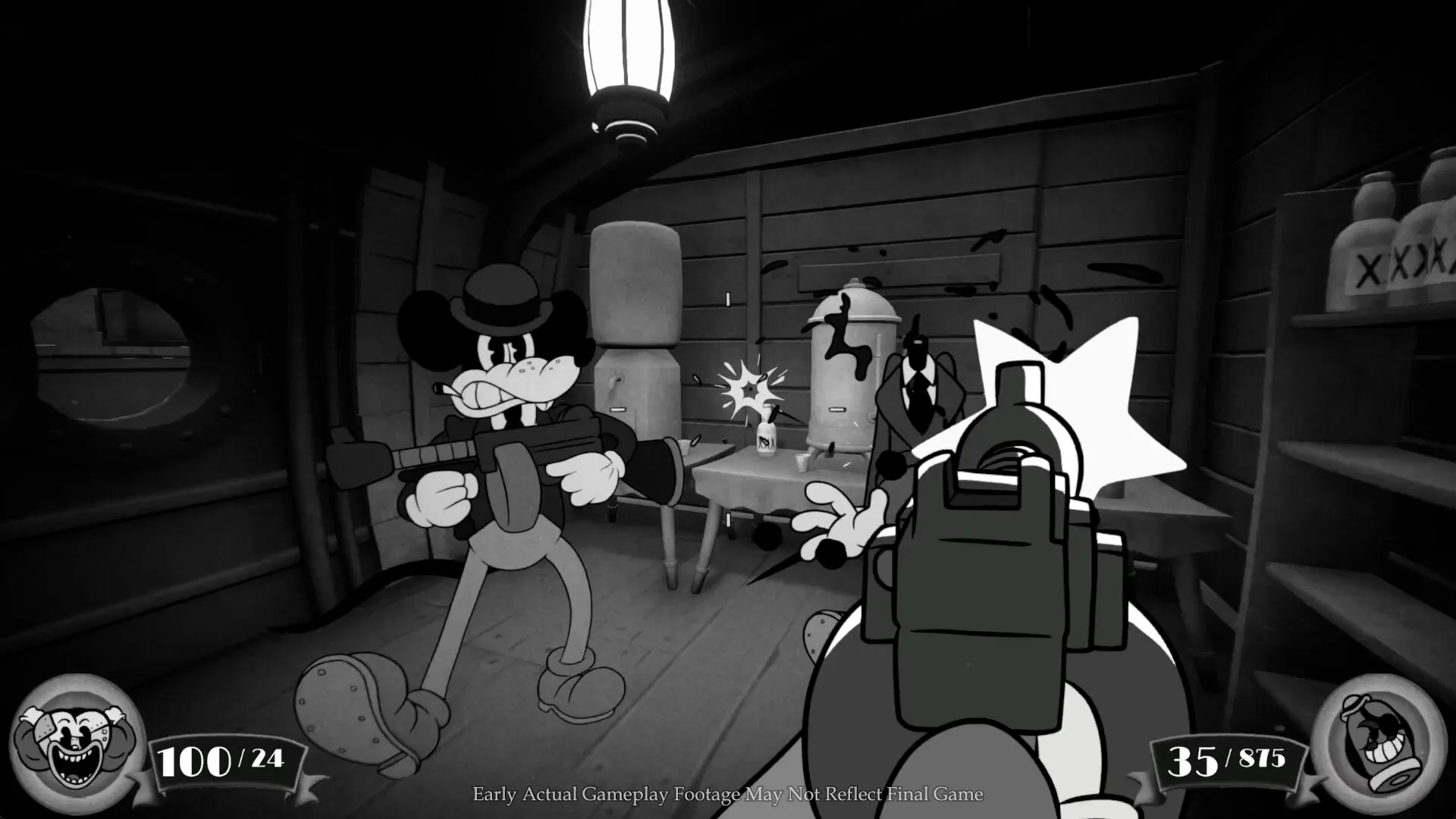
Get a grip on the MOUSE game interface! Learn about member benefits, site features, and game tools to boost your gameplay and keep track of your progress.
Hey there! So you're diving into MOUSE and want to get a handle on what all those buttons and menus do? This guide is here to break down the game's interface, showing you what's available whether you're just starting out or looking to get the most out of your experience.
Think of the interface as your command center. It's where you'll track your progress, manage your gear, and interact with the game world. We'll cover the key features you'll encounter, from basic navigation to more advanced tools that can really give you an edge.
Site Interface Features
When you first jump in, you'll notice different features are available depending on your account status. Here's a quick rundown:
Guest Access
Even without an account, you get a decent look at what's going on. You can view articles and get a general feel for the game's content.
Free Member Benefits
Signing up for a free account unlocks a ton of useful features that make navigating and tracking your MOUSE journey much smoother:
- Article Watchlist: Get notifications when any article you're following gets updated. Super handy for keeping up with the latest tips or changes!
- Game Bookmarks: Save your favorite games, including MOUSE, for quick access right from any page. No more hunting around!
- Cross-device Sync: Your data, like progress and bookmarks, stays synced across all your devices. Play on your PC, then pick up right where you left off on your tablet.
- Light/Dark Theme Toggle: Customize the look of the interface to your preference. Whether you like a bright screen or a darker, easier-on-the-eyes theme, you've got the option.
- User Profiles: Save your username and profile image. Makes your presence in the community feel a bit more personal.
- Direct Feedback: You can send feedback directly to the developers about any article. Your input can help improve the guides!
- Comment Rating: Engage with the community by rating and sorting comments. Helps you find the most helpful discussions quickly.
- Premium Articles: Access exclusive content that's only available to members. Sometimes these have deeper dives or special insights.
Game Tools
Beyond the general site features, there are specific tools designed to help you master MOUSE:
Guest Access to Tools
As a guest, your access to these specialized tools is limited, but you can still see what's available.
Free Member Access to Tools
Becoming a free member really opens up the utility belt:
- Interactive Map Access: Navigate detailed interactive maps of the game world. Essential for finding your way around!
- Interactive Map Pins: Save your progress and mark points of interest directly on the interactive maps. Keep track of where you've been or where you need to go.
- Interactive Map Comments: Leave comments on map pins to share notes with yourself or others.
- Interactive Map Pins Cross-Device: Your map pins sync across devices, so your marked locations are always with you.
- Check List: Use interactive checklists to keep track of quests, collectibles, or anything else you need to accomplish.
- Event Choice Checker: (Note: This specific tool is mentioned in relation to another game, Umamusume Pretty Derby, but the concept applies to tracking choices in MOUSE events too.) Save your choices for in-game events to easily see the outcomes or plan future runs.
- Build Planner: (Note: Mentioned for games like Monster Hunter, but imagine a similar tool for MOUSE.) Plan out your character builds, figuring out the best skills and gear combinations.
- Stat Calculator: (Note: Mentioned for Pokemon, but applicable to MOUSE.) Calculate stats and potential damage to optimize your character's performance.
- Diagnostic Tool: Answer a few questions to get recommendations on the best class or weapon for your playstyle in MOUSE.
- Weapon/Armor Wishlist: Keep a list of the weapons and armor you're aiming for, especially craftable items.
By understanding and utilizing these interface elements and tools, you'll be much better equipped to tackle everything MOUSE throws at you. Happy gaming!
100% Human-Written. AI Fact-Checked. Community Verified. Learn how AntMag verifies content