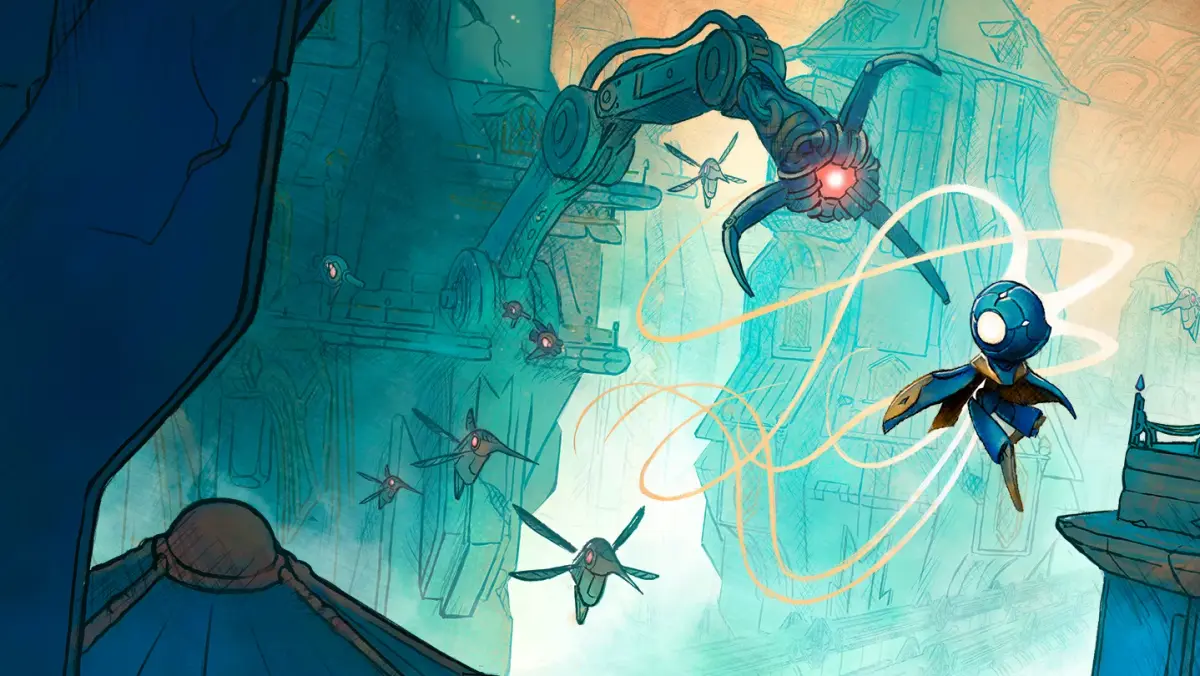

Get MIO: Memories in Orbit up and running! This guide covers installation and system requirements, helping you dive into the game smoothly. Learn what you need to play.
Hey there! So you're ready to jump into the world of MIO: Memories in Orbit? Awesome! Before we get into the nitty-gritty of the game itself, let's make sure your system is all set up and ready to go. Think of this as getting your spaceship prepped for launch – we want everything to be smooth sailing.
This guide is here to walk you through the installation process and make sure your PC meets the requirements to run MIO: Memories in Orbit without a hitch. We'll cover everything you need to know so you can start your adventure as soon as possible.
About MIO: Memories in Orbit
MIO: Memories in Orbit is an exciting new action-adventure game where you'll explore vast new lands, discover unique powers, and battle challenging foes. As the protagonist, you'll uncover ancient mysteries tied to your past and embark on a thrilling journey.
The game was released on 09/04/2025 and is available on multiple platforms, including PC.
System Requirements
To ensure you have the best experience, here are the system requirements you'll need to meet:
- Minimum Requirements:
- OS: Windows 10 64-bit
- Processor: Intel Core i5-4460 or AMD FX-8350
- Memory: 8 GB RAM
- Graphics: NVIDIA GeForce GTX 960 or AMD Radeon R9 280
- DirectX: Version 11
- Storage: 15 GB available space
- Recommended Requirements:
- OS: Windows 10 64-bit
- Processor: Intel Core i7-4770 or AMD Ryzen 5 1500X
- Memory: 16 GB RAM
- Graphics: NVIDIA GeForce GTX 1060 or AMD Radeon RX 580
- DirectX: Version 11
- Storage: 15 GB available space
Installation Guide
Getting MIO: Memories in Orbit installed is pretty straightforward. Just follow these steps:
- Purchase and Download: First, you'll need to purchase the game from your preferred digital storefront (like Steam, Epic Games Store, etc.). Once purchased, initiate the download. Make sure you have enough disk space (around 15 GB) free on your drive.
- Run the Installer: After the download is complete, locate the installer file (it's usually in your Downloads folder or wherever your launcher saves game files) and run it.
- Follow On-Screen Prompts: The installer will guide you through the process. You'll typically need to agree to the license agreement and choose an installation location. We recommend installing on an SSD if you have one for faster loading times!
- Launch the Game: Once the installation is finished, you can launch MIO: Memories in Orbit directly from your game library or the desktop shortcut.
Troubleshooting Tips
- Driver Updates: Always make sure your graphics card drivers are up to date. Outdated drivers are a common cause of performance issues.
- Verify Game Files: If you encounter any errors or crashes, try verifying the integrity of your game files through your game launcher. This will check for any corrupted or missing files and redownload them if necessary.
- Close Background Applications: Before launching the game, close any unnecessary background applications that might be consuming system resources.
That's it! With your system ready and the game installed, you're all set to dive into the incredible world of MIO: Memories in Orbit. Happy gaming!
100% Human-Written. AI Fact-Checked. Community Verified. Learn how AntMag verifies content