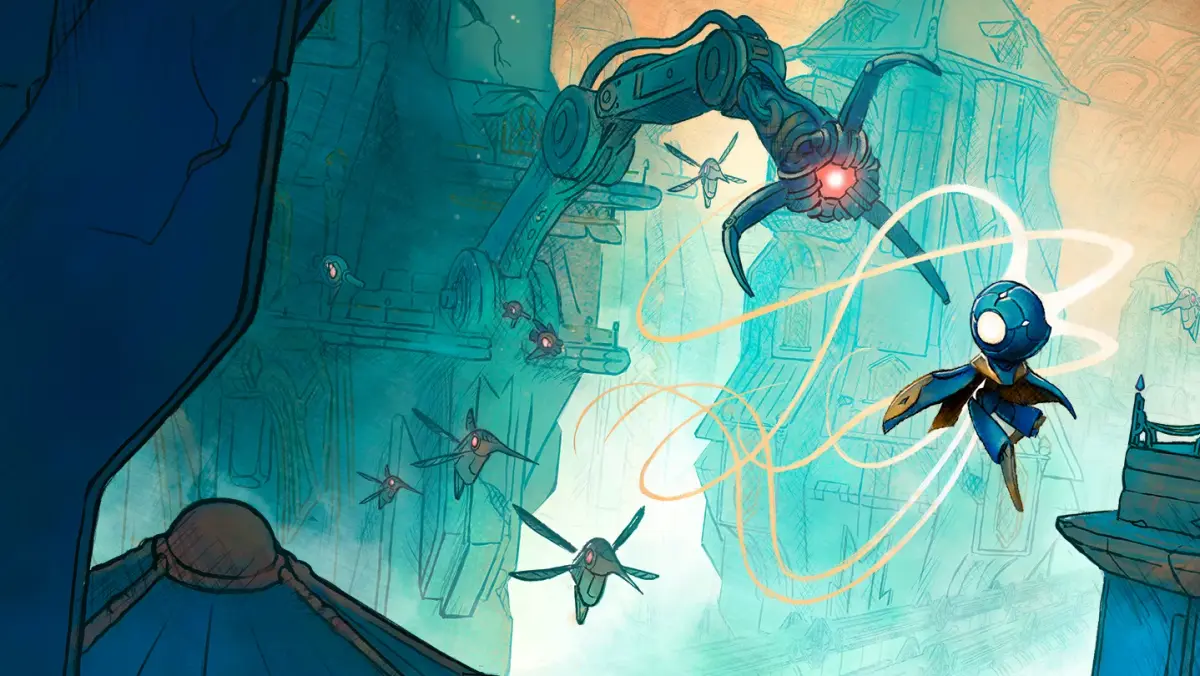
Learn the essential controls and keybindings for MIO: Memories in Orbit. Master movement, combat, and interactions to navigate the game world effectively.
This guide provides a comprehensive overview of the controls and keybindings for MIO: Memories in Orbit. Understanding these will help you navigate the game world, engage in combat, and interact with the environment efficiently.
| Action | Keybinding |
|---|---|
| Movement | WASD / Left Analog Stick |
| Jump | Spacebar / A Button |
| Interact | E / X Button |
| Dodge | Shift / B Button |
| Primary Attack | Left Mouse Button / Right Trigger |
| Secondary Attack | Right Mouse Button / Left Trigger |
| Ability 1 | 1 / Y Button |
| Ability 2 | 2 / Left Bumper |
| Ability 3 | 3 / Right Bumper |
| Map | M / View Button |
| Inventory | I / Menu Button |
| Pause | Esc / Start Button |
100% Human-Written. AI Fact-Checked. Community Verified. Learn how AntMag verifies content