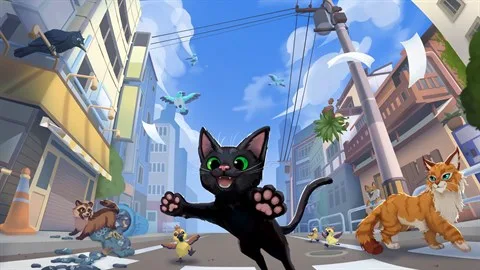
Lost and alone in a sprawling metropolis, you’re a tiny feline on a big adventure. In Little Kitty, Big City, you’ll explore bustling alleyways, leap across rooftops, and maybe even annoy some pigeons, all while trying to find your way back home. It’s a charming open-world sandbox where the simple joy of being a cat—napping in sunbeams, batting at shiny things, and discovering hidden nooks—is the main event.
This guide is your ultimate companion for mastering the city. We’ll help you track down every last collectible, including all the stylish hats scattered throughout the urban landscape. Plus, we’ll show you how to tackle challenging quests, like the notorious “Bird Botherer” achievement, and ensure you unlock every “Cat-chievement” the game has to offer, from “Home Sweet Home!” to “Fat Cat.”
Getting Started
Start your Little Kitty, Big City adventure with this guide to game basics, controls, and initial steps.
Getting Started
Start your Little Kitty, Big City adventure with this guide to game basics, controls, and initial steps.
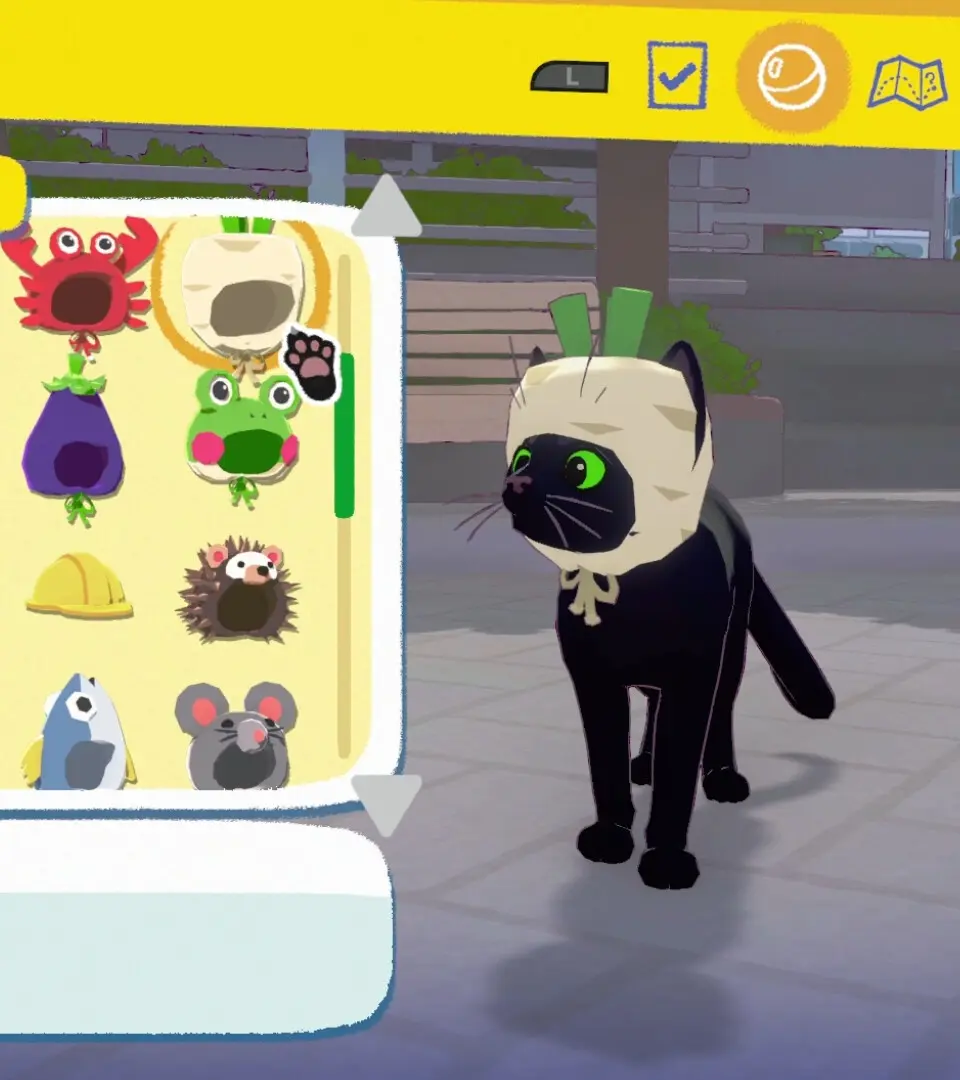
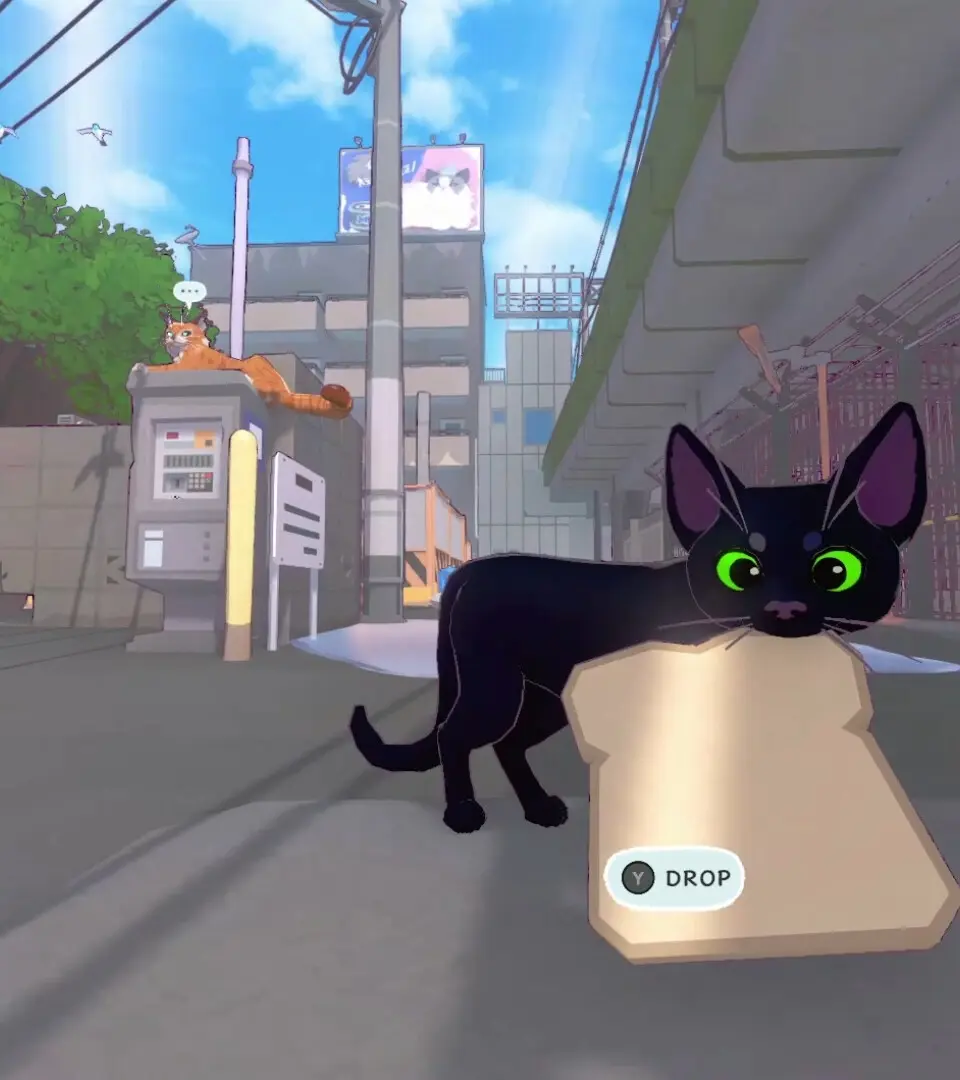
Controls and Basic Movement — Little Kitty, Big City Guide
Learn the ropes of Little Kitty, Big City! This guide breaks down all the basic controls and movement mechanics so you can navigate the city like a pro.
Hey there! So you've just dropped into the big city as a little kitty, huh? Don't worry, getting around and causing a little mischief is easier than you think. Let's get you familiar with how to move and interact with the world.
Basic Movement:
- Walking/Running: You'll naturally move forward when you push the left analog stick. For a little extra speed, you can often hold down a button (check your specific controller layout!) to sprint.
- Jumping: A quick tap of the jump button will get you hopping. This is super useful for reaching ledges, hopping over small obstacles, or just showing off your feline agility.
- Looking Around: Use the right analog stick to pan the camera. This is crucial for spotting things you want to interact with, keeping an eye on those pesky humans, or just taking in the sights.
Interacting with the World:
- Meowing: Press the meow button to... well, meow! It's not just for fun; sometimes it gets the attention of NPCs or can be used to startle things.
- Scratching: See a rug, a couch, or a tree? If it looks scratchable, chances are you can use the scratch button to leave your mark. It feels good, right?
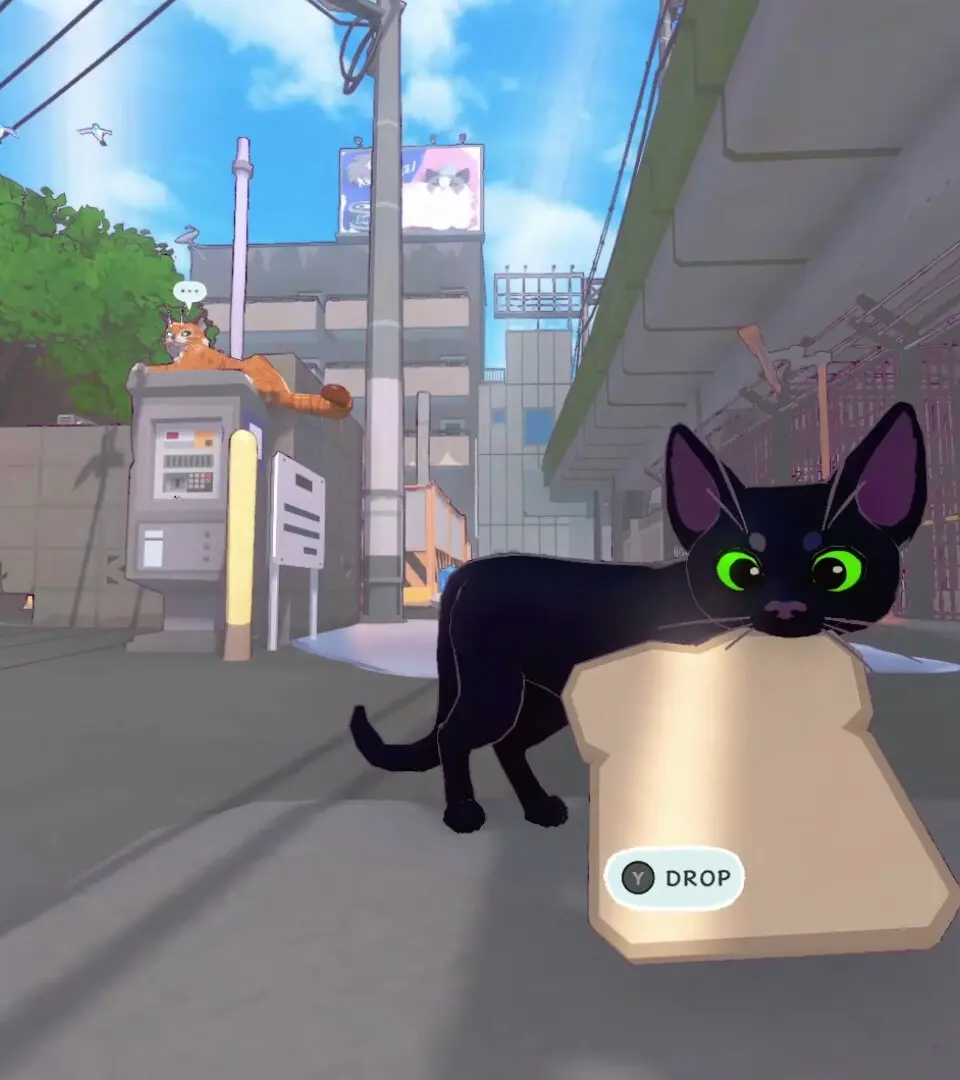
- Picking Up/Carrying: Some smaller items can be picked up and carried. Look for the prompt when you're near something you can grab. You might need to carry things to specific spots or just to annoy someone.
- Climbing: Many surfaces are climbable! Look for ledges, fences, or even trash cans that you can scramble up. Use the movement stick to guide your ascent.
Important Tips:
- Don't be afraid to experiment! The city is your playground. Try jumping on things, running into things, and meowing at everyone.
- Keep an eye on your surroundings. Sometimes the best way to get somewhere is to notice a small gap or a climbable object you might have missed at first glance.
- Pay attention to prompts on screen. They'll usually tell you exactly what button to press for specific actions.
That's the gist of it! With these basics, you're ready to start exploring and getting into all sorts of kitty adventures. Have fun out there!
User Interface Overview
Understand the User Interface of Little Kitty, Big City. Learn about menus, HUD elements, and controls to navigate the game world effectively.
This guide provides an overview of the User Interface (UI) in Little Kitty, Big City. Familiarize yourself with the game's menus, heads-up display (HUD), and controls to enhance your gameplay experience.
- Main Menu: Access game settings, save/load options, and start new games.
- HUD Elements: Understand the on-screen indicators for health, objectives, and other important information.
- Controls: Learn the button mappings for movement, actions, and interactions.
Saving Your Progress
Learn how to save your progress in Little Kitty, Big City. This guide covers the game's saving mechanics and ensures you don't lose any hard-earned progress.
Little Kitty, Big City does not have an auto-save feature. To save your progress, you must find and interact with the cat beds scattered throughout the city. Once you find a cat bed, simply approach it and press the interact button to save your game.
Tip: Cat beds are often found in cozy and hidden spots, so keep an eye out for them!
Similar guides you might like





100% Human-Written. AI Fact-Checked. Community Verified. Learn how AntMag verifies content