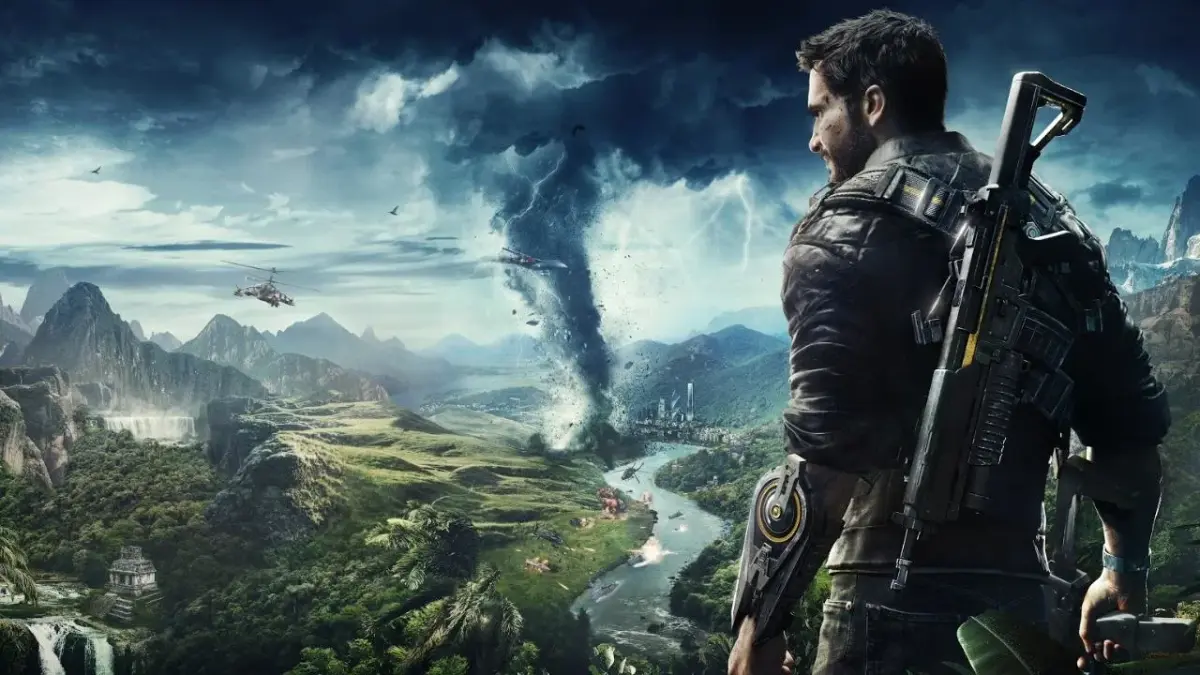
Follow the pipes up the mountain in Just Cause 4's Operation Whiteout. Learn how to use tethers, grapple, and explosive tanks.
Walkthrough
- 1After a brief cutscene (a non-interactive cinematic the game plays automatically), head towards the first waypoint (a marker on your map you've manually placed as a destination). Turn around and to your left, you will find a shining weapon crate containing a CC10 Shotgun.
- 2Continue towards the waypoint. You will encounter destructible objects like fuel tanks, radars, and explosive barrels.
- 3Follow the large pipes going up the mountain.
- 4When you reach the level with the helipad, you will find enemies. To the right of the enemies is a glowing green container with nine explosive tanks.
- 5Shoot the tanks to launch them in the opposite direction, where they will explode after a second. Use this to your advantage against the enemies.
Tips
- Red objects are usually destructible. Be aware that large destructible objects can explode multiple times, send debris flying, and leave flames. Small destructible objects like barrels may be near other explosives such as propane tanks.
- Destructible objects will respawn (be brought back to life at a checkpoint after death) and do not count towards completing locations in Just Cause 4.
- To unlock the 'Classic Hits' Achievement/Trophy, equip only the Retract grapple mod (Booster and Air Lifter mods cannot be active) and play for 15 non-consecutive minutes. It seems you only need to have the mod equipped, not actively use the tether for the full duration.
- To tether objects together, hold the Left Bumper to fire the first tether point, aim at another object, and release the bumper. The objects will be drawn together. You can have up to 10 tethers active simultaneously. Hold Down on the D-Pad to release all tethers.
- To grapple, tap the Left Bumper when near a surface. You will stick to it. Press Up on the Left Thumbstick or the A Button to hop up onto a surface if you are close enough to the top. You can grapple to the environment, vehicles, and enemies. A spinning white icon around your cursor indicates something is in grapple range.
- To parachute, press A to jump off a ledge, then press A again to open your parachute. Push the Left Thumbstick forward to descend and gain speed, pull it back to ascend slightly and lose speed.
- While parachuting, grappling a surface ahead of you will pull you to it, increasing your speed. Holding the Left Trigger while grappling a surface provides an additional speed boost. You can also press A to stow the parachute and land.
- Fall damage exists, but you can negate it by grappling into the ground.
- If you fall short of a waypoint, you can grapple up to it. Pulling your parachute while grappling will boost you upwards.
- Combat Basics: Right Trigger shoots, Left Trigger activates fine aim, X Button reloads, holding X Button swaps weapons, Right Bumper uses alternate fire.
- HUD (heads-up display — the on-screen icons showing health, ammo and the minimap): Weapon information is in the bottom left corner, showing magazine count, total ammo, weapon name, and alt fire ammo. Enemies drop weapons and ammo, indicated by floating indicators.
- You can grapple into an enemy to knock them down temporarily. You can also tether enemies to the environment, objects, or each other. Tethered enemies take damage based on how far they are dragged.
100% Human-Written. AI Fact-Checked. Community Verified. Learn how AntMag verifies content