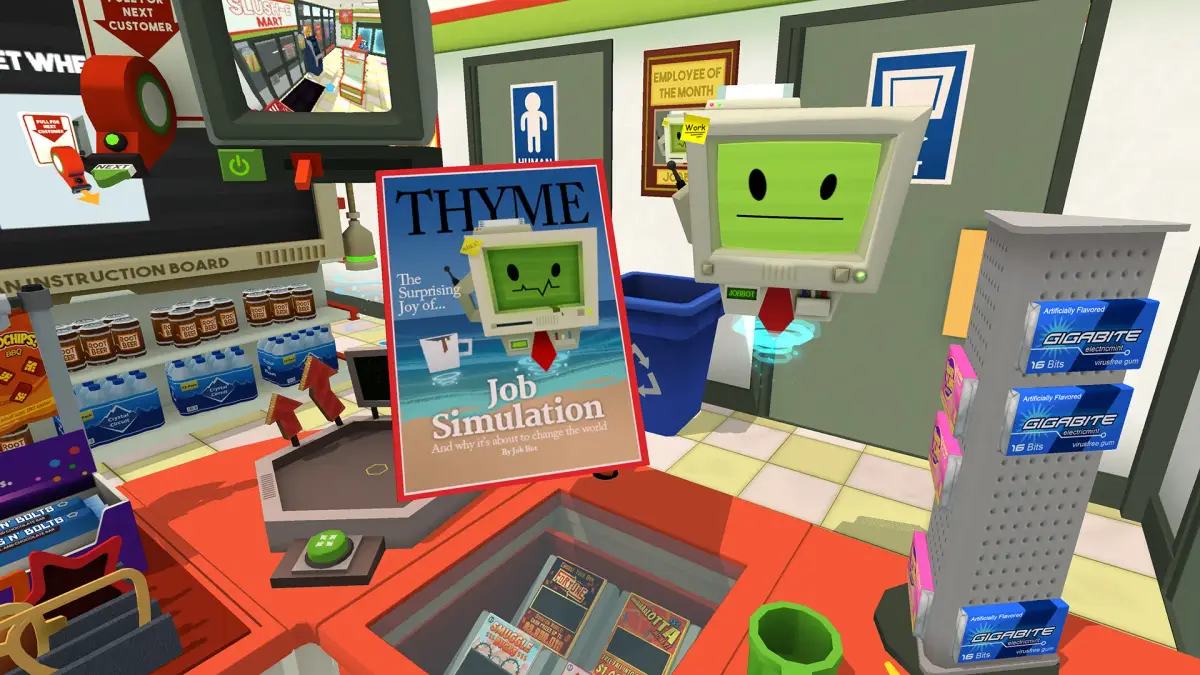
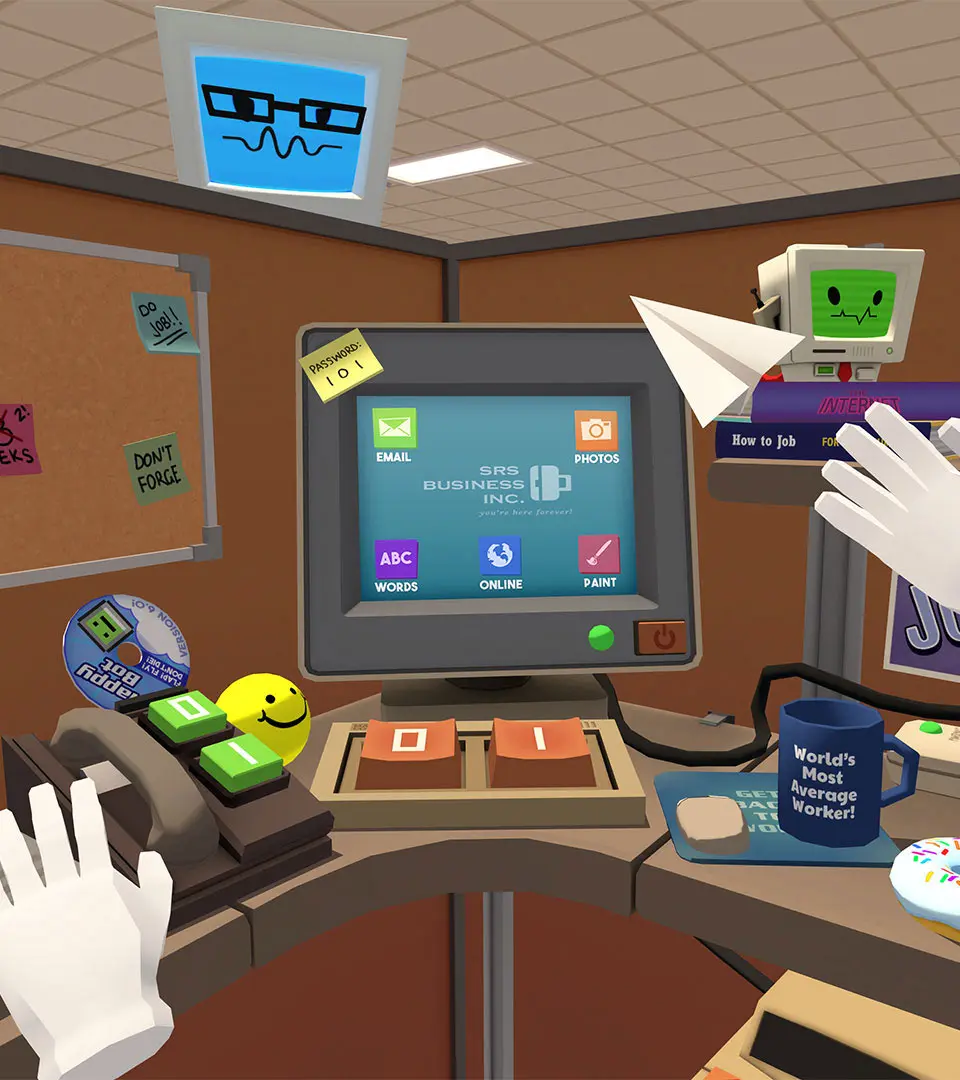
Challenge yourself as a Speedrunner in Job Simulator, focusing on completing job objectives as quickly as possible.
For players who thrive on efficiency and challenge, the "Speedrunner" approach to Job Simulator transforms the game from a casual experience into a competitive one. While the game doesn't feature official leaderboards or speedrunning categories, the inherent design of its tasks makes it perfectly suited for personal best attempts, friendly competitions, and community challenges. Speedrunning in Job Simulator isn't just about raw speed; it's about mastering task triggers, optimizing movement, and exploiting game mechanics to shave precious seconds off your completion times.
What is Speedrunning in Job Simulator?
Speedrunning in Job Simulator involves completing all primary objectives within a chosen job as fast as possible. This typically means ignoring optional interactions, minimizing wasted motion, and understanding the precise conditions that trigger the next step of a task. It's a test of memory, dexterity, and creative problem-solving within the game's physics-driven environment.
General Speedrunning Strategies
Regardless of the job you choose, several core strategies apply to all speedrunning attempts in Job Simulator:
- Task Trigger Mastery: Every task has a specific trigger. Sometimes it's placing an item in a designated spot, other times it's interacting with a specific button or object. Learn these triggers inside and out to avoid unnecessary actions. For example, in the Auto Mechanic job, simply placing the correct part on the car often triggers the next step, without needing to "install" it perfectly.
- Pre-positioning Items: Whenever possible, anticipate future task requirements and pre-position items closer to their destination. If you know you'll need a specific tool or ingredient for an upcoming step, grab it and place it within easy reach. This minimizes travel time across the workspace.
- Efficient Movement: Minimize large arm movements. Use wrist-flicks and precise grabs. In VR, every physical movement takes time. Practice smooth, economical motions. Avoid dropping items, as picking them up again wastes valuable seconds.
- Understanding Bot Pathing (and ignoring it): The Job Bots often have specific animations and dialogue. While charming, these can slow you down. Focus on completing your task; the bots will catch up. You don't need to wait for them to finish their dialogue or animations before proceeding.
- Minimizing Unnecessary Interactions: Resist the urge to play with every interactive object. Only interact with items directly required for the task at hand. This means no throwing food at the customers, no playing with the radio, and no excessive button mashing unless it's part of the objective.
- Exploiting Physics: Sometimes, you can use the game's physics to your advantage. For instance, throwing an item towards its destination can be faster than carefully carrying it. Experiment with how objects react to being tossed or nudged.
- Muscle Memory: Repetition is key. The more you play a specific job with a speedrunning mindset, the more your movements will become automatic and efficient.
- Audio Cues: Pay attention to audio cues. The Job Bots often give verbal confirmations or hints about task completion or progression. These can sometimes be faster than visually confirming.
Recommended Jobs for Speedrunning Challenges
While any job can be speedrun, some lend themselves particularly well to competitive times due to their clear objectives, contained environments, and opportunities for optimization.
1. Gourmet Chef
- Why it's good: Clear, sequential orders; multiple ingredient stations; opportunities for pre-preparation.
- Key Strategies:
- Order Anticipation: Learn the common order combinations. Sometimes you can start preparing ingredients for the next order while the current one is still being assembled.
- Ingredient Placement: Keep frequently used ingredients (e.g., bread, lettuce, tomato) within immediate reach.
- Plate Stacking: If an order requires multiple items on a plate, practice quickly grabbing and placing them.
- Grill Timing: Master the cooking times for different items on the grill to avoid burning or undercooking, which wastes time.
- Serving Efficiency: Don't just toss food at the customer. Aim for the serving tray to ensure it registers quickly.
- Common Pitfalls: Burning food, dropping ingredients, misplacing items on the counter, waiting for the customer bot to finish eating.
2. Auto Mechanic
- Why it's good: Distinct repair bays, clear part identification, limited toolset.
- Key Strategies:
- Tool Pre-selection: Know which tools are needed for which repairs and keep them accessible. The wrench and screwdriver are frequently used.
- Part Identification: Quickly identify the correct replacement part from the shelves. Learn their visual cues.
- Direct Placement: Often, you just need to place the correct part onto the designated area of the car; perfect alignment isn't always necessary for the task to register.
- Tire Rotation: For tire changes, practice the quick grab-and-replace motion.
- Car Wash: For the car wash, quickly grab the sponge, soap, and hose. Don't over-scrub; just enough to trigger completion.
- Common Pitfalls: Grabbing the wrong part, dropping tools, struggling to attach parts precisely, waiting for the car to fully lower/raise.
3. Office Worker
- Why it's good: Contained environment, repetitive tasks, opportunities for quick button presses.
- Key Strategies:
- Email Efficiency: Learn the "spam" and "important" email patterns. Quickly drag to the correct inbox.
- Copy Machine: Practice the quick sequence of placing paper, pressing copy, and grabbing the output.
- Phone Calls: Know which buttons to press for common requests (e.g., "transfer," "hold").
- Coffee Machine: Quickly grab a mug, fill it, and place it.
- Document Shredding: Grab documents and feed them into the shredder without hesitation.
- Common Pitfalls: Misfiling emails, dropping the phone, getting distracted by office toys, waiting for the printer/copier animation to fully complete.
Tracking Your Progress
Since Job Simulator doesn't have built-in speedrunning features, you'll need to track your times manually:
- Stopwatch: Use a physical stopwatch or a stopwatch app on your phone.
- Video Recording: Record your gameplay. This allows you to review your runs, identify areas for improvement, and verify your times. Many VR platforms have built-in recording features (e.g., Oculus Quest, PSVR, SteamVR).
- Community Sharing: Share your best times and strategies with friends or online communities (e.g., Reddit, Discord) to foster friendly competition and discover new techniques.
Embracing the speedrunner mindset adds a thrilling new dimension to Job Simulator, pushing you to master its mechanics and discover the most efficient paths to success.
100% Human-Written. AI Fact-Checked. Community Verified. Learn how AntMag verifies content