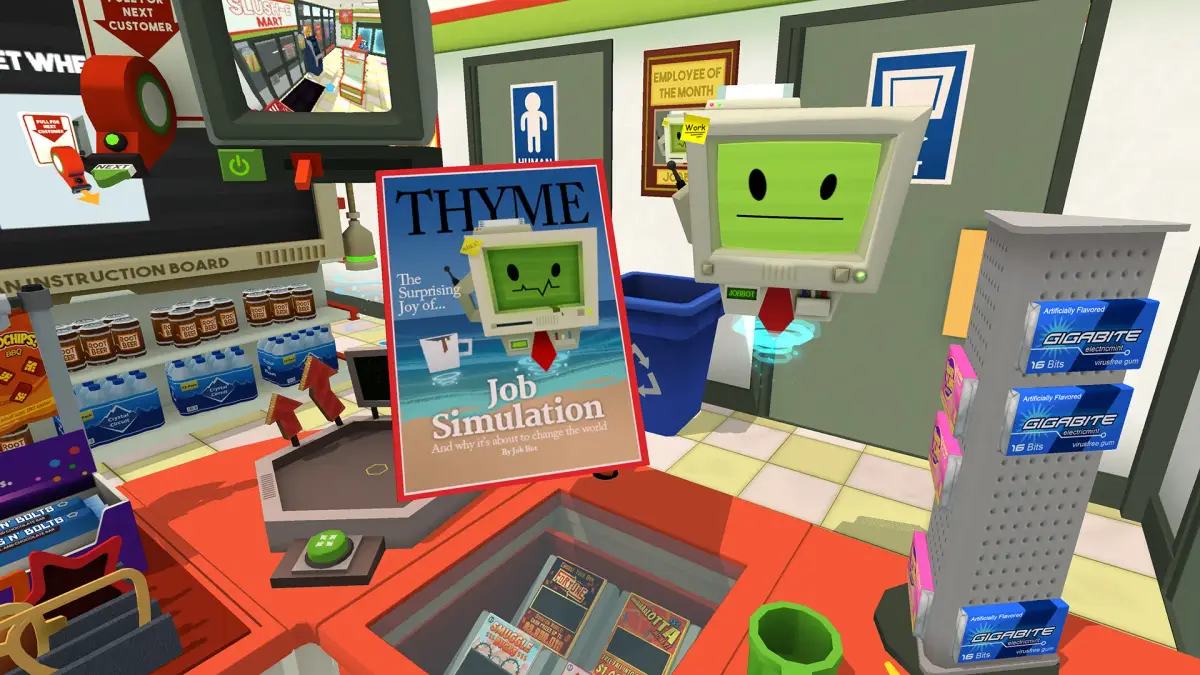
Elevate your culinary skills in Job Simulator's Gourmet Chef Job by mastering complex Lunch Orders, requiring precision and multi-step preparation.
As you progress through your culinary career in the Gourmet Chef Job, Lunch Orders introduce a significant leap in complexity compared to the simpler Breakfast tasks. Here, precision, multi-step preparation, and creative flair are paramount. You'll be crafting intricate sandwiches and vibrant salads, moving beyond basic assembly to engage with a wider array of kitchen tools and ingredients.
Core Mechanics of Lunch Preparation
Lunch orders demand a more hands-on approach, requiring you to interact with several dedicated stations and tools within your kitchen. Mastery of these mechanics is crucial for efficiency and customer satisfaction.
- Chopping Station: Located typically near the main counter, this station features a cutting board and a sharp chef's knife.
- Vegetable Chopping: To chop vegetables (e.g., tomatoes, cucumbers, lettuce, onions), place the item on the cutting board. Grab the knife and make swift, downward motions across the vegetable. The game provides visual and auditory feedback for successful cuts. Aim for consistent pieces as much as possible, though perfection isn't strictly required by the Job Bot.
- Common Choppable Ingredients:
- Tomatoes: Often required for slices or diced for salads.
- Cucumbers: Sliced into rounds for sandwiches or diced for salads.
- Lettuce: Shredded or roughly chopped for salad bases.
- Onions: Diced for flavor in various dishes.
- Bread Slicer: Usually found next to the bread basket, this device is essential for preparing sandwich bases.
- Slicing Bread: Grab a loaf of bread (white, wheat, rye, etc.) from the basket and place it firmly into the bread slicer slot. Pull the lever or press the button (depending on the specific model in your kitchen) to activate the slicer. Two perfectly cut slices will emerge, ready for assembly. Be careful not to put your hand in the slicer!
- Assembly Area: This is your main workspace, typically the large counter in front of you.
- Sandwich Assembly: Start with two slices of bread. Add fillings layer by layer. The Job Bot's order will specify the exact ingredients.
- Salad Assembly: Begin with a bowl. Add chopped lettuce, then layer in other chopped vegetables, proteins, and toppings.
- Sauce & Topping Dispensers: several bottles and shakers are available for final touches. These are critical for meeting specific order requirements and for creative experimentation.
Example Lunch Recipes & Walkthroughs
The Job Bot will provide specific recipes, but understanding common structures will make you a more efficient chef.
Example 1: Classic BLT Sandwich
Job Bot Order: "One BLT, extra crispy bacon, light on the mayo."
- Prepare Bread: Grab a loaf of white bread from the basket. Place it in the bread slicer and activate it to get two slices. Place them on your assembly counter.
- Cook Bacon: Head to the stovetop. Grab bacon strips from the fridge and place them on the frying pan. Wait for them to sizzle and turn crispy (they'll visibly change color and texture). Use tongs to remove the bacon and place it on a plate or directly onto your sandwich.
- Prepare Tomato & Lettuce:
- Grab a tomato from the produce bin. Place it on the chopping board and slice it into several rounds with the knife.
- Grab a head of lettuce. Place it on the chopping board and roughly chop a handful of leaves.
- Assemble Sandwich:
- Place the prepared lettuce on one slice of bread.
- Layer the crispy bacon on top of the lettuce.
- Add the tomato slices.
- Squeeze a small amount of mayonnaise from the dispenser onto the top slice of bread (remember "light on the mayo").
- Place the second slice of bread on top to complete the sandwich.
- Serve: Place the finished BLT on a plate and slide it into the serving window.
Example 2: Garden Salad with Grilled Chicken
Job Bot Order: "A fresh garden salad with grilled chicken, vinaigrette dressing."
- Prepare Chicken: Grab a raw chicken breast from the fridge. Place it on the grill (usually next to the stovetop). Wait for it to cook through, flipping it once if necessary, until it's golden brown and fully cooked. Remove with tongs and place on a cutting board.
- Chop Chicken: Using the knife, chop the grilled chicken into bite-sized pieces.
- Prepare Vegetables:
- Grab a head of lettuce. Place it on the chopping board and chop it into salad-sized pieces. Place these into an empty salad bowl.
- Grab a cucumber and a tomato. Chop both into diced pieces and add them to the bowl.
- (Optional, if available) Grab a bell pepper and chop it, adding to the bowl.
- Assemble Salad:
- Add the chopped grilled chicken to the bowl with the vegetables.
- Locate the vinaigrette dressing bottle. Drizzle a generous amount over the salad.
- (Optional) Add croutons or other requested toppings from the topping dispensers.
- Serve: Present the completed salad in the bowl to the serving window.
Experimentation with Sauces and Toppings
While meeting the Job Bot's core order is essential, Job Simulator encourages playful experimentation, especially with sauces and toppings. Sometimes, a customer might request something vague, or you might just want to see what happens!
- Common Sauces:
- Mayonnaise: Classic sandwich spread.
- Ketchup: Versatile, often paired with grilled items.
- Mustard (Yellow/Dijon): Adds a tangy kick.
- Ranch Dressing: Popular salad dressing.
- Vinaigrette: Light and tangy salad dressing.
- Hot Sauce: For those who like a bit of spice!
- Common Toppings:
- Cheese Slices: Cheddar, Swiss, Provolone.
- Pickles: Dill slices or relish.
- Olives: Black or green, often for salads.
- Croutons: For salads.
- Salt & Pepper: Basic seasoning shakers.
- Spices (e.g., Paprika, Garlic Powder): Found in shakers, can add subtle flavor.
- Humorous Combinations (Use with caution for actual orders!):
- The "Everything" Sandwich: Layer every single ingredient you can find between two slices of bread. The Job Bot might comment on its monstrosity, but it's a fun experiment.
- Ketchup & Mustard Salad: Drench a salad in both ketchup and mustard instead of traditional dressing. The Job Bot's reaction is usually one of mild confusion or disgust, but it won't fail the order if the core ingredients are present.
- Hot Sauce Overload: Douse any dish, especially a sandwich, in an excessive amount of hot sauce. Expect a fiery reaction from the Job Bot!
Strategy Tips & Common Pitfalls
- Prioritize Chopping: Many lunch orders require chopped ingredients. Get into the habit of chopping common items like lettuce, tomatoes, and cucumbers first, even if the Job Bot hasn't explicitly asked for them yet, to save time.
- Keep Your Workspace Tidy: A cluttered counter can lead to accidentally grabbing the wrong ingredient or knocking things over. Use the trash chute frequently for discarded items.
- Listen Carefully to Orders: The Job Bot often includes specific modifiers like "extra crispy," "light on," or "no pickles." Missing these details can result in a lower satisfaction rating.
- Don't Be Afraid to Restart: If you've made a significant mistake (e.g., dropped the entire sandwich on the floor), it's often quicker to grab fresh ingredients and start over than to try and salvage a ruined dish.
- use All Tools: Remember the toaster, microwave, and grill are also available and may be required for certain lunch items (e.g., toasted sandwiches, warmed fillings).
- Presentation Matters (Somewhat): While the Job Bot isn't a Michelin critic, a neatly assembled sandwich or salad generally looks better and might subtly contribute to a higher score. Avoid sloppily piled ingredients if possible.
Mastering Lunch Orders is a significant step towards becoming a top-tier Gourmet Chef in Job Simulator. By understanding the mechanics, practicing recipes, and embracing a bit of playful experimentation, you'll be efficiently serving up delicious (or hilariously bad) meals in no time!
100% Human-Written. AI Fact-Checked. Community Verified. Learn how AntMag verifies content