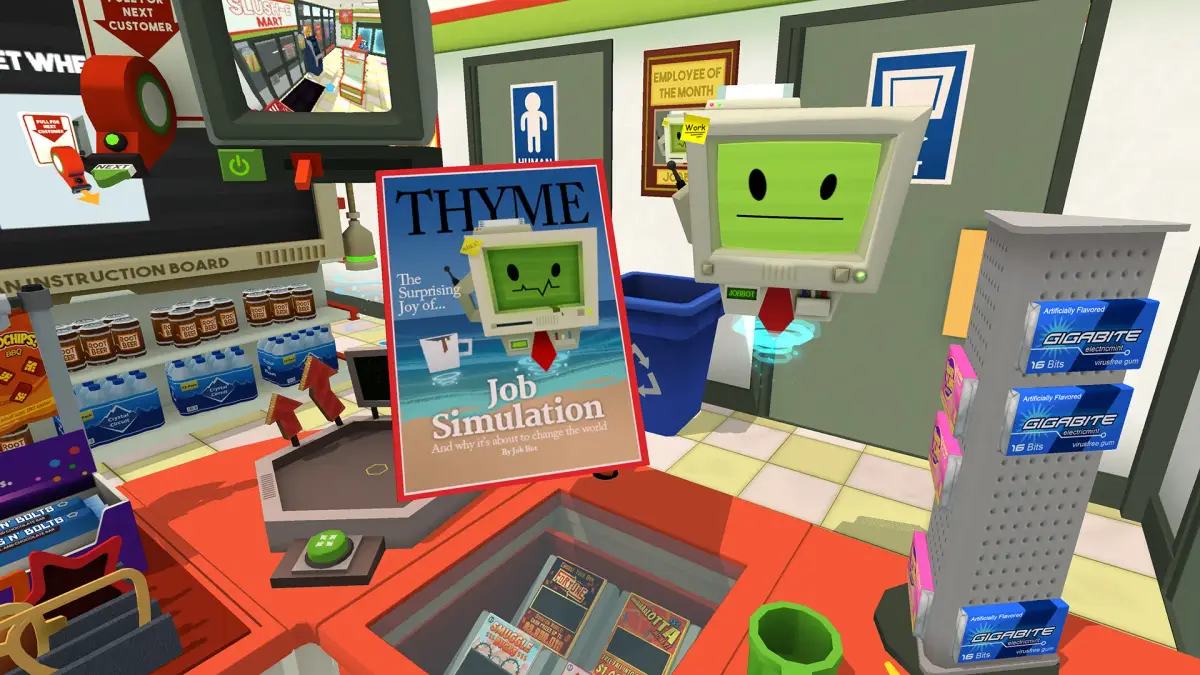
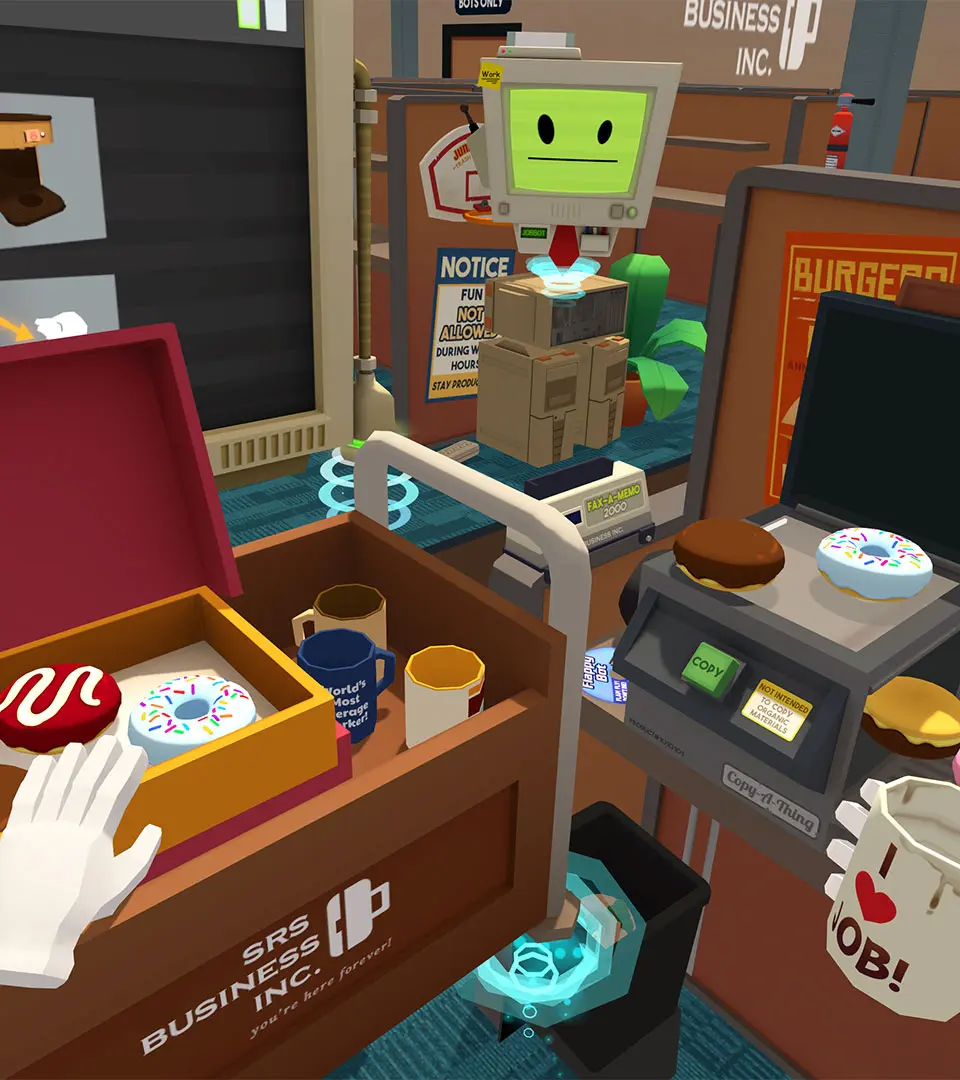
Get Job Simulator up and running! This guide walks you through the installation and initial setup process so you can jump right into the fun.
Hey there! Ready to dive into the wacky world of Job Simulator? Before we get to the fun stuff, we gotta get the game installed and set up. It's pretty straightforward, but let's make sure you're all set to go.
First things first, you'll need to own the game on your VR platform of choice. Once you've got that sorted, head over to your platform's store (like Steam for PC VR, the PlayStation Store for PSVR, or the Oculus Store for Quest) and find Job Simulator in your library or search for it. From there, you should see an option to download and install it. Just follow the on-screen prompts!
After the download is complete, it's time to get your VR gear ready. Make sure your headset is connected, your controllers are charged, and your play space is clear. Once everything is set up, you can launch Job Simulator from your VR library. The game will guide you through any initial setup steps, like calibrating your play space if needed.
And that's pretty much it! You're all set to jump into the 2050 Archives and start your first simulated job. Don't worry if things feel a little strange at first; that's part of the charm!
100% Human-Written. AI Fact-Checked. Community Verified. Learn how AntMag verifies content