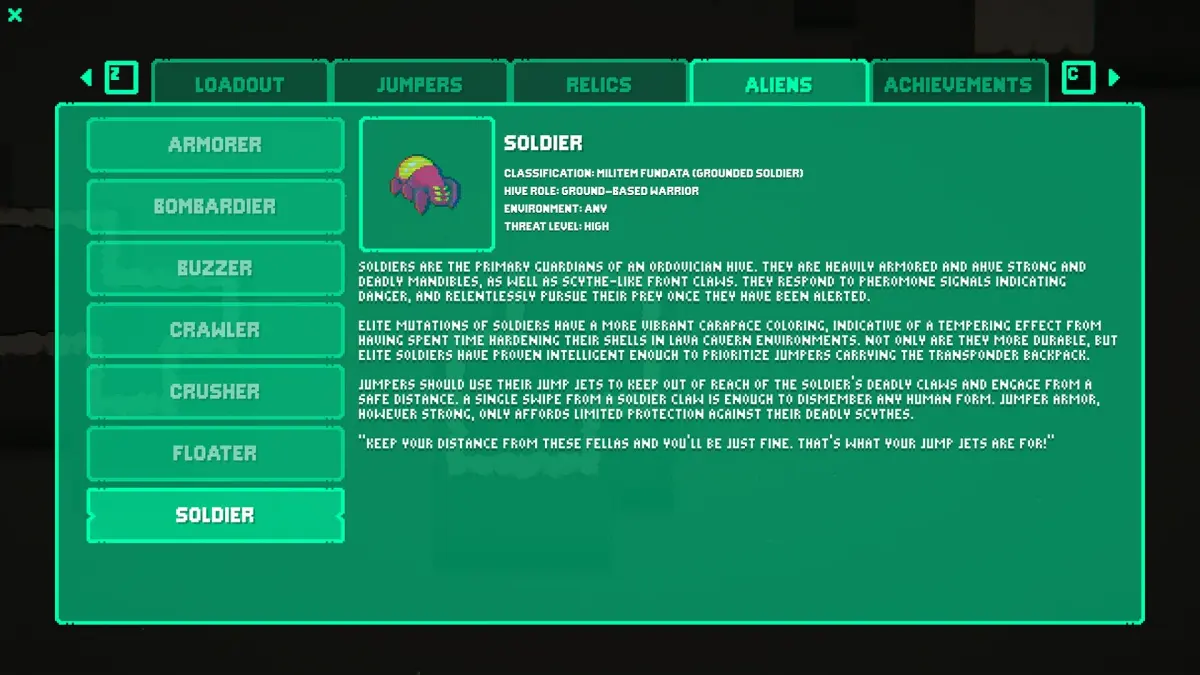
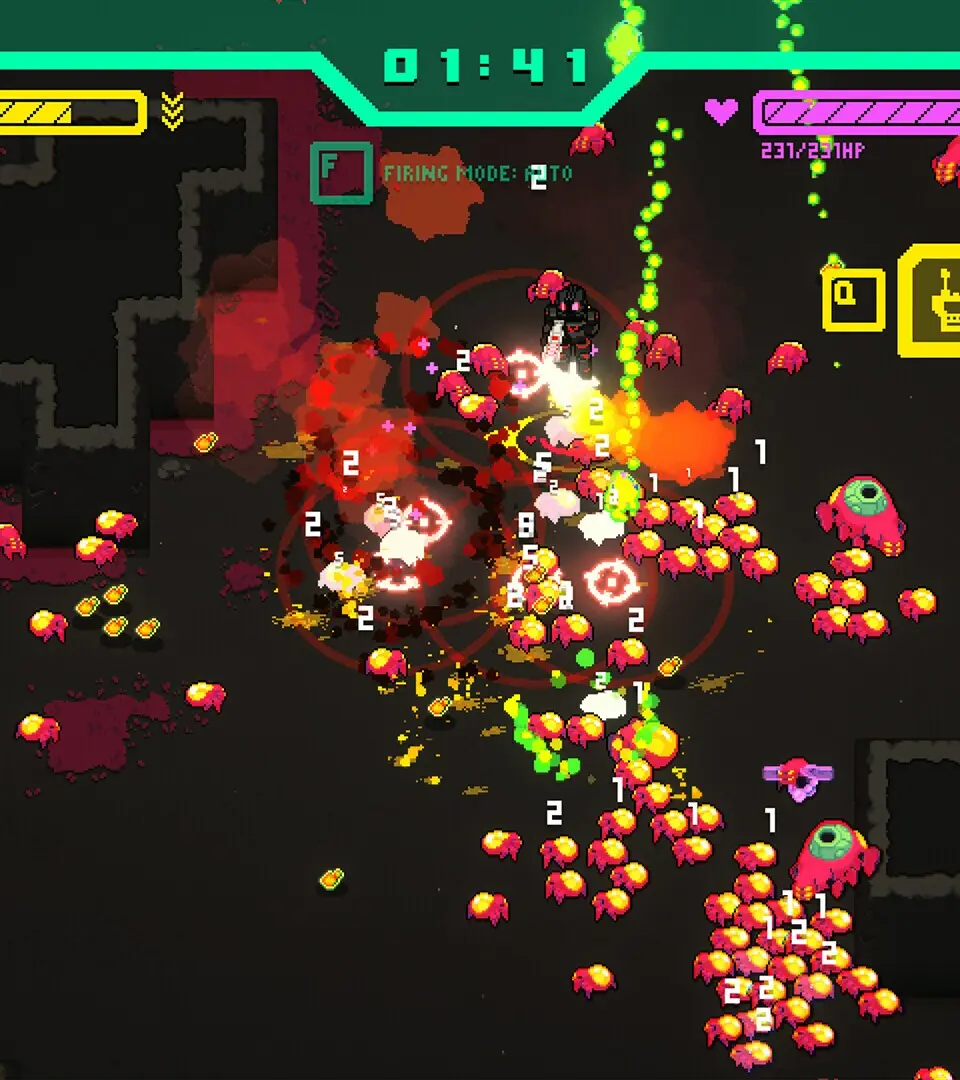
Navigate the UI of Hive Jump 2: Survivors like a pro! Understand every icon, menu, and heads-up display element to maximize your survival and combat effectiveness in the alien hives.
Hey there, fellow JUMPER! So you've jumped into Hive Jump 2: Survivors and you're ready to take on those alien hives. Before we dive into the thick of it, let's make sure you're not going to get lost staring at your screen. This guide is all about breaking down the User Interface (UI) so you know exactly what's going on around you, what your options are, and how to keep track of everything that matters while you're blasting aliens.
Think of the UI as your co-pilot. It's constantly feeding you info – your health, your ammo, the objectives, and even where your buddies are. Getting a handle on it means you'll be making smarter decisions in the heat of battle, reacting faster, and ultimately, surviving longer. We'll go through the key elements you'll see on your screen, from your health bar to objective markers, so you can focus on the alien-smashing action.
100% Human-Written. AI Fact-Checked. Community Verified. Learn how AntMag verifies content