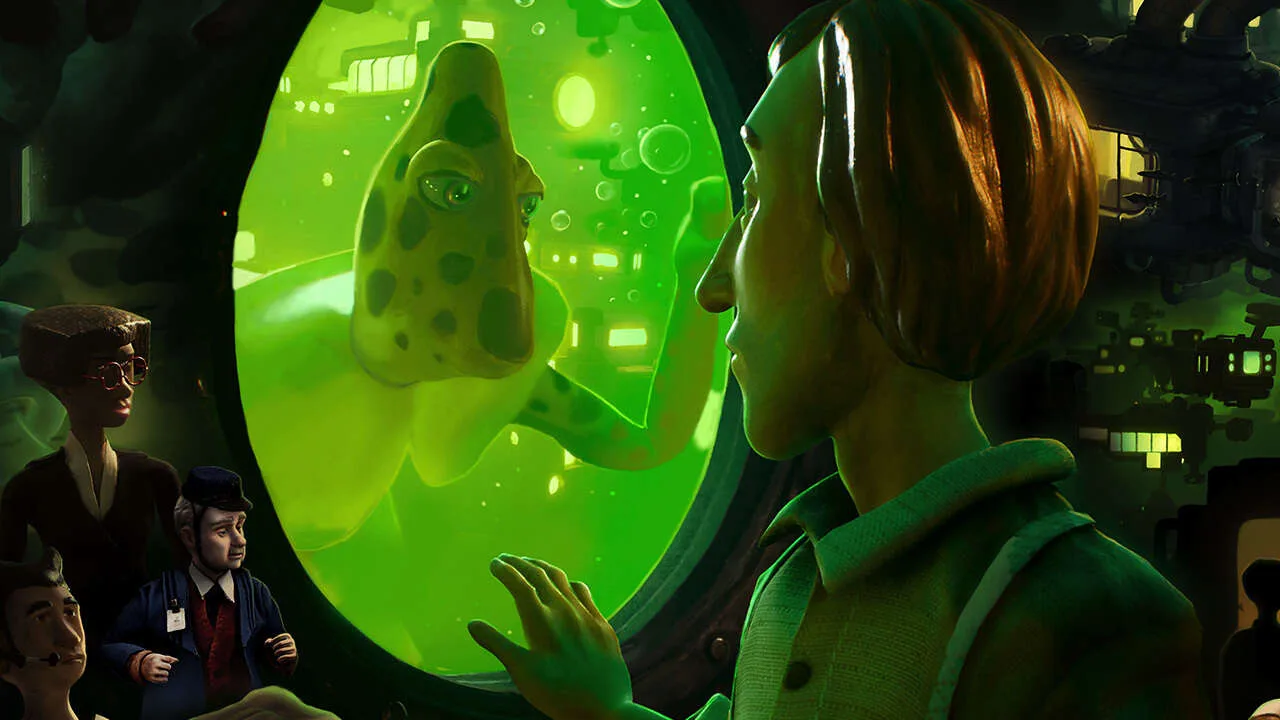
Welcome to Harold Halibut, a unique narrative adventure game where you play as a young man living in a city built on a giant spaceship adrift in space. You'll spend your time exploring this whimsical, handcrafted world, interacting with its quirky inhabitants, and undertaking various tasks for the residents of the All Water District Station, like delivering samples or cleaning the Filter Station. It's a game all about story, atmosphere, and discovery.
This guide is here to help you navigate Harold's journey. We'll cover the main tasks, from 'Rock Delivery' and 'Filter Station Cleanup' to more involved missions like 'Get out of the Shaft!' and 'Find the source of the Particles'. We'll also point you towards secrets and collectibles, like the 'Note Entries' scattered throughout the chapters, ensuring you don't miss a thing as you help Harold uncover the mysteries of his world.
Getting Started
Embark on your journey with Harold Halibut! This guide covers the game's synopsis, essential controls for PlayStation and Xbox, and a detailed walkthrough outline. Discover key locations and prepare for your adventure.
Getting Started
Embark on your journey with Harold Halibut! This guide covers the game's synopsis, essential controls for PlayStation and Xbox, and a detailed walkthrough outline. Discover key locations and prepare for your adventure.

Basic Controls — Harold Halibut Guide
Get started with Harold Halibut's controls. Learn WASD/analog stick movement and action prompts for interacting with the game's unique world.
Harold Halibut features intuitive controls designed to immerse you in its detailed world. Movement is typically handled with the left analog stick (controller) or WASD keys (keyboard). Interaction with objects and characters is usually performed with the 'A' button (Xbox), 'X' button (PlayStation), or the left mouse button/E key (PC). Pay attention to on-screen prompts, as they will guide you through specific actions like examining items, talking to NPCs, or using tools. The game emphasizes exploration and dialogue, so be prepared to spend time navigating the ship and engaging with its inhabitants.
Synopsis
Discover the synopsis of Harold Halibut, a unique narrative adventure. Learn about Harold's journey aboard the FEDORA I and his quest for a new home.
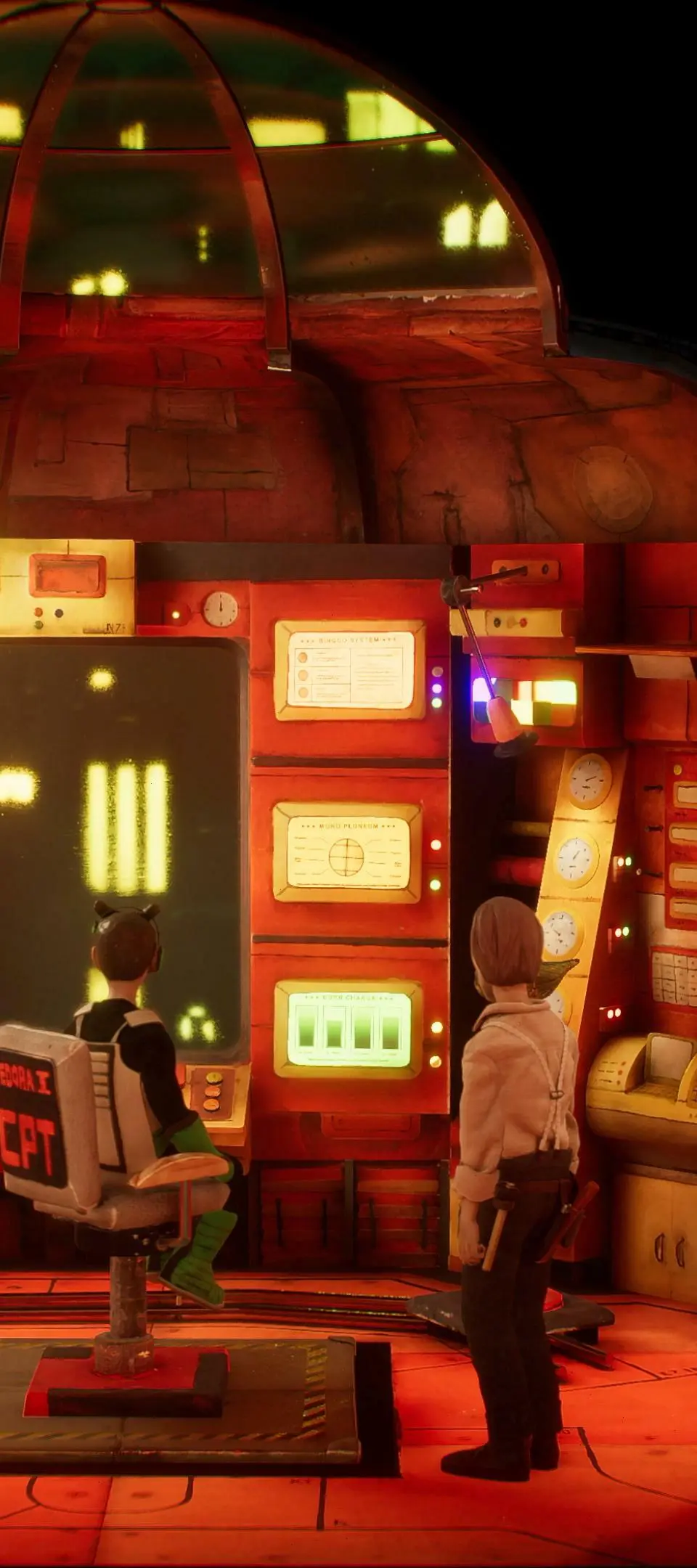
A quarter of a millennium has elapsed since the ark-like spaceship, the home of the protagonist, Harold, escaped an Earth teetering on the brink of a frosty conflict. The mission: to discover a planet capable of sustaining the human race.
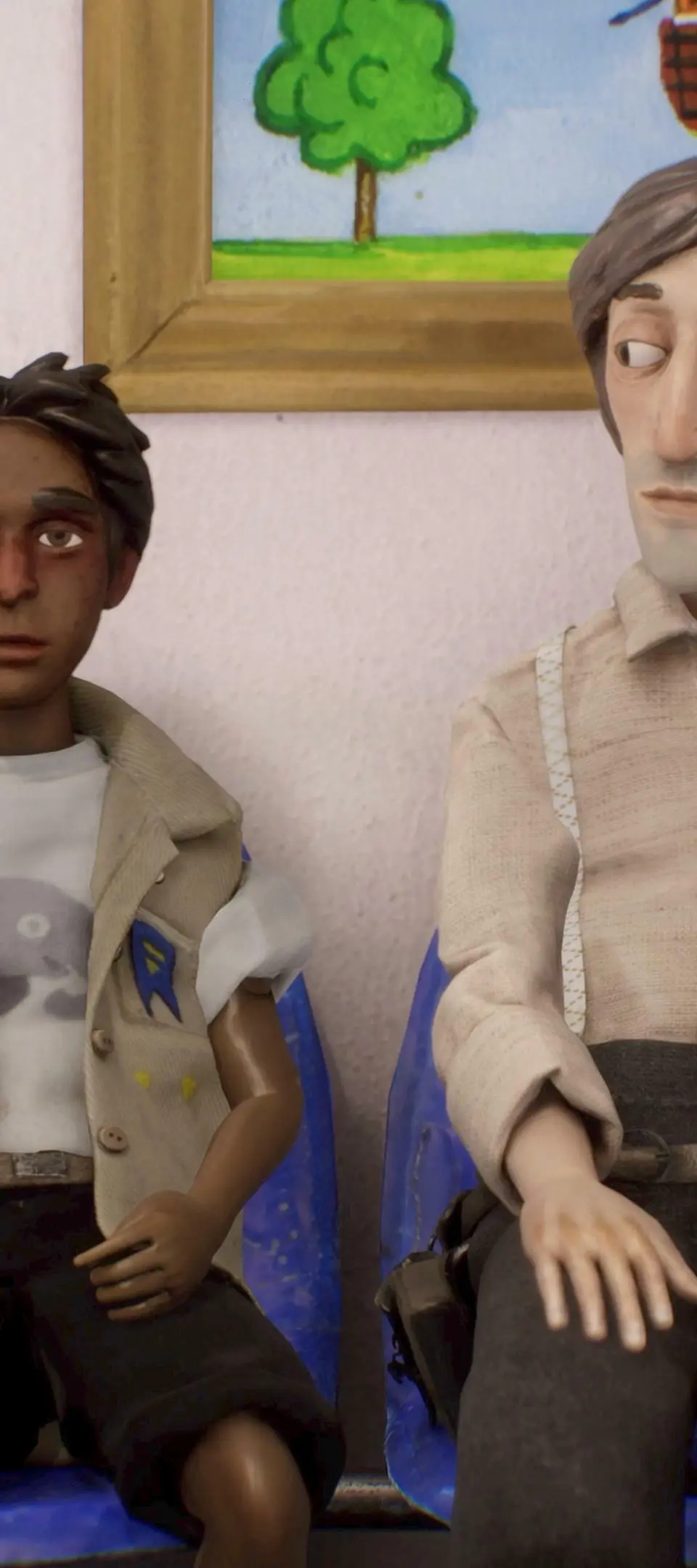
Harold Halibut, a youthful lab assistant to the ship’s chief scientist, Jeanne Mareaux, finds himself in a unique position. While the majority of the ship’s denizens have come to terms with their existence aboard the submerged vessel, Mareaux remains relentless in her pursuit of a solution that would allow the ship to depart the planet in search of a drier, more suitable home.
The FEDORA I, however, is not just a ship, but a melting pot of diverse and fascinating individuals who keep Harold occupied. Yet, it’s an unexpected encounter that thrusts Harold into an unimaginable world - a world that could potentially be the key to Mareaux’s ambitious re-launch plans.
Controls & UI — Harold Halibut Guide
Master Harold Halibut's controls and UI. Learn movement, interaction, and how to navigate the minimalist interface for an immersive experience.
Navigating the unique world of Harold Halibut is intuitive, thanks to its well-designed controls and user interface. The game prioritizes immersion, ensuring that the UI elements are present but never intrusive. Understanding these basics will allow you to focus on the story and the beautifully crafted environments. Whether you're walking, interacting, or managing your inventory, the controls are designed to feel natural.
The user interface in Harold Halibut is minimalist, designed to keep the focus on the game's stunning stop-motion aesthetic and narrative. You'll find that most information is conveyed through visual cues and contextual prompts rather than extensive HUD elements. This approach enhances the feeling of being present in Harold's world. Familiarizing yourself with the button mapping and the purpose of each UI element will make your journey smoother.
Here's a breakdown of the typical controls and UI elements you'll encounter:
Movement and Interaction
- Movement: Typically controlled with the left analog stick (or WASD keys on PC). Harold walks at a deliberate pace, reflecting the game's contemplative nature.
- Camera Control: The right analog stick (or mouse) allows you to look around and adjust the camera.
- Interaction: A dedicated button (e.g., 'A' on Xbox controller, 'E' on keyboard) is used to interact with objects, characters, and dialogue options. A prompt will usually appear when an interaction is possible.
- Contextual Actions: Some interactions might have specific button prompts that appear on screen, such as picking up an item or operating machinery.
User Interface Elements
| Element | Description |
|---|---|
| Dialogue Box | Appears when speaking with characters, displaying conversation options and subtitles. |
| Interaction Prompts | Icons or text indicating that an object or character can be interacted with. |
| Objective Tracker | A subtle display, often in a corner, showing your current main or side quest objective. |
| Inventory/Item Display | Accessed through a menu, showing collected items. This is usually not a persistent HUD element. |
Keybindings (Example - may vary by platform):
- Left Stick/WASD: Move Harold
- Right Stick/Mouse: Camera Control
- 'A'/'E': Interact
- 'B'/'Esc': Back/Cancel
- 'X'/'Tab': Open Menu/Inventory (if applicable)
The game's UI is designed to be as unobtrusive as possible, allowing the stunning visuals and narrative to take center stage. Pay attention to subtle visual cues, as they often indicate interactive elements or important information. Mastering these controls will ensure a smooth and immersive experience as you explore the Alba and its surrounding environments.
Similar guides you might like






100% Human-Written. AI Fact-Checked. Community Verified. Learn how AntMag verifies content