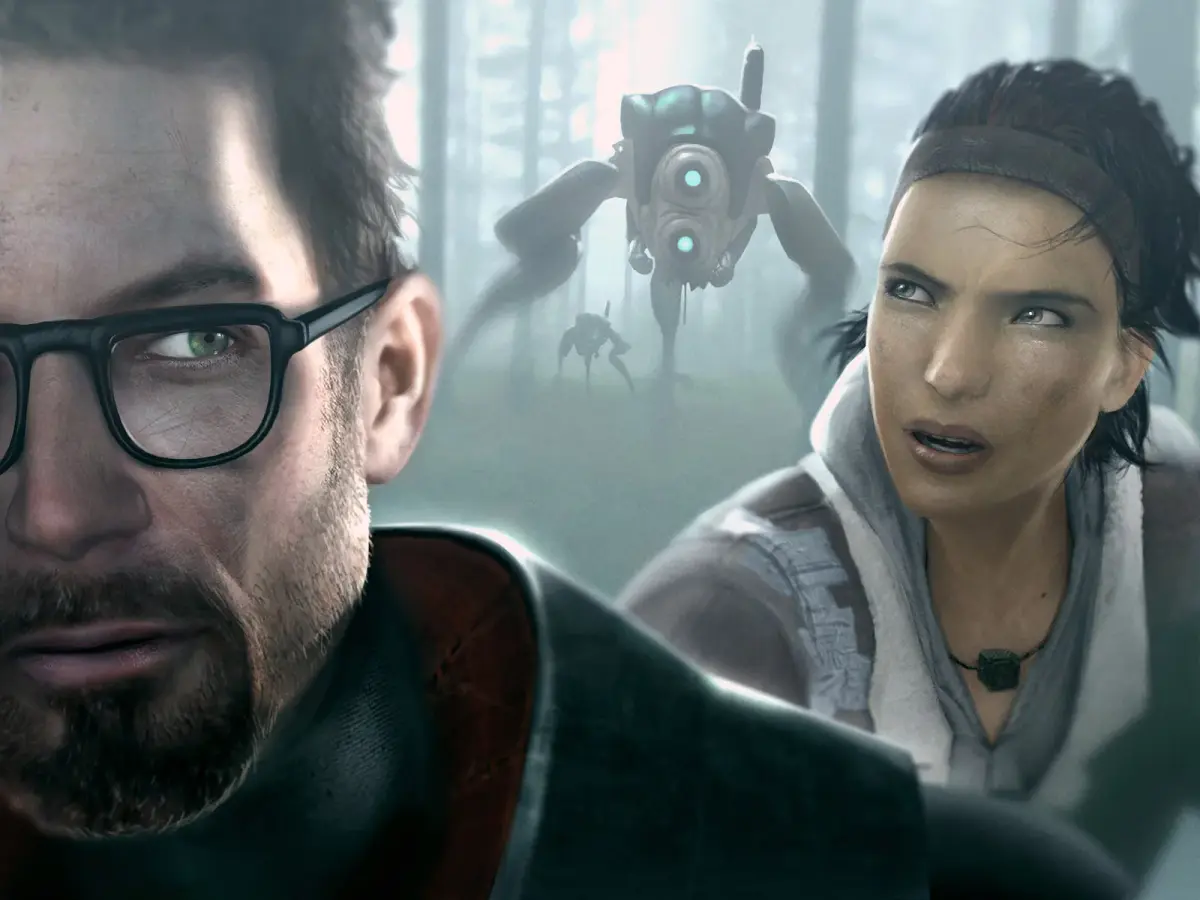
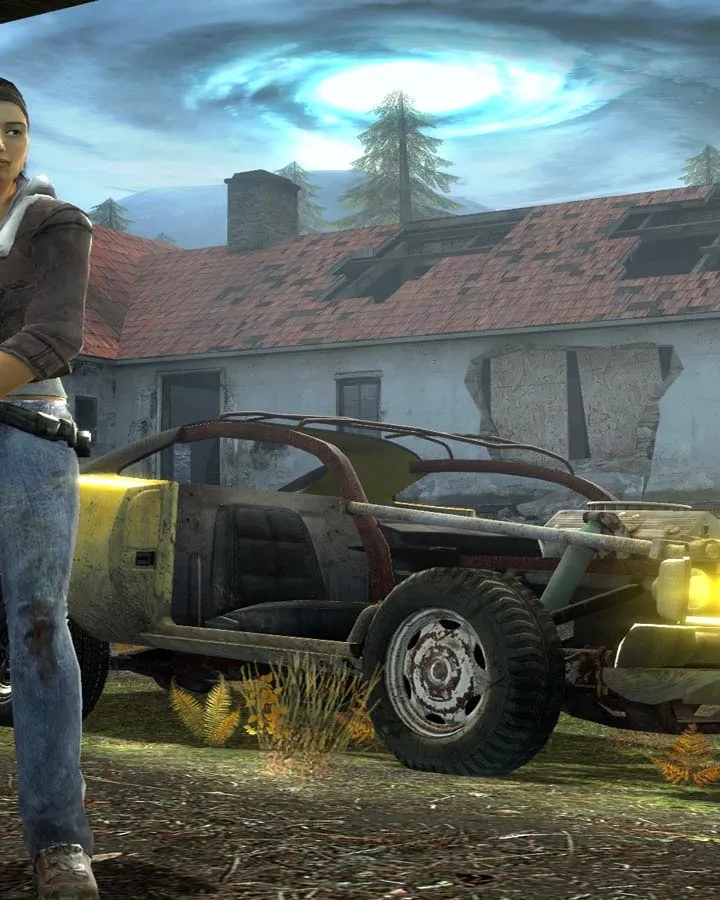
Master the controls for Half-Life 2: Episode Two. This guide details all keyboard and mouse actions to help you navigate the game effectively and dominate the Combine.
This guide covers the keyboard and mouse controls for Half-Life 2: Episode Two. Understanding these controls is essential for navigating the game world and interacting with its mechanics.
| Action | Key/Button |
|---|---|
| Move Forward | W |
| Move Backward | S |
| Strafe Left | A |
| Strafe Right | D |
| Jump | Spacebar |
| Crouch | Ctrl |
| Walk | Shift |
| Use/Interact | E |
| Reload Weapon | R |
| Primary Fire | Left Mouse Button |
| Secondary Fire | Right Mouse Button |
| Fire Weapon (Hold) | Left Mouse Button (Hold) |
| Melee Attack | Mouse Button 3 (Middle Mouse Button) |
| Weapon 1 | 1 |
| Weapon 2 | 2 |
| Weapon 3 | 3 |
| Weapon 4 | 4 |
| Weapon 5 | 5 |
| Weapon 6 | 6 |
| Weapon 7 | 7 |
| Weapon 8 | 8 |
| Weapon 9 | 9 |
| Weapon 10 | 0 |
| Previous Weapon | Mouse Wheel Down |
| Next Weapon | Mouse Wheel Up |
| Flashlight | F |
| Use Tool (Gravity Gun) | Left Mouse Button |
| Fire Alt-Fire (Gravity Gun) | Right Mouse Button |
| Throw Object (Gravity Gun) | Left Mouse Button (Hold) |
| Open Console | ~ (Tilde) |
| Pause Game | Esc |
| Screenshot | F12 |
| Quick Save | F5 |
| Quick Load | F8 |
100% Human-Written. AI Fact-Checked. Community Verified. Learn how AntMag verifies content