
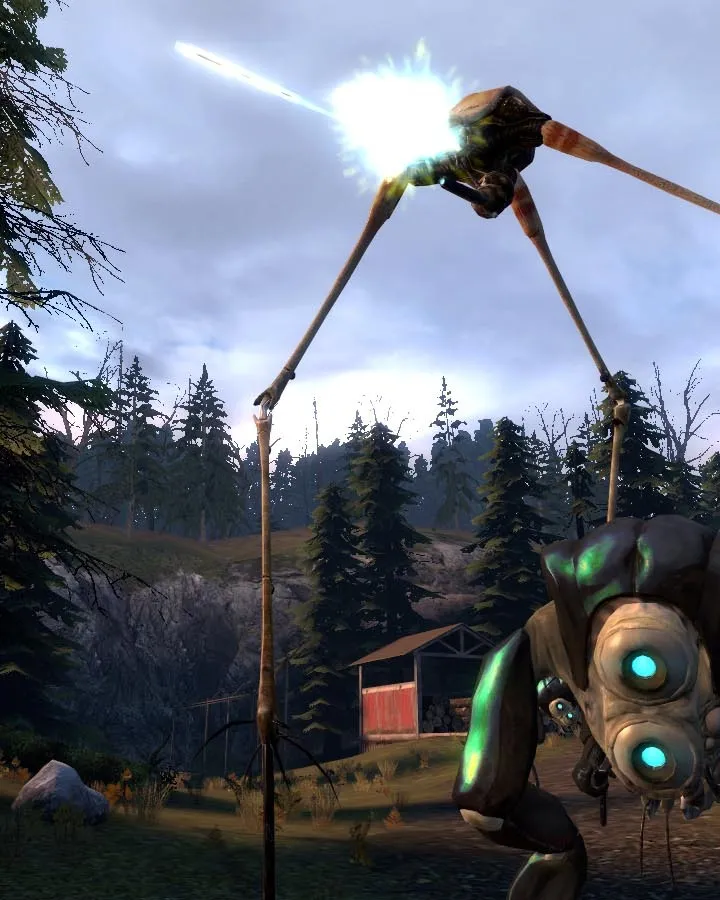
Explore the default Xbox 360 controller layout for Half-Life 2: Episode Two. Learn the button mappings for movement, combat, and interaction to master your gameplay experience.
This guide details the default Xbox 360 controller layout for Half-Life 2: Episode Two. Understanding these controls is crucial for navigating the game's environments and engaging in combat effectively.
| Action | Button |
|---|---|
| Move Forward/Backward | Left Analog Stick Up/Down |
| Strafe Left/Right | Left Analog Stick Left/Right |
| Look Around | Right Analog Stick |
| Jump | A Button |
| Crouch | B Button |
| Reload / Use | X Button |
| Primary Fire | Right Trigger |
| Secondary Fire / Aim Down Sights | Left Trigger |
| Melee Attack | Right Stick Click |
| Use Gravity Gun | Left Bumper |
| Flashlight | Y Button |
| Weapon Select (Next/Previous) | D-Pad Up/Down |
| Weapon Select (Specific Slot) | D-Pad Left/Right |
| Interact / Pick Up | Right Bumper |
| Pause Menu | Start Button |
| Scoreboard / Player List | Back Button |
100% Human-Written. AI Fact-Checked. Community Verified. Learn how AntMag verifies content