
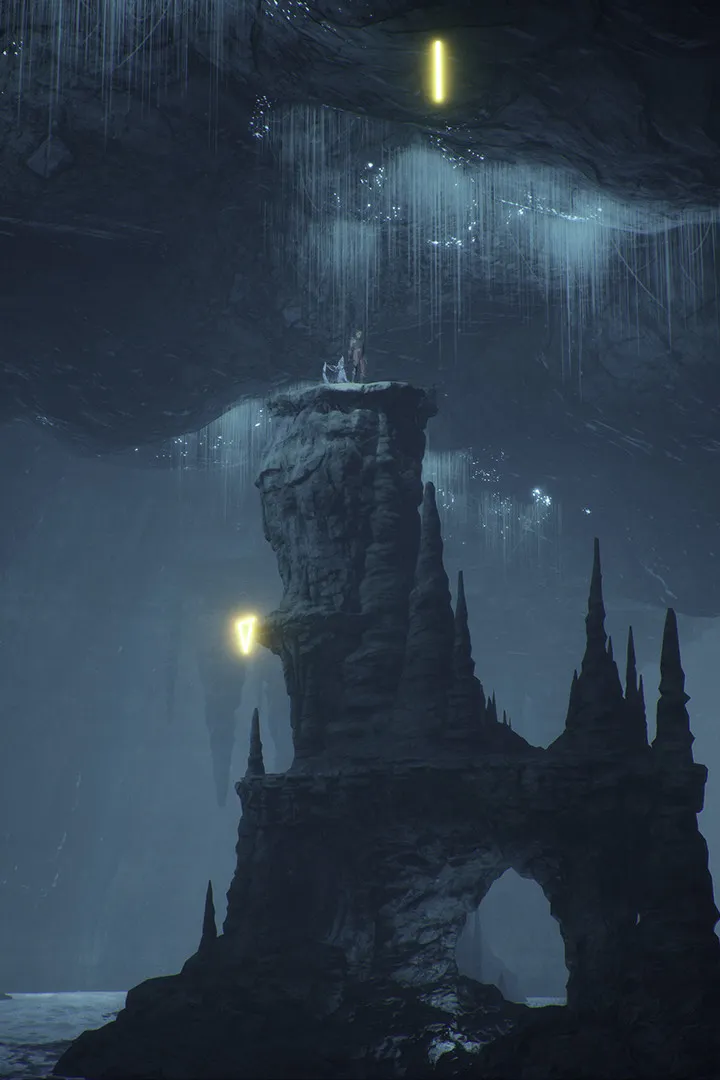
Learn the ins and outs of Flintlock: The Siege of Dawn's controls and user interface. Master combat, traversal, and menu navigation with our comprehensive guide.
This guide covers the controls and user interface for Flintlock: The Siege of Dawn. Understanding these elements is crucial for mastering combat, exploration, and overall gameplay progression.
| Action | Button/Input |
|---|---|
| Melee Attack | Left Mouse Button / RT |
| Gun Attack | Right Mouse Button / LT |
| Parry | Left Mouse Button (timed) / RT (timed) |
| Double Jump | Spacebar / A |
| Interact / Reload Bullet | E / X |
| Fox Companion Ability | Q / LB |
| Open Menu | Esc / Start |
| Movement | WASD / Left Stick |
| Camera Control | Mouse Movement / Right Stick |
The combat system in Flintlock: The Siege of Dawn involves a mix of melee attacks and gunplay. Guns are used for interrupting enemy attacks, while melee is used for parrying and dealing damage. Mastering the timing of parries is essential for survival. The fox companion, Enki, can be directed to perform special attacks by building up a meter.
The user interface provides information on health, stamina, ammunition, and the companion's special attack meter. Navigating the world involves basic movement, double jumps for verticality, and interacting with objects and NPCs. Side quests and collectibles are integrated into the environment, though the game's structure can sometimes feel linear despite its open-world aspirations.
100% Human-Written. AI Fact-Checked. Community Verified. Learn how AntMag verifies content