
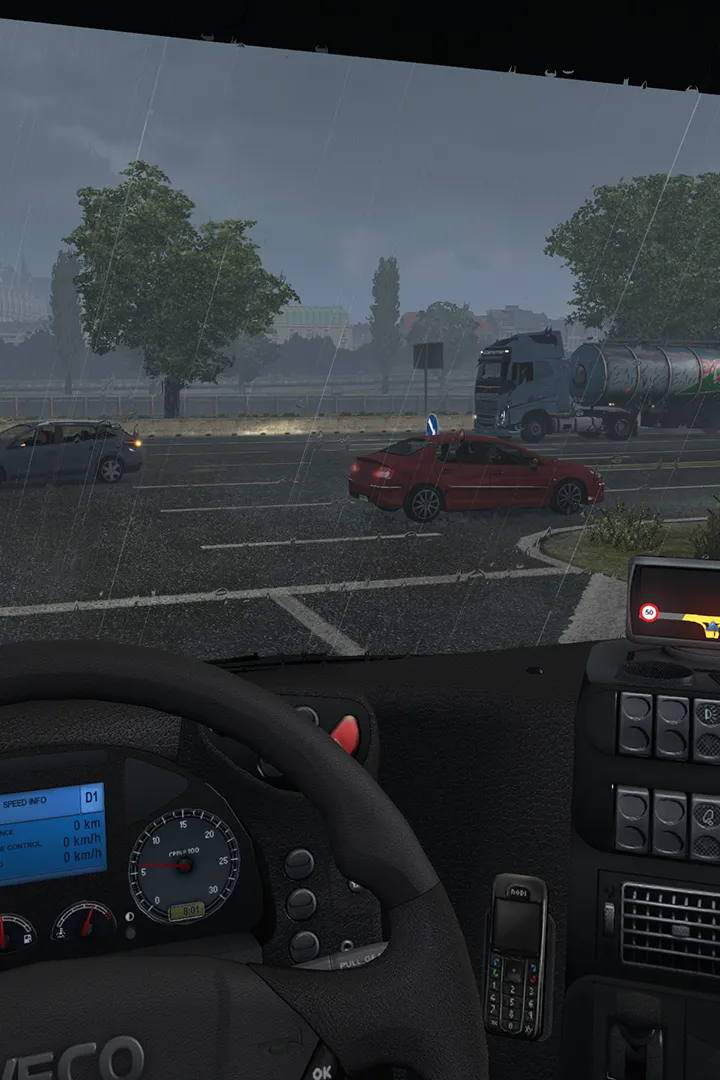
Learn how to set up your game and create your profile in Euro Truck Simulator 2. Get your trucking career started with our easy-to-follow guide.
This guide covers the initial setup and profile creation process for Euro Truck Simulator 2. Follow these steps to get your game ready and start your trucking journey.
Walkthrough
- 1Launch Euro Truck Simulator 2.
- 2Upon first launch, you will be prompted to create your player profile.
- 3Enter your desired profile name.
- 4Select your avatar or customize it if options are available.
- 5Choose your starting company and location.
- 6Configure your controls (keyboard, mouse, or steering wheel).
- 7Adjust graphical and audio settings to your preference.
- 8Confirm your settings and begin your first delivery.
Tips
- Take your time during profile creation to set up your controls accurately.
- Experiment with different starting companies to find one that suits your playstyle.
- Ensure your graphics settings are optimized for a smooth gameplay experience.
100% Human-Written. AI Fact-Checked. Community Verified. Learn how AntMag verifies content