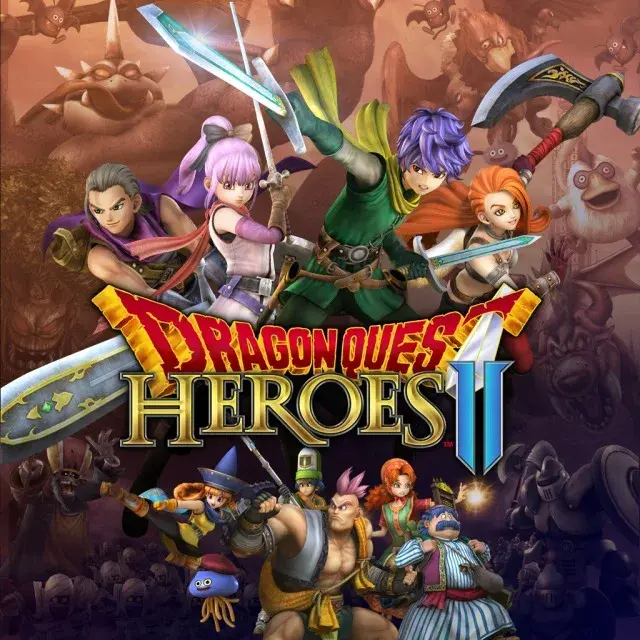
Learn the ins and outs of the Dragon Quest Heroes II user interface, including menus, controls, and essential gameplay mechanics to enhance your adventure.
Dragon Quest Heroes II features a dynamic user interface designed to keep you informed and in control during your epic journey. Understanding its various elements is key to mastering the game's combat and exploration.
The game's UI provides crucial information at a glance, including your character's health, MP, current class, and special abilities. Menus are navigated using the controller, allowing you to manage your party, equip items, change classes, and access various game systems.
Key UI elements include:
- HUD (Heads-Up Display): Shows real-time information during gameplay, such as health bars, mini-map, and active buffs/debuffs.
- Menus: Access different screens for inventory management, character customization, quest logs, and system settings.
- Skill/Ability Icons: Display available special attacks and spells, often with cooldown timers or MP costs.
- Quest Log: Tracks your current objectives and provides details on ongoing missions.
Familiarize yourself with these components to navigate the world of Dragon Quest Heroes II efficiently and emerge victorious.
100% Human-Written. AI Fact-Checked. Community Verified. Learn how AntMag verifies content