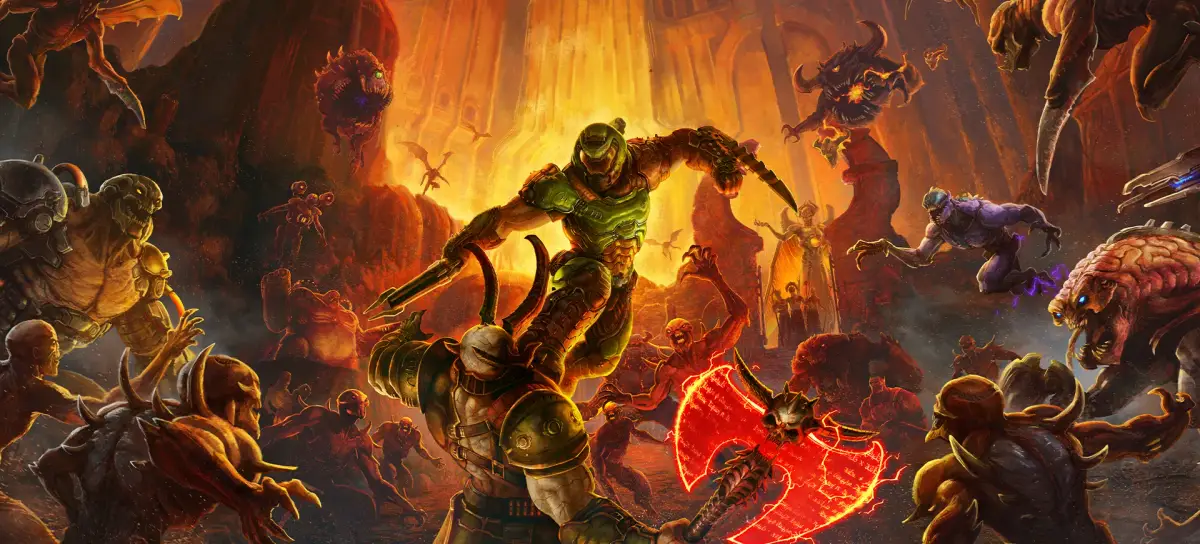
Customize character skins, podiums, weapon skins, stances, animations, player icons, and titles in Doom Eternal.
From the customization screen in Doom Eternal, you can change a variety of options. Seeing the icons at the top, from left to right, you can customize your character's skins, the podium they stand on, the weapon's skins, their stances, intro animations, and victory animations.
Also in the Customization menu, you can change your player icon or title, located under the Badge section.
Tips
- Explore all icon options at the top of the customization screen to see available categories.
- Remember to check the Badge section for player icon and title customization.
100% Human-Written. AI Fact-Checked. Community Verified. Learn how AntMag verifies content