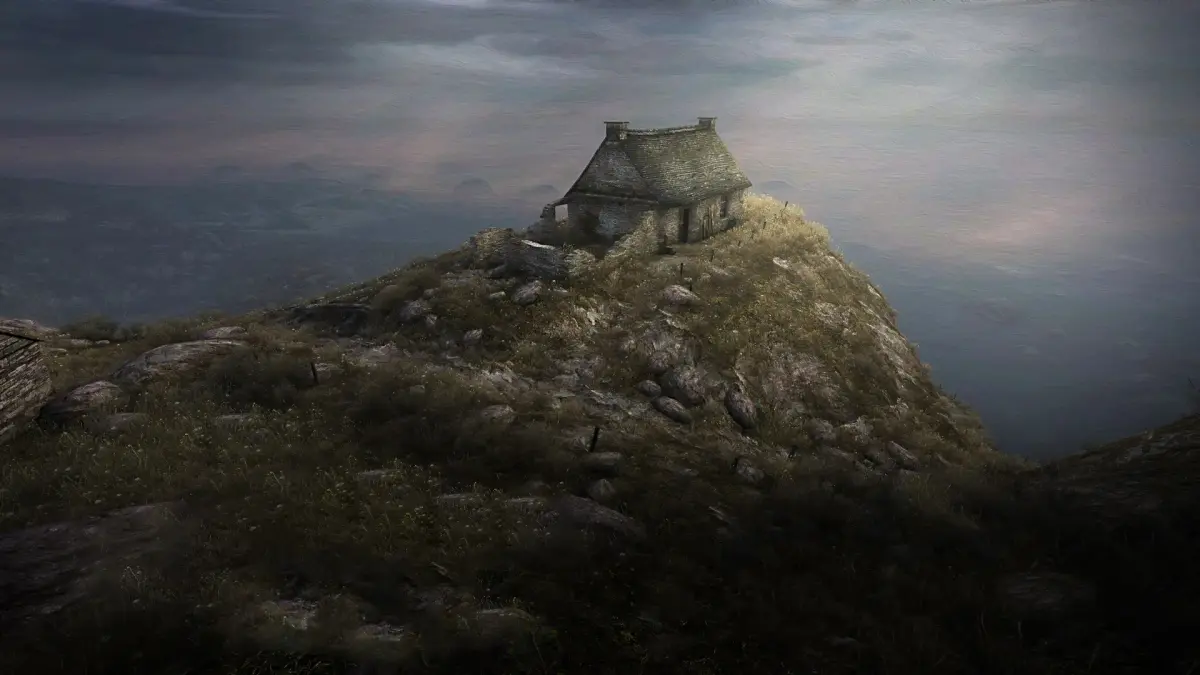
Learn the default keyboard and mouse controls for Dear Esther, including movement, camera, saving, and pausing.
Walkthrough
- 1Movement: Use W to move forward, S to move backward, A to strafe left, and D to strafe right.
- 2Camera: Move the mouse to control the camera. Left-click to zoom the camera.
- 3Swimming: Press Q to swim up.
- 4Saving: Press F6 to quick save your progress.
- 5Loading: Press F7 to quick load your last save.
- 6Screenshots: Press F5 to take a screenshot.
- 7Menu: Press ESC to open the pause menu.
Tips
- Familiarize yourself with these controls to navigate the island of Dear Esther smoothly.
- The mouse is crucial for observing the environment and uncovering the story.
100% Human-Written. AI Fact-Checked. Community Verified. Learn how AntMag verifies content