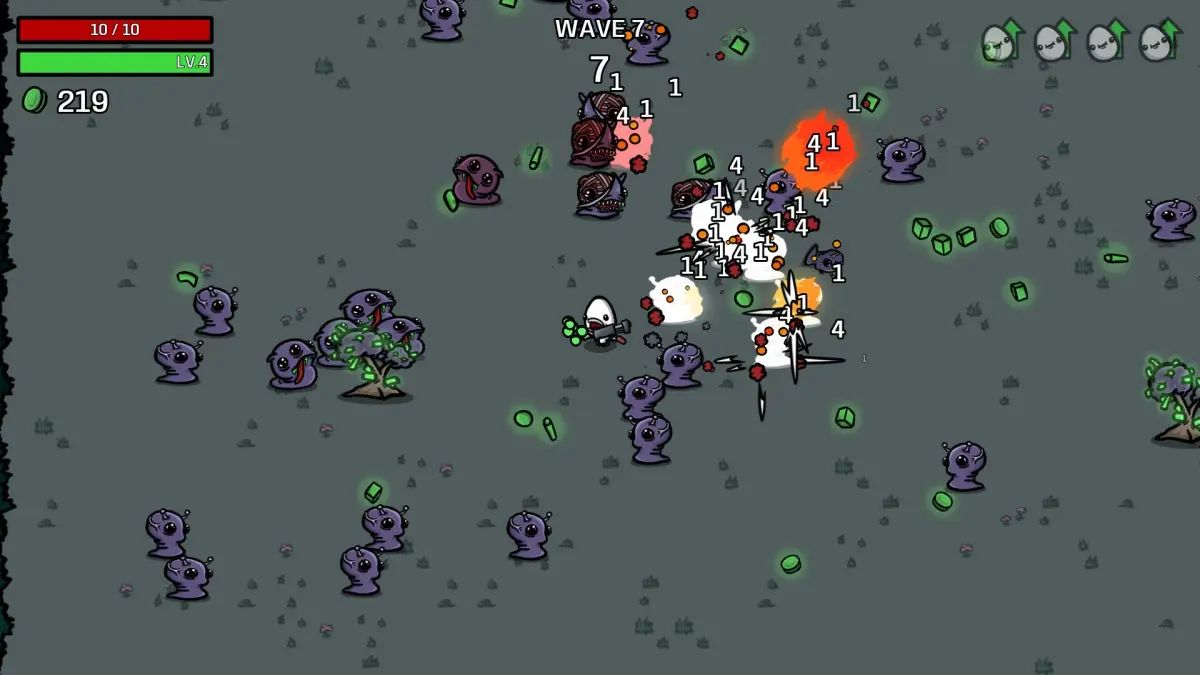
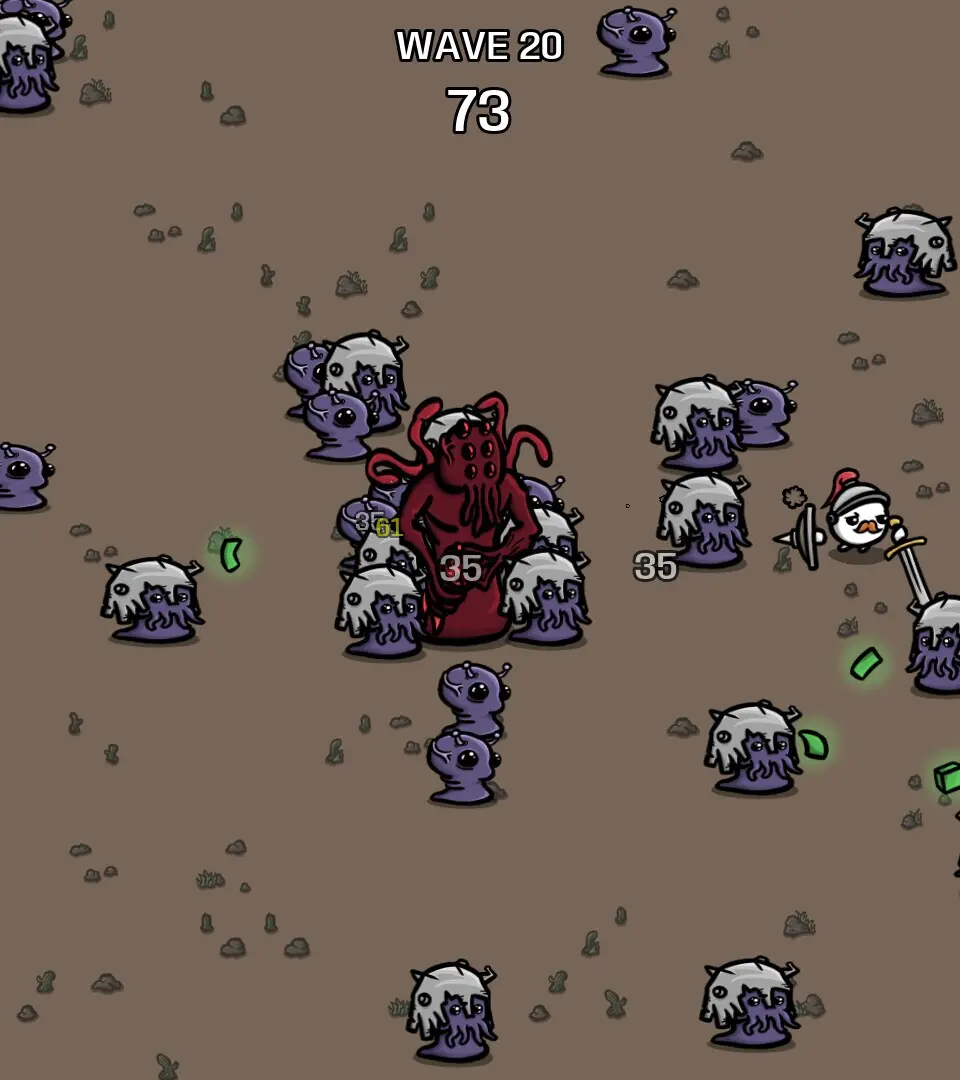
Master Brotato's basic controls: WASD/analog for movement, auto-aiming, Spacebar/A for pickups, and Escape/Start for menus.
Brotato features simple, intuitive controls that allow you to focus on the action. Movement is handled with the WASD keys or the left analog stick on a gamepad. Your character will automatically aim and fire at the nearest enemy, so your primary focus is positioning and dodging. Use Spacebar or the A button (gamepad) to pick up items and interact with the shop. The Escape key or Start button (gamepad) opens the pause menu, where you can review your stats and options. Mastering movement is key to survival, as avoiding damage is often more important than dealing it.
100% Human-Written. AI Fact-Checked. Community Verified. Learn how AntMag verifies content