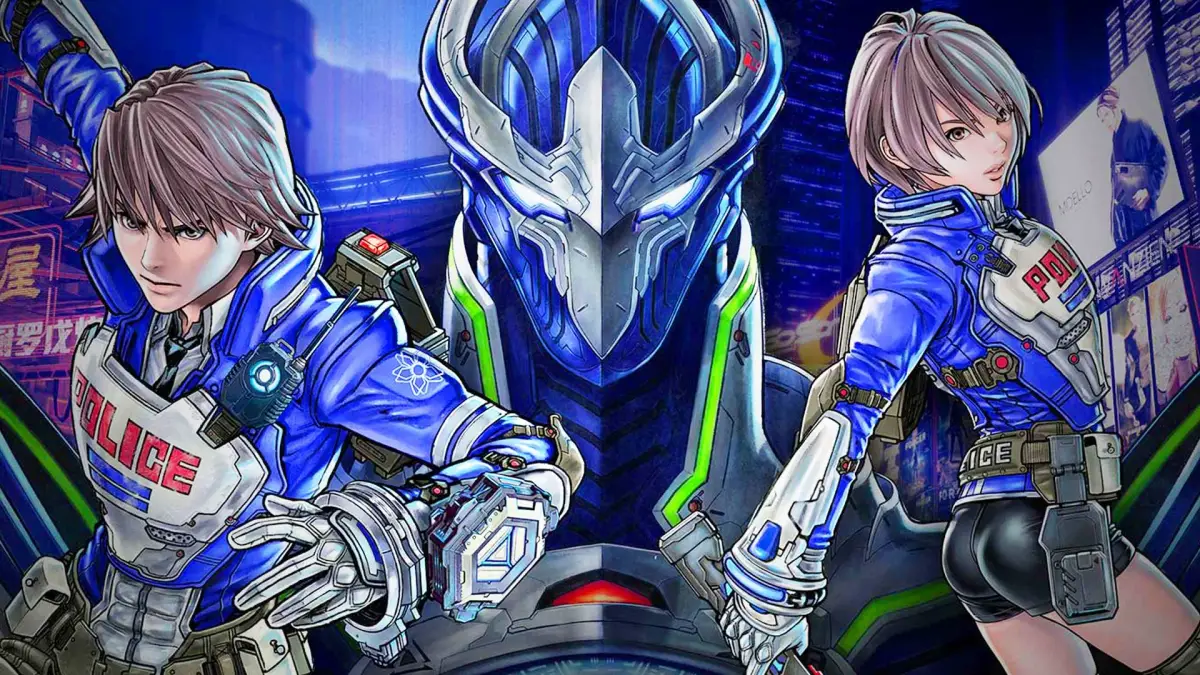
Quickly reference and master all the basic controls for Astral Chain, including movement, combat actions, Legion commands, and camera controls. Your essential guide!
Alright, so Astral Chain throws a lot at you, but the game does a pretty good job of teaching you the ropes as you go. Still, it's easy to forget a button or two when things get hectic. Here's a quick rundown of the essential controls so you can keep your head in the game.
| Controls | Action |
| Left Stick | Move your character around. Click it while standing still to crouch, or while moving to sprint. Handy for navigating environments quickly or getting into cover. |
| Right Stick | This is your camera control. Use it to look around the environment. Clicking it resets the camera behind your character, and clicking it again while locked onto an enemy will snap the camera to that enemy. Essential for keeping track of multiple threats. |
| A Button | Your main interaction button. Use it to talk to people, pick up items, and importantly, to perform Finishing Blows on weakened enemies. Timing these is key! |
| B Button | Your dodge button. Use this to evade enemy attacks. Don't just stand there and take it – a well-timed dodge can save you a lot of health. |
| X Button | This button lets you use an active item you have equipped. Hold it down, and you'll bring up the Item Wheel, letting you quickly select which consumable you want to use. Keep an eye on your health and use items strategically. |
| Y Button | Switches your active Legion. You can cycle through them with a quick press. Hold it down to bring up the Legion Wheel, which lets you select a specific Legion if you have multiple available. Your Legions are your best friends, so know who to call on! |
| ZR Button | This is your primary Player Attack button. Mash it to unleash combos and deal damage. |
| ZL Button | This is your Legion command button. A quick press can summon your Legion, send it out to attack, or recall it. A synchronized press with an attack initiates a powerful Sync Attack. Mastering these is crucial for high-level play. |
| R Button | Dismisses your currently active Legion. Sometimes you just need to focus on your own attacks, or reposition your Legion. |
| L Button | Activates your Legion's Special Action. Each Legion has unique abilities, so experiment with this button to see what they can do! |
| Control Pad Up/Down | Cycles through your available Player Weapons. Different situations call for different tools, so be ready to switch on the fly. |
| Control Pad Left | Opens up your Police Notes. This is where you'll find mission objectives, clues, and other important information. Don't ignore it! |
| Control Pad Right | Activates Photo Mode, but only if you have the camera item equipped. Perfect for capturing those epic moments. |
| + Button | Toggles IRIS Vision. This is super important for spotting hidden enemies, items, and environmental clues. Use it often! |
| - Button | Brings up the Pause Menu. Take a breather, check your status, or adjust settings. |
100% Human-Written. AI Fact-Checked. Community Verified. Learn how AntMag verifies content