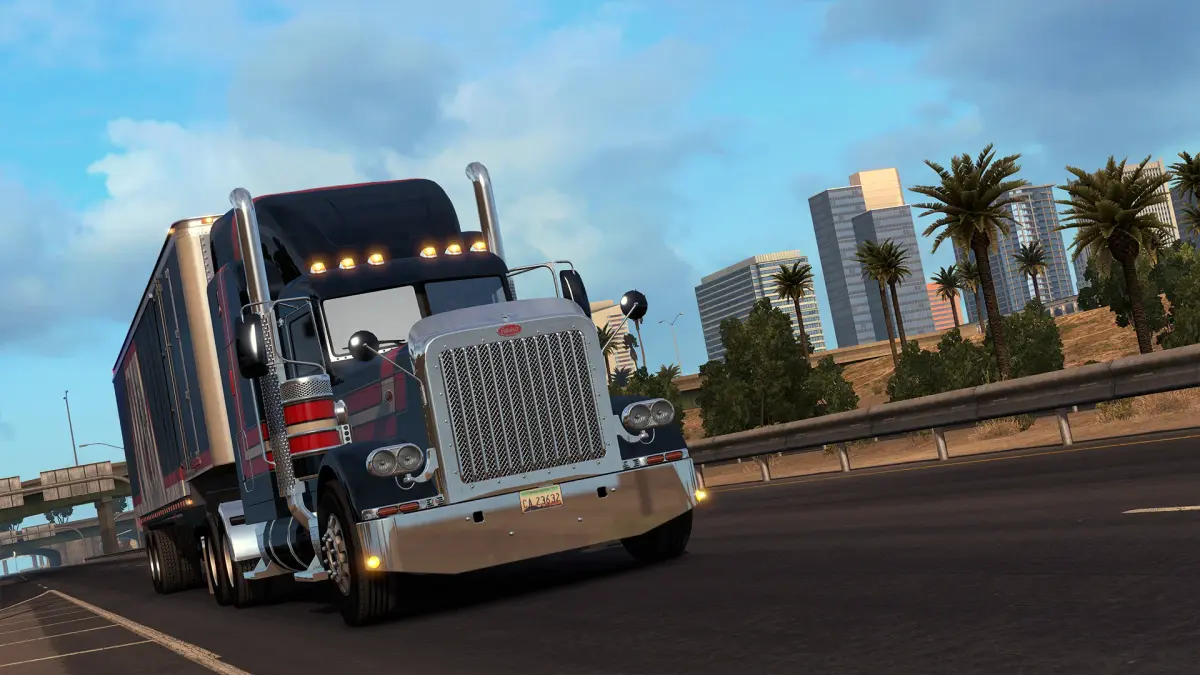

Learn how to create your profile, choose your avatar, name, truck, and company logo in American Truck Simulator. Get started with quick jobs and earn your first $100,000.
Walkthrough
- 1Profile Creation: Choose your avatar, name, preferred truck, and company logo.
- 2Difficulty Selection: Select your preferred difficulty level (higher means more realism).
- 3Initial Jobs: Complete quick jobs using provided trucks to earn money.
- 4First Truck Purchase: Earn at least $100,000 to buy your first truck.
- 5Skill Unlocks: As you complete jobs and level up, unlock skills to improve fuel efficiency, long-distance hauling, and access hazardous, fragile, or important deliveries.
- 6Garage Expansion: Once you have enough funds, purchase or upgrade a garage to store more trucks.
- 7Hiring AI Drivers: Hire AI drivers from a recruitment agency and assign them trucks from a dealership to increase your earnings.
- 8Cargo Unloading Choice: At destination depots, choose between a 'desired spot' (more experience, harder parking) or a 'safe spot' (less experience, easier parking). You can also forfeit parking experience points to skip parking.
Tips
- Higher difficulty settings offer a more realistic gameplay experience.
- Focus on earning $100,000 quickly to purchase your first truck.
- Unlock skills strategically to enhance your hauling capabilities.
- Consider expanding your garage and hiring AI drivers to maximize income.
- Decide whether to aim for higher experience points with challenging parking or opt for an easier delivery.
100% Human-Written. AI Fact-Checked. Community Verified. Learn how AntMag verifies content