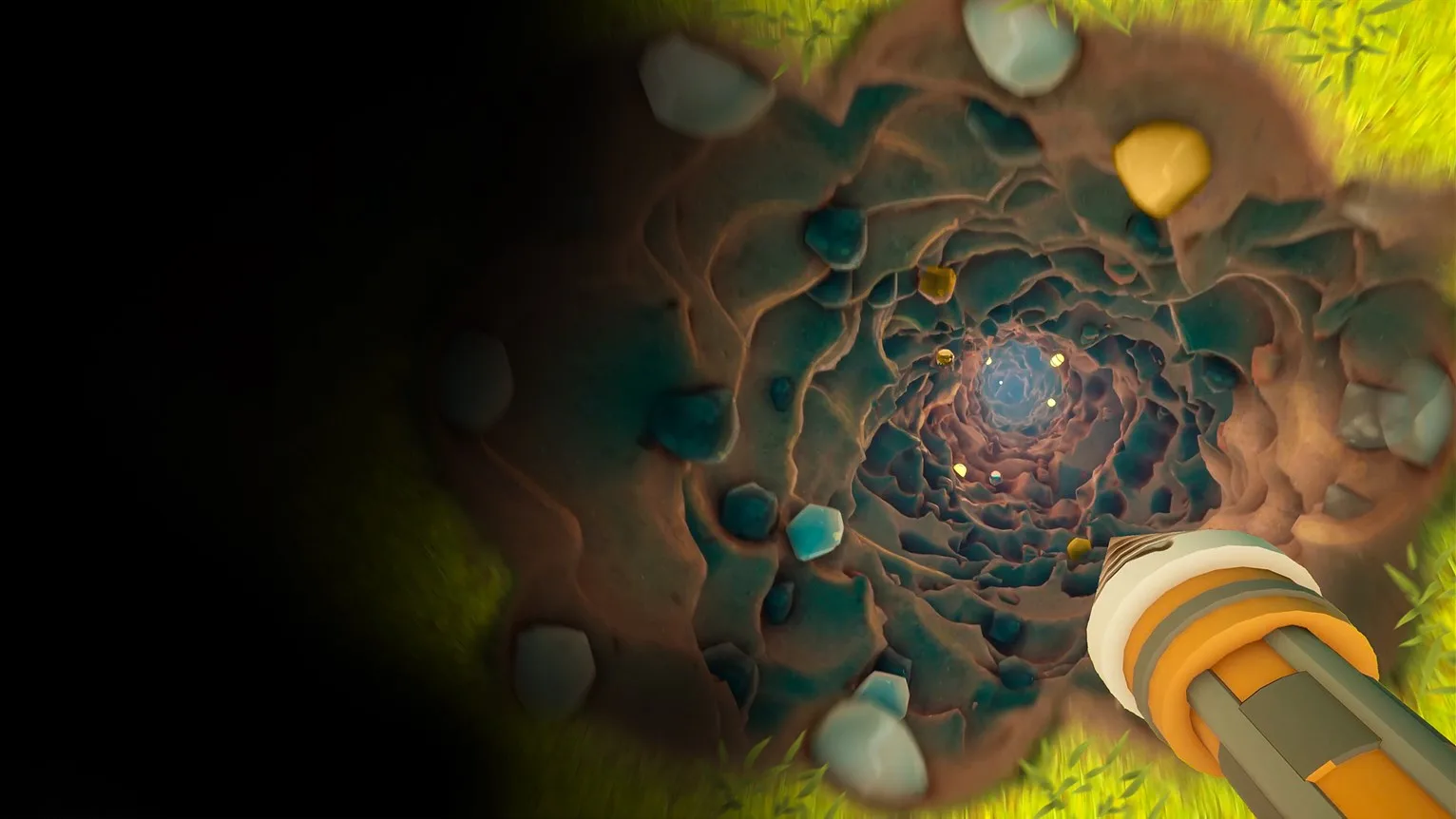
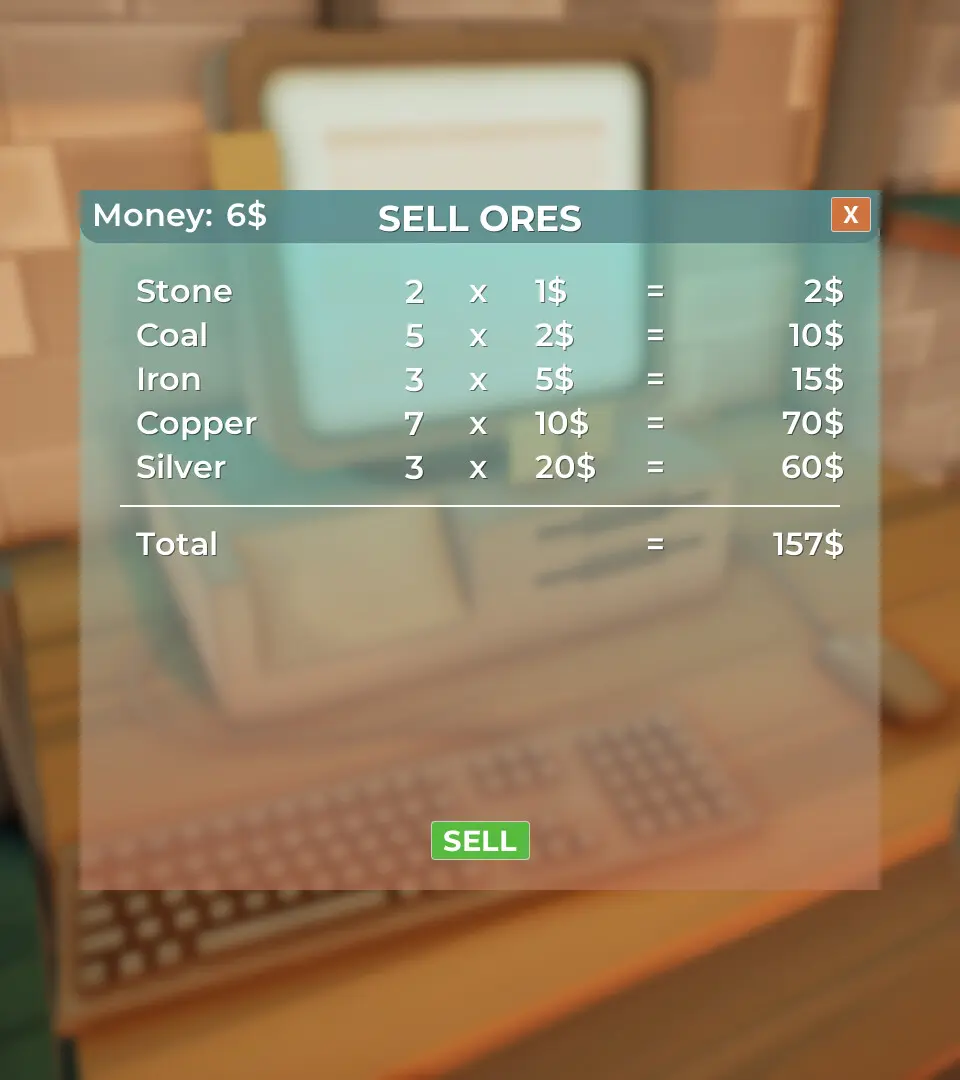
A detailed guide to the User Interface (UI) elements in 'A Game About Digging A Hole', explaining each component's function.
The UI in 'A Game About Digging A Hole' is designed to be minimalistic yet informative. Here's a breakdown of key elements you'll encounter:
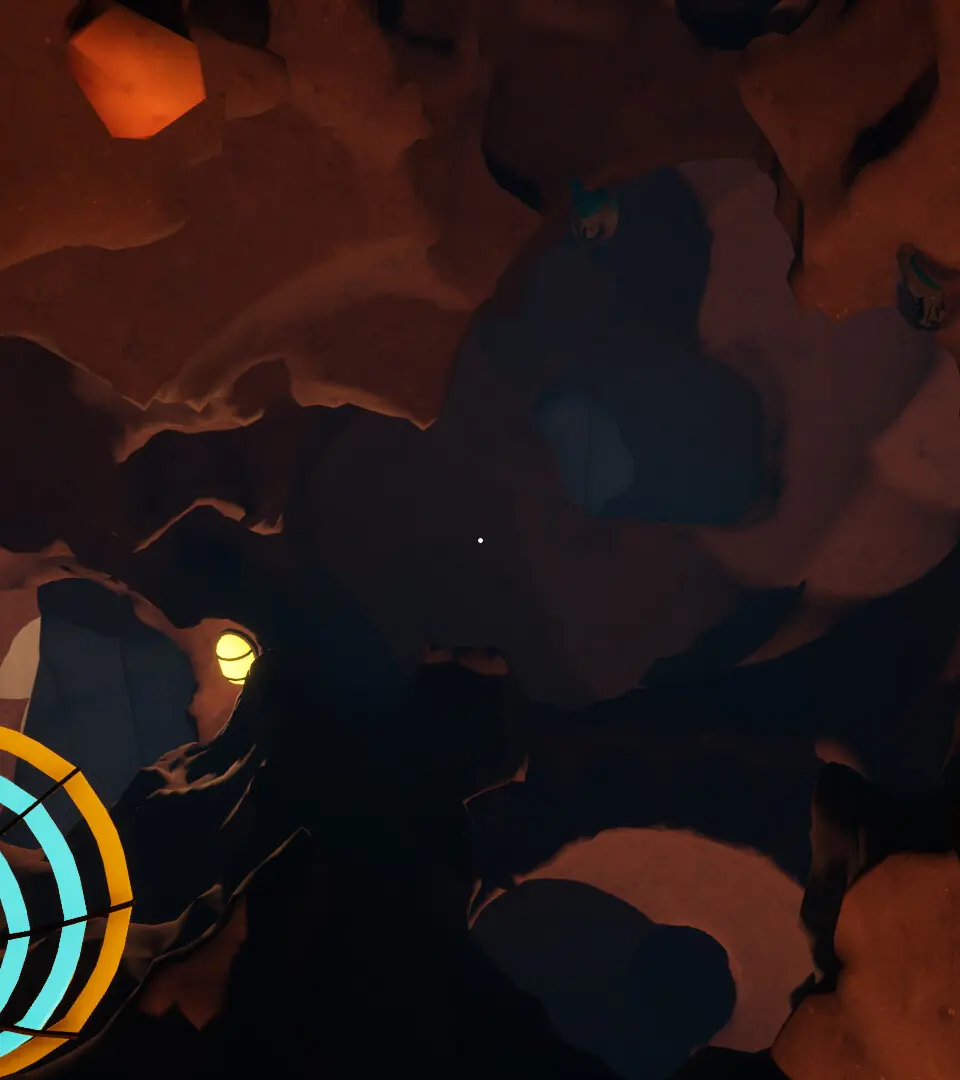
- Top Left: Stamina Bar (Green) – Depletes when digging, sprinting, or using heavy tools. Regenerates slowly over time or quickly with consumables. Health Bar (Red) – Depletes from environmental hazards or creature attacks.
- Bottom Center: Quick Slot Bar – Displays your currently equipped tools and items. Use the scroll wheel or number keys (1-9) to switch.
- Bottom Right: Depth Indicator – Shows your current depth below the surface in meters. Crucial for quest objectives and finding specific resources. Compass – Helps you navigate horizontally.
- Top Right: Active Quest Tracker – Briefly displays your current objective. Press 'Tab' to open the full Journal for details.
- Center Screen: Crosshair – Indicates where your digging or placement action will occur.
Keeping an eye on your stamina and depth is paramount for efficient and safe digging.
100% Human-Written. AI Fact-Checked. Community Verified. Learn how AntMag verifies content