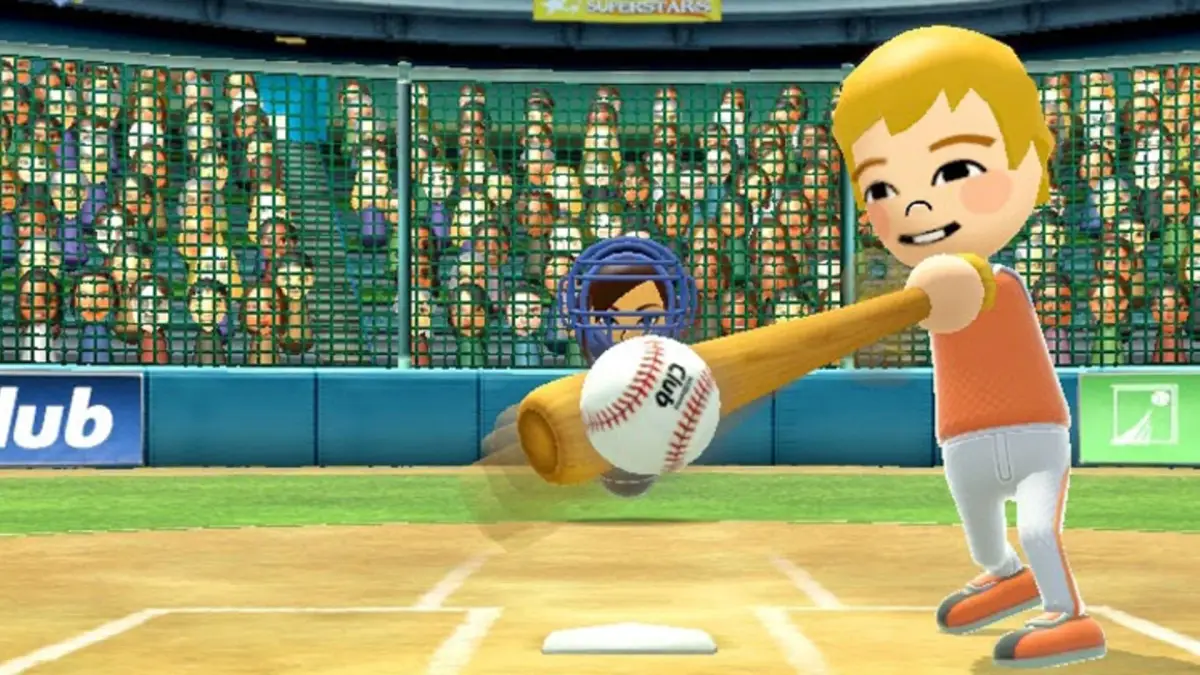
Discover hidden secrets in Wii Sports Golf, including how to change ball color and unlock the star ball by reaching PRO status.
Walkthrough
- 1When the game starts and the screen fades to black, hold different directions on the D-Pad to change the ball's color: Up for Blue, Down for Green, Left for Red, and Right for Gold.
- 2Release the ball behind you to surprise the crowd.
- 3You can throw the ball across lanes by rotating left and right and releasing it late to get it over the gutters.
- 4Achieve PRO status to unlock a special star-coated ball.
Tips
- Experiment with the D-Pad directions at the start of the game to see all the available ball colors.
- Try releasing the ball behind you for a fun crowd reaction.
- Mastering the rotation and late release technique can help you navigate tricky lane placements.
- Aim for PRO status to earn the unique star ball.
100% Human-Written. AI Fact-Checked. Community Verified. Learn how AntMag verifies content