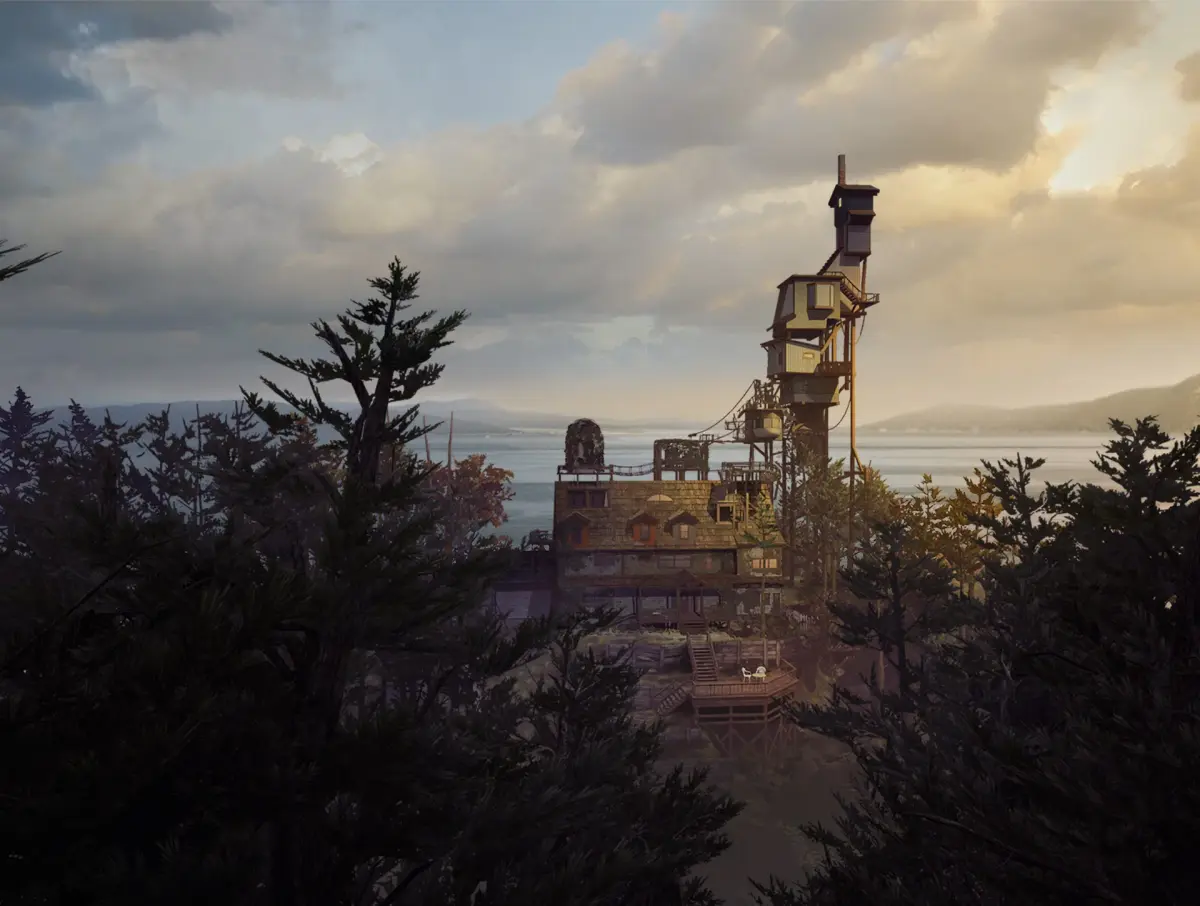
Find the telescope for the Peephole trophy in What Remains of Edith Finch and complete Sam's story by taking specific photos.
Walkthrough
- 1After Walter's story, lift the trapdoor and follow the same route he took, going through the hole in the wall.
- 2Follow the track and take the narrow pathway to the left down to the beach.
- 3Climb the steps up to a white picket gate. Go through the gate and head right, past a bench and down the path.
- 4Continue up the path to the monument.
- 5Turn down a short path at the edge of the cliff to find a Telescope.
- 6Press R1 to touch it and push the left stick forwards to focus. Use the right stick to move the telescope's position up, down, left, or right. You will receive a comment. This contributes to the Peephole trophy.
- 7Turn around and go back down the track. At the junction, take the path to the left.
- 8Listen to comments as you approach the set of graves.
- 9Continue to a white ladder. Move up it and follow a narrow path around the tree trunk.
- 10Keep pushing forwards for more comments until you land on the roof.
- 11Walk up to a small balcony and climb the black ladder at the left corner.
- 12Open the door to enter Sam's room.
- 13Look at the photos on the left wall for a comment.
- 14Go into the alcove by the door to find Sam's shrine on the desk.
- 15Open the yellow folder to begin Sam's story. Use R1 and then the right stick to flip open the folder.
- 16Sam's Story: You are viewing events through a camera. The left stick zooms in (forwards) and out, and allows you to focus the shot. The right stick moves the viewpoint up, down, left and right.
- 17Look into the car. Move slightly right and zoom to focus on Dawn in the front seat. Move the camera again, and she will comment.
- 18Take a photo of Dawn using the R2 button to progress.
- 19Now you are outside the car. Take a photo of the car for another comment.
- 20Move the camera to the right of the car and zoom to get Dawn in focus standing in front of the Odin Finch park sign. Take a photo.
- 21The camera is handed to Dawn. You can take pictures of anything, but specific photos will prompt story progress.
- 22Shift the camera right and zoom in on a single tree to take a photo of a blue bird.
- 23Shift left and take a photo of Sam next to a tree. It must be close enough for a reaction.
- 24Move the camera right as Sam talks. Tip the camera up and zoom in on a bird on a wire next to some gloves. Take a photo.
- 25Zoom a little more and spot a deer on a rock bluff. Take a photo of the deer.
- 26The scene changes. Scan down the tree and left until you see Dawn. Get her in focus and take a photo.
- 27Look at the deer again and get it clearly in focus in the middle of the circle. Press R2.
- 28Take a couple more photos of Sam if you cannot move him.
- 29Move Sam towards Dawn using the left stick. Events will take over.
- 30Close the book.
- 31When in control again, turn to look at the photo at the back of this part of Sam's room.
- 32You'll see a white spot on the handle of a low door in the right-hand corner. Use R1/2 and the left stick to slide it open.
- 33You are inside a narrow passageway. Head for the far end and open the gate to enter a children's room.
Tips
- The telescope action contributes to the Peephole trophy.
- In Sam's story, specific photos are required to progress. Focus on the subjects mentioned in the walkthrough.
- You can take photos of anything you like during Dawn's camera segment, but the story progresses with specific shots.
100% Human-Written. AI Fact-Checked. Community Verified. Learn how AntMag verifies content