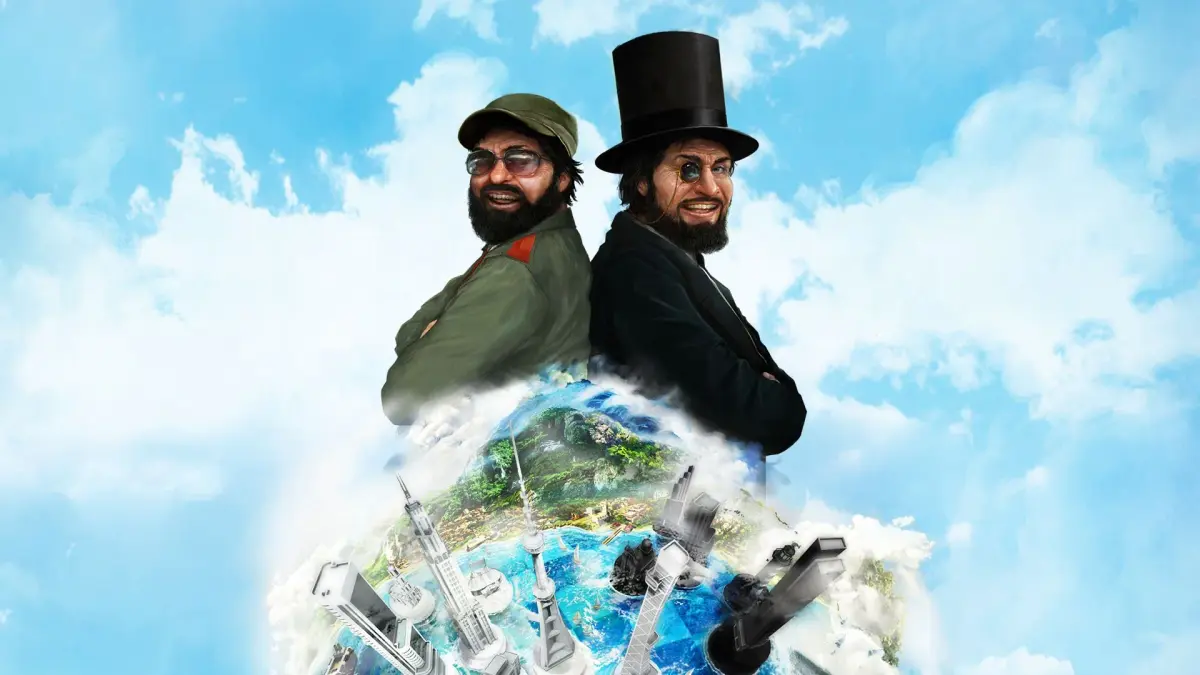
Learn how to use Tropico 5's Editor Mode to shape your island, reclaim land, and even create custom scenarios. Tips for using the editor for fun or advantage.
Alright, let's talk about Editor Mode in Tropico 5. This is where you get to play God with your island! You can sculpt the land, create buildings from thin air, and generally have a blast. You'll need the Tropico Editor for this, which you can download from the internet. I'm using version 1.03 for this guide, so keep that in mind if you're on an older version.
Think of the editor as a tool for more than just cheating. Sure, you can make yourself rich instantly, but you can also use it to create more interesting or challenging landscapes. It's all about how you choose to use it.
Editor Mode: Your Island, Your Rules
Presidente, with the editor, you have immense power. You can literally move mountains, flatten terrain to sea level, and place anything you desire to craft unique landscapes. Let's dive into how you can use this power effectively.
Map Editing: Cheating or Creative Tool?
Some of you might be thinking, "This is cheating!" And yes, it *can* be. But map editing isn't always about gaining an unfair advantage. For instance, flattening a hill to create more building space is useful. However, be aware that changing the terrain can affect your crops. What thrives on hills, like coffee, might not do well on flat, wet land. Flattening everything might be great for sugar, but other crops needing good drainage could suffer. You'll also have a lot more trees to clear if you flatten dense jungle areas, which are great for logging but a pain for construction and farming.
Map editing crosses into cheating territory when you use tools like "Place Minerals" to blanket your island in gold, or when you use the editor to restore a forest you've already logged. If you're using the editor purely to enhance your island's resources or bypass game mechanics, that's cheating. But if you're just tweaking the auto-generated terrain you didn't like, or even making things *more* difficult by adding cliffs and fjords, that's a different story. It's about adjusting your strategy to the new conditions you create.
Smoothing Terrain: Pros and Cons
Making your entire island flat sounds appealing. Your citizens will walk farther without getting tired, and crops that prefer lowlands will flourish. You can even have cattle and goats grazing all day. However, you'll have to kiss coffee production goodbye, which can be a real bummer if trade prices suddenly spike. Tourists might wander into areas they shouldn't, and your rainfall patterns could become erratic without mountains to direct them.
Remember, changing your island's topography directly impacts the strategy for your farms and mines. Plan accordingly!
Expanding Your Island's Borders
This is where things get interesting, a mix of a difficulty cheat and personal preference. Got an awkward inlet that makes navigating the coastline difficult? You can use the "place beach" tool to create a land bridge, then fill in the water and existing beaches with grass. Boom, land reclamation made easy! Want a tiny island surrounded by water? Build outwards from the center, carefully reclaiming land without blocking boat access. You can outline your new island with the beach tool and then fill it in with grass or other land types.
Just a heads-up: after you redraw your island's borders, you'll likely need to move your city. The game usually places it in an inconvenient spot after such major changes. Check the EDITOR.TXT file for specific instructions on moving your city.
Relocating the Magnifico Palace
Found gold deposits in a less-than-ideal starting location? You can actually remove your palace, farms, and docks and then re-place them right on top of those gold deposits. This can give your economy a significant boost, especially if you're not great at maximizing your starting resources. While this technically counts as cheating unless you're moving away from an archaeological site or existing gold, it's a handy trick if you're struggling.
Advanced Editor Tricks: Custom Events
If you've delved into creating custom events, you'll know there's a lot of power there. While I'm not a syntax wizard when it comes to event programming, the concept is powerful. You can create an event that always evaluates to true. For example, you could set a condition like "AddTo All Revenue, 200" using a tool like `eventadd.exe`. This effectively triples the price of everything you sell! Imagine starting a new island, turning it into a custom scenario map, and then using events to make the game incredibly difficult or ridiculously easy. The possibilities are vast if you're willing to learn the event system.
100% Human-Written. AI Fact-Checked. Community Verified. Learn how AntMag verifies content