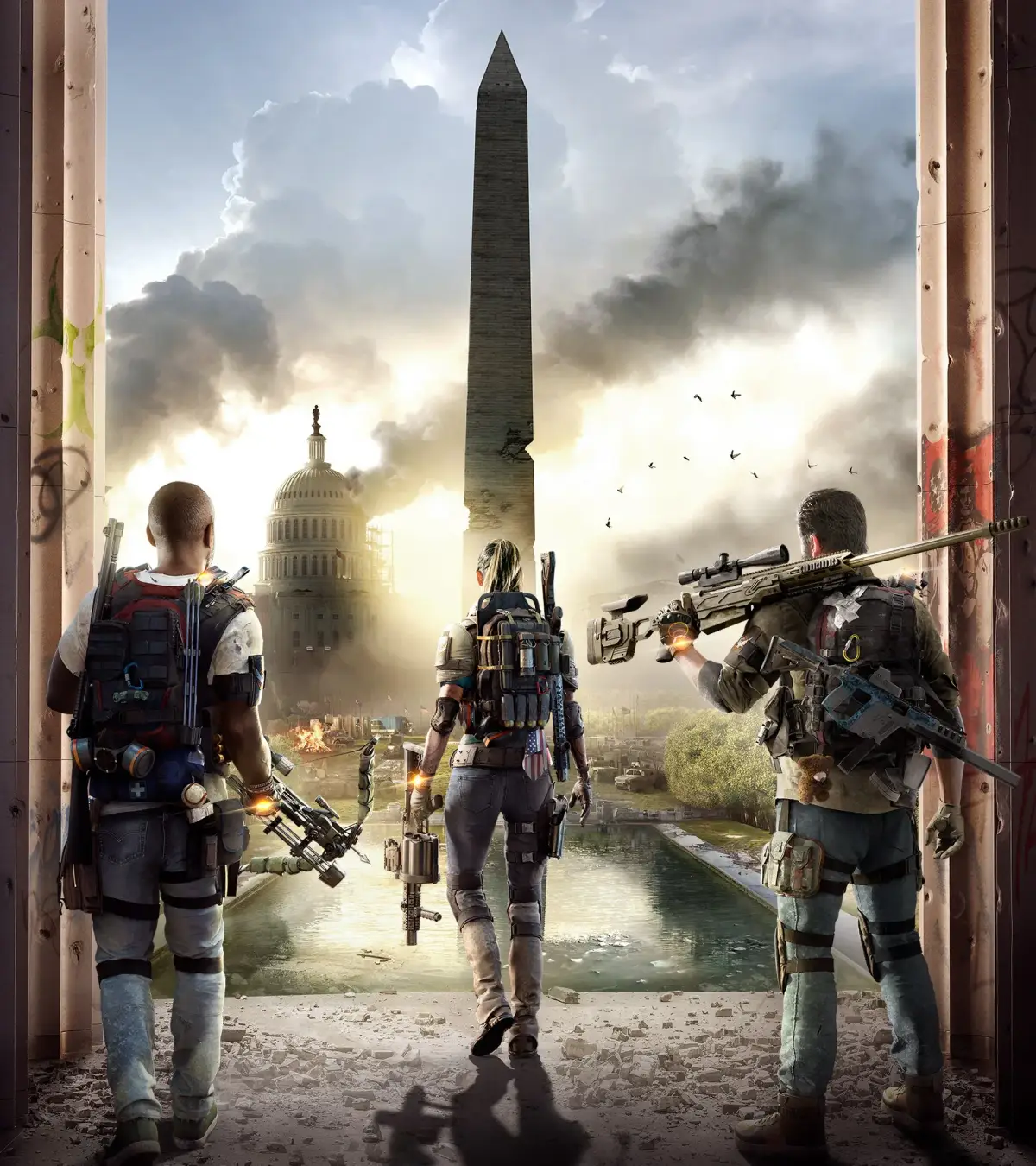
Learn how to optimize your Recalibration Library in Tom Clancy's The Division 2. This guide covers the best practices for managing and upgrading your library to enhance your gear.
The Recalibration Library is a crucial feature in Tom Clancy's The Division 2, allowing players to store attribute and talent values from gear to transfer them onto other items. Optimizing this library is key to creating powerful builds.
Walkthrough
- 1Acquire Gear: Farm missions, open chests, and complete activities to obtain gear with desirable attributes and talents.
- 2Extract Attributes/Talents: Visit a Recalibration Station. Select the gear piece you want to extract from, then choose the 'Extract' option for the specific attribute or talent you wish to add to your library. Note that extracting will destroy the gear piece.
- 3Store in Library: The extracted attribute or talent will be added to your Recalibration Library. Each attribute and talent can only be stored once at its maximum possible value.
- 4Recalibrate Gear: Once an attribute or talent is in your library, you can transfer it to another gear piece at the Recalibration Station. This process consumes the stored value from the library.
- 5Prioritize High Values: Focus on extracting the highest possible values for each attribute and talent to maximize the effectiveness of your builds.
Tips
- Always check the maximum possible roll for an attribute or talent before extracting. You can see this by hovering over the item in your inventory.
- Talents can only be extracted from Named Items.
- The Recalibration Library has a limited capacity, so be selective about what you store.
- Higher rarity gear (e.g., Exotic gear) often has unique talents that are highly sought after for the library.
- Regularly review your library and your gear to identify any gaps or opportunities for improvement.
An optimized Recalibration Library allows for greater build diversity and the creation of highly specialized and powerful character builds, leading to more effective gameplay in all aspects of Tom Clancy's The Division 2.
100% Human-Written. AI Fact-Checked. Community Verified. Learn how AntMag verifies content