
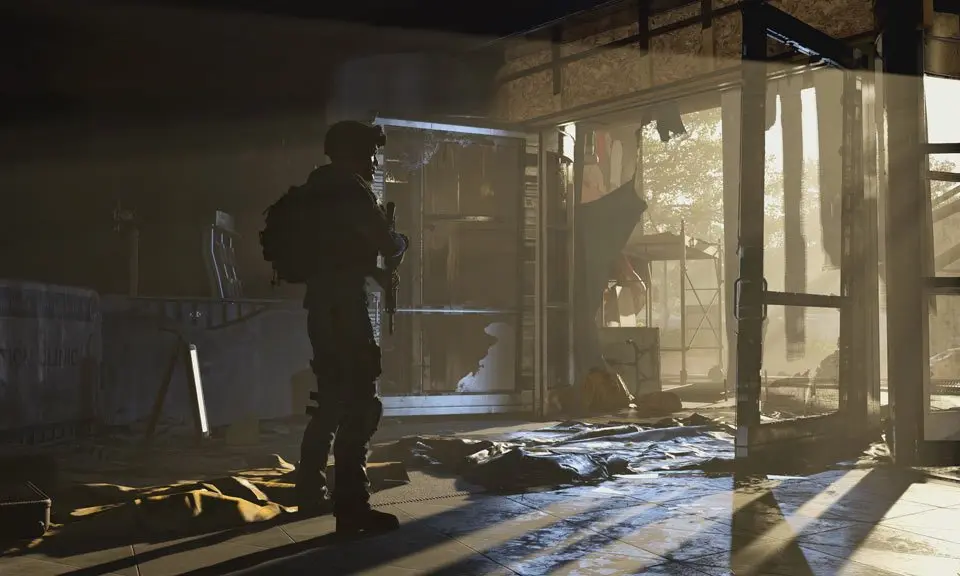
Master the User Interface (UI) in Tom Clancy's The Division 2. Learn to navigate menus, track objectives, manage inventory, and understand combat indicators for a seamless gameplay experience.
Tom Clancy's The Division 2 features a complex User Interface (UI) designed to provide players with all the necessary information for survival and progression in a post-pandemic Washington D.C. Understanding its various components is crucial for effective gameplay, from managing your inventory and skills to tracking missions and understanding enemy threats.
The UI is divided into several key areas:
- HUD (Heads-Up Display): This is your primary in-game information panel. It displays your health, armor, ammo count, mini-map with objectives and enemy locations, skill cooldowns, and active status effects. Pay close attention to the mini-map for enemy proximity and the health/armor bars to manage combat effectively.
- Inventory Management: Accessible via a dedicated menu, this section allows you to view, equip, and compare gear. You can sort items by various criteria, such as rarity, level, or type, and manage your backpack space. Understanding gear stats and attributes is key to optimizing your build.
- Skills and Talents: Here you can select and customize your active skills (e.g., healing chem launcher, assault turret) and passive talents. Each skill has a cooldown, indicated on the HUD, and talents provide various combat or utility bonuses.
- Mission Log: This menu tracks your active main missions, side missions, and activities. It provides details on objectives, rewards, and recommended gear scores, helping you plan your next steps.
- Map: The world map allows you to fast travel to discovered locations, view control points, and see available activities in different districts. It's essential for navigating the vast open world of Washington D.C.
- Character Sheet: This screen provides a detailed breakdown of your character's stats, attributes, and equipped gear, allowing for in-depth build planning and optimization.
Familiarizing yourself with these UI elements will significantly enhance your ability to manage resources, strategize in combat, and progress through the challenging world of Tom Clancy's The Division 2.
100% Human-Written. AI Fact-Checked. Community Verified. Learn how AntMag verifies content