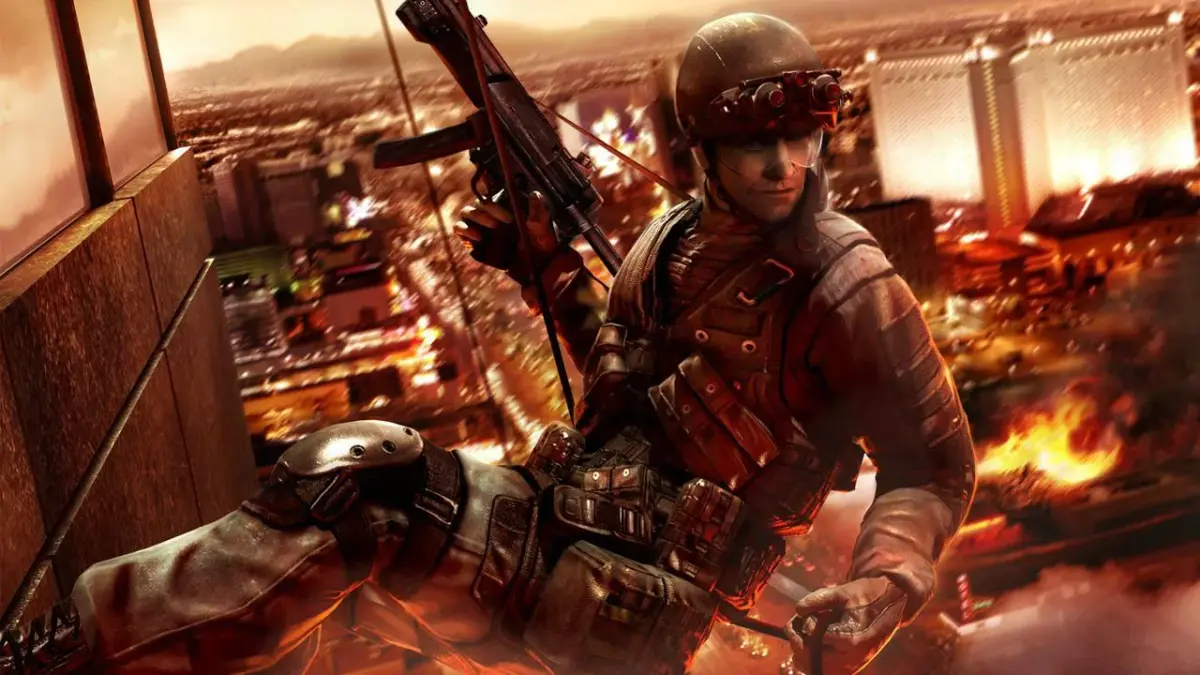
Tom Clancy's Rainbow Six Vegas 2 Xbox 360 controls: Learn what each button does, from firing and reloading to taking cover and accessing the minimap.
Controls:
- A Button: Use team move.
- X Button: Reload weapon. Hold for weapon options such as Rate of Fire (ROF) and silencer, and also for laser sight.
- B Button: Throw grenade.
- Y Button: Change primary weapon. Hold to change to pistol and to change grenade.
- RB (Right Bumper): Change vision mode. Hold for menu.
- LB (Left Bumper): Tag terrorist. Hold to sprint.
- RT (Right Trigger): Fire weapon.
- LT (Left Trigger): Take cover (press the cover button to crouch behind walls or objects).
- RS (Right Stick): Look around. Click to zoom.
- LS (Left Stick): Move character. Click to crouch. Click while on a rope to turn upside down.
- DPAD (Directional Pad): Issue team orders.
- START Button: Access the pause menu.
- BACK Button: Change Rules of Engagement (ROE). Hold for the minimap (a small map displayed on the HUD (heads-up display — the on-screen icons showing health, ammo and the minimap), or Heads-Up Display).
Tips
- Holding the Y button allows you to switch to your pistol or select a different grenade.
- Holding the LB button is crucial for quickly moving across open areas by sprinting.
- Use LT to quickly duck into cover when under heavy fire.
- The RS button click allows for a tactical zoom, useful for spotting enemies at a distance.
- Clicking the LS while on a rope offers a unique maneuver to turn upside down.
100% Human-Written. AI Fact-Checked. Community Verified. Learn how AntMag verifies content