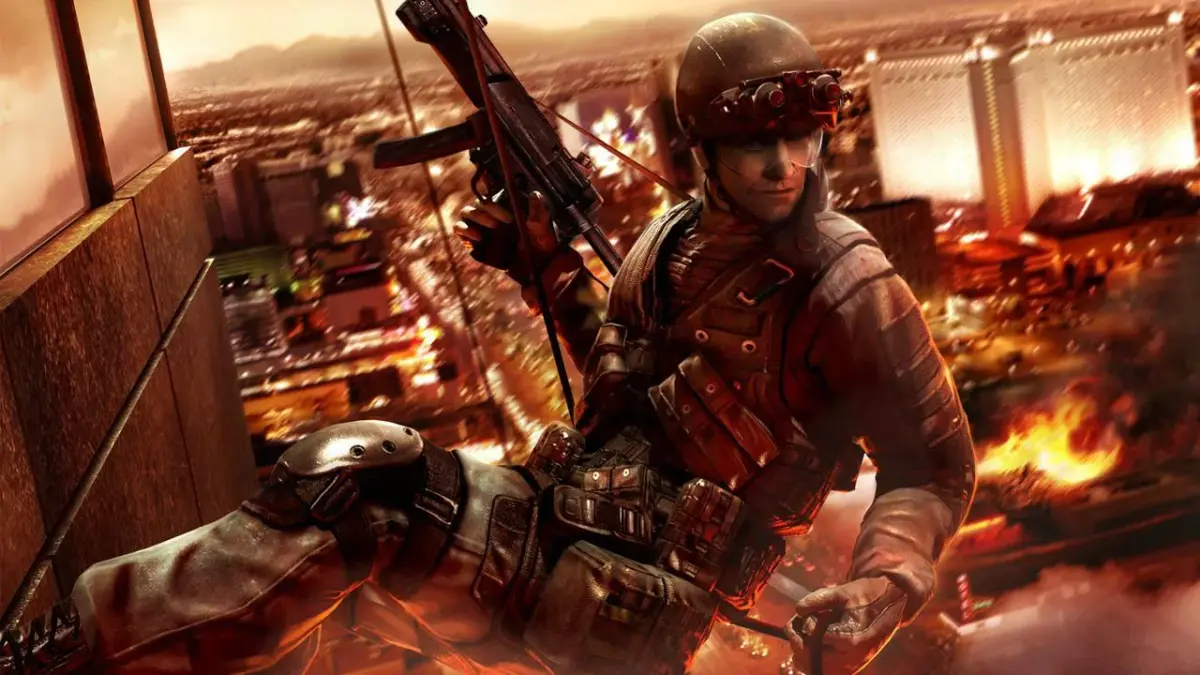
Get the most out of Tom Clancy's Rainbow Six Vegas 2 on PS3! Learn essential controls, starter tips, and strategies for a smoother gameplay experience.
Hey there! So you're diving into Tom Clancy's Rainbow Six Vegas 2 on the PS3? Awesome choice! This guide's gonna break down the controls and give you some solid starter tips to make sure you're not caught off guard. Let's get you up to speed so you can dominate the battlefield.
First off, let's talk about how you'll be moving and shooting. The game gives you a lot of control, and knowing these by heart will make a huge difference:
- START: This is your pause button. Use it to access the options menu, where you can check out the controls in detail, manage your Rules of Engagement (ROE), and see your objectives.
- SELECT: This button is key for understanding your mission. It shows your objectives and lets you change your Rules of Engagement (ROE) on the fly.
- RIGHT STICK: Need to zoom in on a distant enemy or a crucial detail? This is your zoom control.
- LEFT STICK: This is your primary movement control. Importantly, pressing it down makes your character crouch, which is vital for stealth and taking cover.
- SQUARE: This button handles reloading your weapon. But here's a cool trick: hold it down, and you can activate special actions like going silent, which is super useful for sneaking up on enemies.
- TRIANGLE: Use this to switch between your primary and secondary weapons. Hold it down, and you can cycle through your available grenades.
- X BUTTON: This is your command button. You'll use it for actions like climbing over obstacles, interacting with the environment, and, crucially, issuing commands to your AI teammates.
- CIRCLE: Ready to clear a room or disorient enemies? This is your throw grenade button.
- D-PAD: Your team is important! Use the D-Pad to issue specific commands to your squad, directing their movements and actions.
- R1: This is your main fire button. Aim and shoot your way through the opposition.
- L1: Need to duck out of the line of fire? This button makes your character take cover behind nearby objects, a lifesaver in intense firefights.
- L2: Want to move fast? Hold this down to sprint. It's essential for closing distances or escaping danger quickly.
- R2: This button toggles your tactical vision modes – thermal and night vision. Use them to spot enemies in low light or through smoke.
Starter Tips for Success
Alright, controls down. Now let's get into some crucial advice that'll make your early game much smoother. These aren't just random tips; they're based on how the game is designed, so pay attention!
- Know Your Controls (Seriously!): I know I just went over them, but seriously, check the options menu. Understanding your Rules of Engagement (ROE), Rate of Fire (ROF), and how to command your team is non-negotiable. The game throws a lot at you, and knowing these basics will prevent you from making costly mistakes.
- Breach Smart, Not Hard: Most rooms have multiple entry points, and enemies aren't always waiting right by the door. Look for alternate routes – maybe a skylight for rappelling, or a window you can shoot through. Don't just kick down the front door every time; think about the best approach, whether it's a flashbang, frag, or a silent breach.
- Your Teammates Are Your Eyes and Ears: You've got two squadmates with you, and they're often better at spotting what's around the next corner than you are. Even if you think an area is clear, send your guys in first. It's a great way to avoid ambushes and conserve your own health.
- Cover is Your Best Friend: This might seem obvious, but it's worth repeating. Use cover constantly. Pop out to shoot, then immediately return to cover. If you're taking heavy fire, don't try to tough it out – find cover and let the situation calm down. The sprint button (L2) is a great addition for quickly moving between cover points.
- Embrace the ACES System: Think of the ACES system like leveling up in an RPG. As you play and perform certain actions (like long-range kills for Marksman, or close-quarters combat for Assault), you'll gain experience points. These points unlock new abilities, weapons, and gear. Focus on the playstyle you enjoy, and you'll naturally unlock useful perks. It's all about progression and customizing your loadout.
- Mix and Match Your Loadout: As you unlock new gear, don't be afraid to experiment. You can customize your weapons with scopes and other attachments. You can also change your armor, but always keep an eye on the trade-off between protection and mobility. Heavier armor means you're tougher, but you might move slower, which can be a disadvantage. Find the balance that works for you.
When you start a new campaign, you'll get to create your character with some customization options. After that, kick off a single-player campaign on normal difficulty, and you're ready to roll. Good luck out there!
100% Human-Written. AI Fact-Checked. Community Verified. Learn how AntMag verifies content