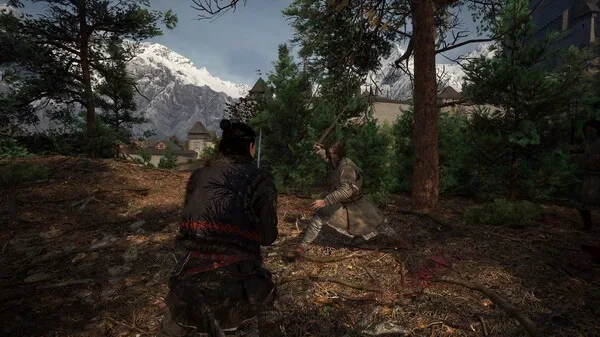

Master the Xbox Series S/X controller layout for The Blood of Dawnwalker. Learn button mappings for combat, movement, and special abilities to dominate the dark fantasy world.
This guide details the Xbox Series S/X controller layout for The Blood of Dawnwalker. Understanding these controls is crucial for navigating the game's world, engaging in combat, and utilizing Coen's unique abilities as a dawnwalker.
| Action | Xbox Series S/X Button |
|---|---|
| Move | Left Stick |
| Camera Control | Right Stick |
| Jump | A Button |
| Dodge/Evade | B Button |
| Interact/Use | X Button |
| Primary Attack | Right Trigger (RT) |
| Secondary Attack/Ability | Left Trigger (LT) |
| Special Ability 1 | Right Bumper (RB) |
| Special Ability 2 | Left Bumper (LB) |
| Crouch/Stealth | Left Stick Button (L3) |
| Sprint | Right Stick Button (R3) |
| Weapon Swap/Cycle | D-Pad Up/Down |
| Item Use | D-Pad Left/Right |
| Menu/Inventory | View Button |
| Map | Menu Button |
| Focus/Target Lock | Click Right Stick (R3) while moving |
Mastering these controls will allow you to effectively manage combat, explore the environment, and make the most of Coen's dual nature as both human and vampire.
100% Human-Written. AI Fact-Checked. Community Verified. Learn how AntMag verifies content