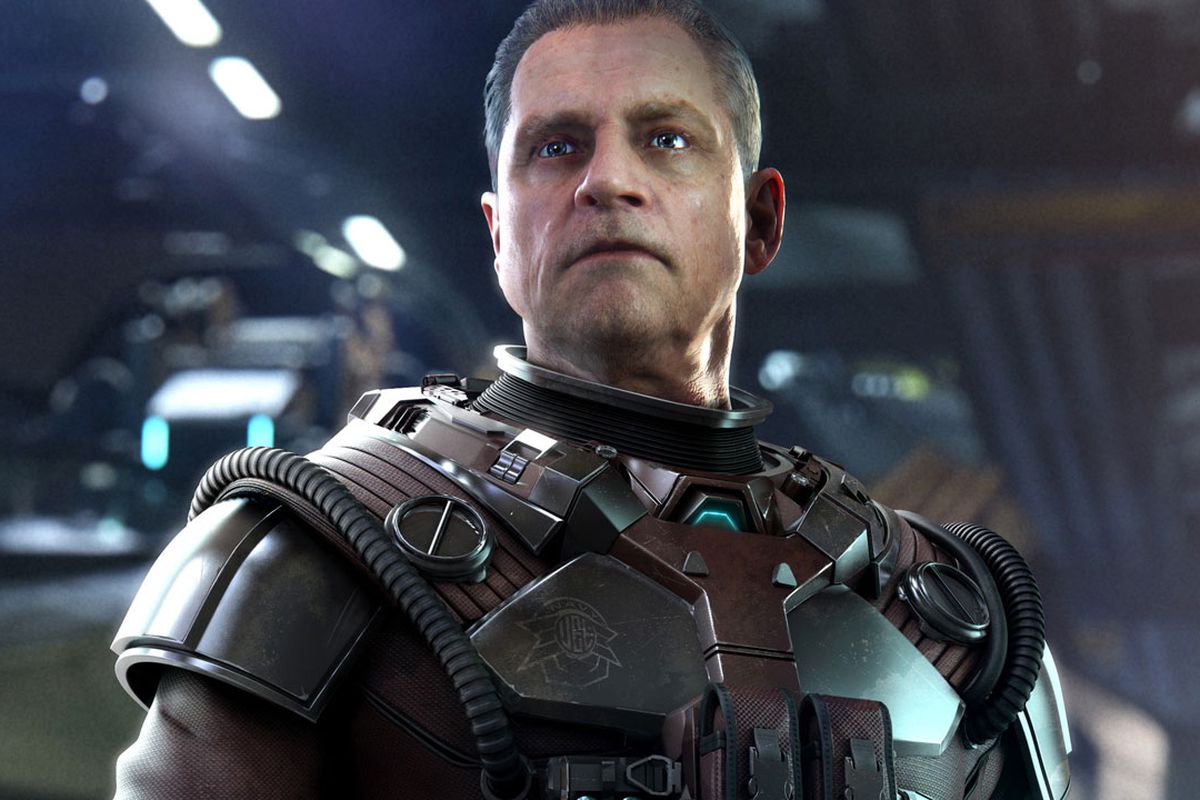
Learn Janson's Settings for Squadron 42, including controls for craft movement, thrust, firing blasters, and special weapons.
Controls:
- Control Stick: Moves your craft.
- A: Thrust.
- B: Fire Blasters.
- L: Fire Mode.
- R: Roll.
- Z: Brakes.
- Start: Pause the game.
- <C: Secondary weapon.
- C>: Special weapon.
- down C: Look around.
- up C: Switch view.
- Control Pad: Functions identically to Luke's and Wedge's settings.
Tips
- Familiarize yourself with the Control Pad mapping as it mirrors other pilots' configurations.
- Experiment with the different Fire Modes (L button) to find what works best for your combat style.
- Use the 'Look around' (down C) and 'Switch view' (up C) functions to maintain situational awareness.
100% Human-Written. AI Fact-Checked. Community Verified. Learn how AntMag verifies content