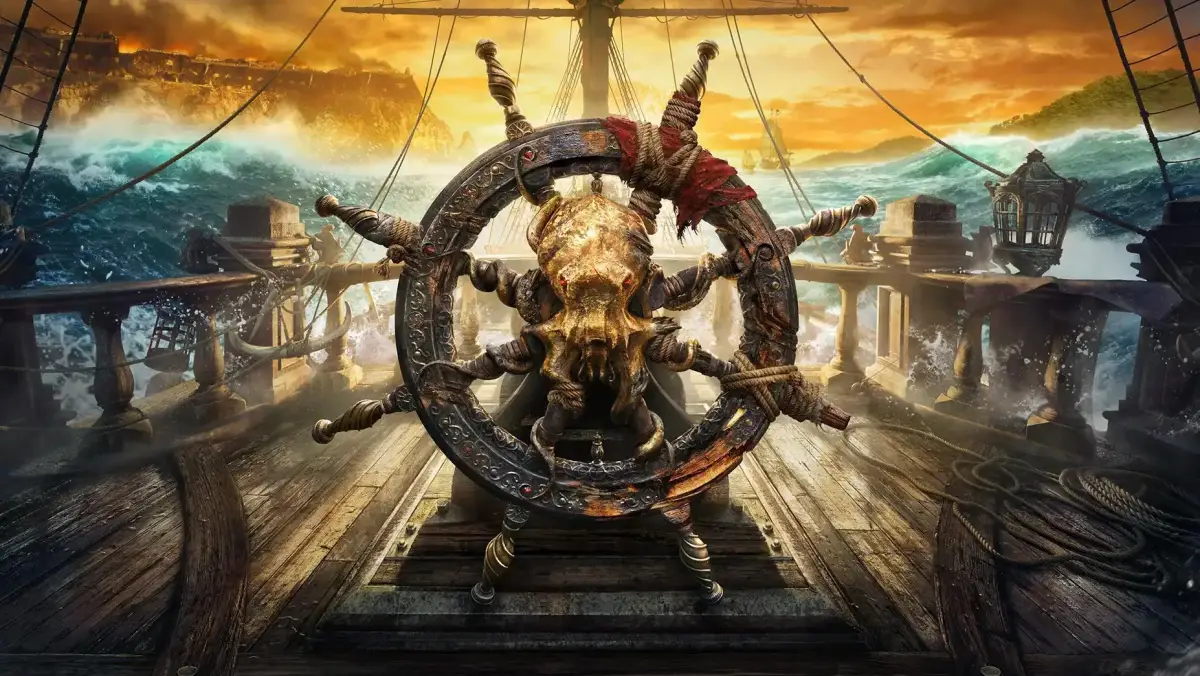
Learn about cursor descriptions in Skull and Bones! We break down what each cursor means so you can navigate the seas like a seasoned pirate. Essential info for new players.
Understanding Your Cursor in Skull and Bones
Alright, so you've just jumped into Skull and Bones, and you're probably seeing all sorts of different mouse pointers flying around. Don't sweat it! Think of your cursor like your pirate's eye – it tells you what you're looking at and what you can do with it. Let's break down the common ones so you don't get caught off guard.
The Standard Arrow
This is your bread and butter. When you see the regular arrow, it just means you're hovering over something you can't directly interact with, like the general game world or UI elements that aren't buttons.
The Hand Pointer
See a little hand popping up? That means you've found something clickable! This could be a button in the menu, an item in your inventory, a quest giver, or even another player's ship you can target. Go ahead and give it a click!
The Target Reticle
This one's pretty straightforward, especially when you're out on the waves. The target reticle usually means you're aiming at something you can attack or interact with in a combat or targeting sense. Keep an eye on this when you're lining up a shot on an enemy vessel or a specific objective.
The Spinning Wheel/Hourglass
If your cursor turns into a spinning wheel or an hourglass, it means the game is busy doing something. It could be loading a new area, processing an action, or saving your progress. Just hang tight for a moment; it'll go back to normal soon.
Specialized Cursors
Depending on the situation, you might see other, more specific cursors. For example, when you're interacting with a map, you might get a magnifying glass. When you're repairing your ship, you might see a wrench. These are usually pretty intuitive, but if you're ever unsure, just remember the basic rule: if the cursor changes, it's trying to tell you something about your current interaction.
Pro Tip:
Don't be afraid to hover over things! Getting familiar with how your cursor changes is one of the quickest ways to learn the ropes and avoid missing out on opportunities or making accidental clicks. Happy sailing!
100% Human-Written. AI Fact-Checked. Community Verified. Learn how AntMag verifies content