
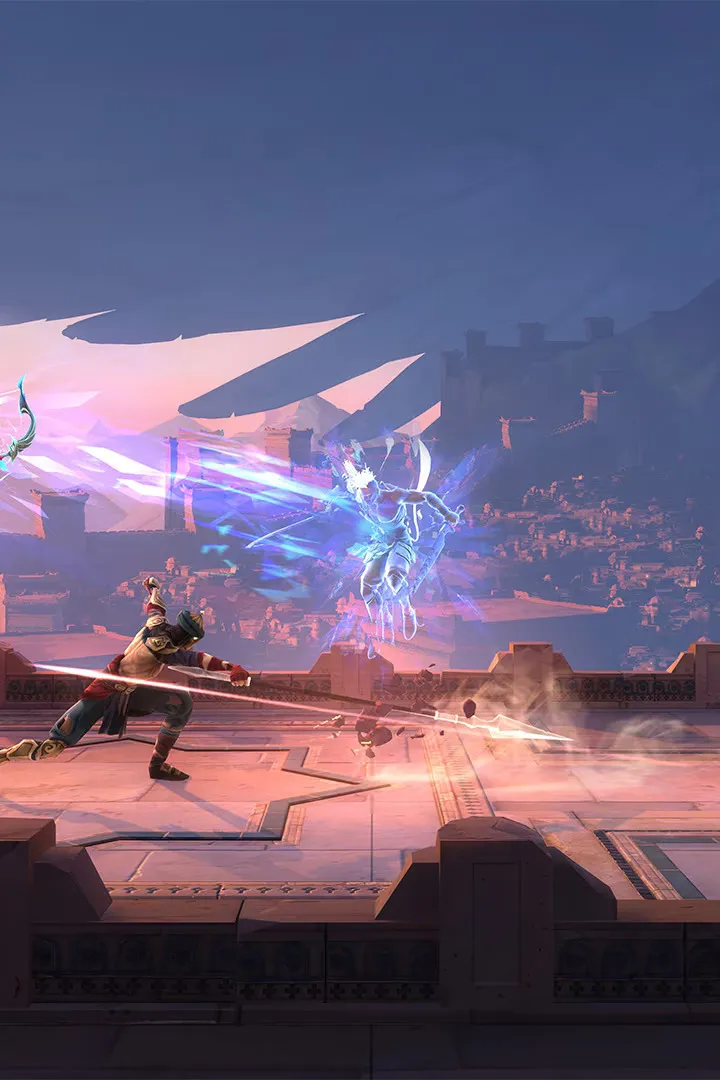
Navigate the world of Prince of Persia: The Lost Crown with our comprehensive UI guide. Learn about controls, map features, and gameplay mechanics to master your journey.
Prince of Persia: The Lost Crown features a dynamic user interface designed to aid players in their perilous journey through Mount Qaf. Understanding its elements is key to survival and mastering the game's intricate combat and platforming challenges.
The UI provides crucial information at a glance, including Sargon's health, available abilities, and the current objective. The map system is particularly vital, allowing players to track their progress, pinpoint important locations, and utilize a unique 'memory shard' feature to mark points of interest by taking a snapshot of their surroundings.
Combat is supported by clear visual cues for attacks, counters, and the build-up of special meters. Health potions are also managed through the UI, with refills available at checkpoints. Players can choose between Guided and Exploration modes, which adjust the level of on-screen guidance provided by the UI, catering to different playstyles.
Progression is saved at Wak-Wak trees, indicated clearly on the interface. The game also supports multiple languages, with options for English and Persian (Farsi) voice acting, reflected in the UI settings.
100% Human-Written. AI Fact-Checked. Community Verified. Learn how AntMag verifies content