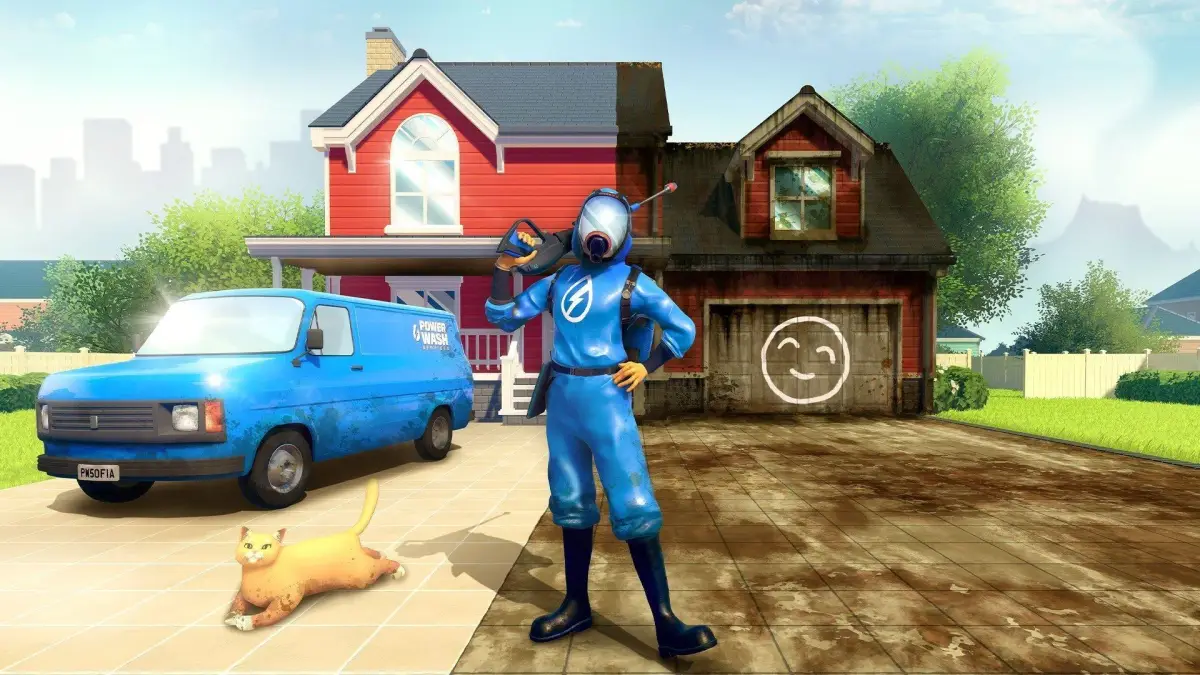
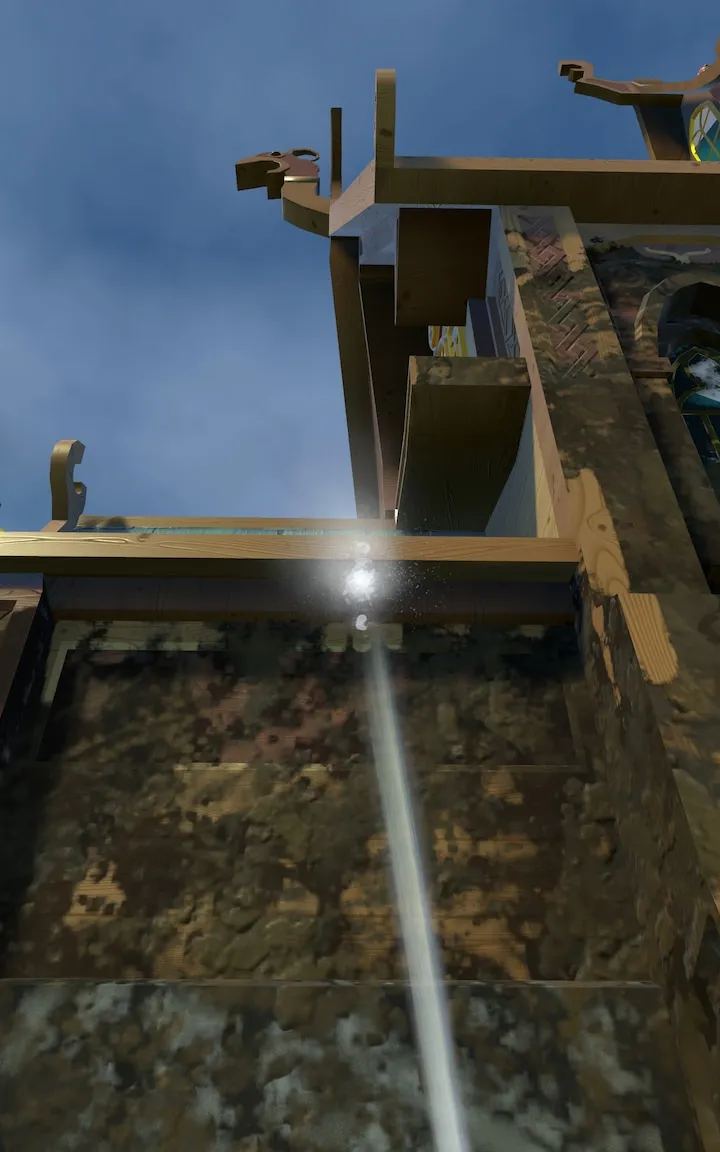
Learn about all the Power Washer extensions in PowerWash Simulator! Discover how they improve your range and when to use each one.
Alright, let's talk about Extensions in PowerWash Simulator. These are super handy for reaching those tricky spots or just making your cleaning job go a bit faster. Think of them as adding a bit more reach to your trusty Power Washer. Basically, all extensions need to be bought from the [Shop](https://powerwash-simulator.fandom.com/wiki/Shop "Shop") before you can use them. The main thing to remember is that while longer extensions give you more reach, they can be a bit less effective when you're super close to a surface. So, you'll want to pick the right one for the job. You can swap them out after buying them by pressing 'E' or holding '1' (check your [Controls](https://powerwash-simulator.fandom.com/wiki/Controls "Controls") if you're unsure). Now, let's break down the types: ### Short Extension This one's a good all-rounder. It gives you a bit more range than your basic Power Washer, about an extra 20%, but it's still great for when you're working up close. It's a safe bet for most situations. ### Long Extension This one really boosts your reach, adding about 40% more range. However, it's not ideal if you're right up against something. You'll want to use this when you need to hit spots from a bit further away. ### Extra Long Extension This is your long-range champion, giving you a massive 110%-145% increase in range! Keep in mind, the exact percentage can vary a bit depending on which Power Washer you're using. A heads-up: you can't grab this one right away. You'll need to unlock the [Mayor's Mansion](https://powerwash-simulator.fandom.com/wiki/Clean_The_Mayor%27s_Mansion "Clean The Mayor's Mansion") job before it becomes available in the shop. Remember to experiment with these to see which one feels best for different jobs. Happy washing!100% Human-Written. AI Fact-Checked. Community Verified. Learn how AntMag verifies content