
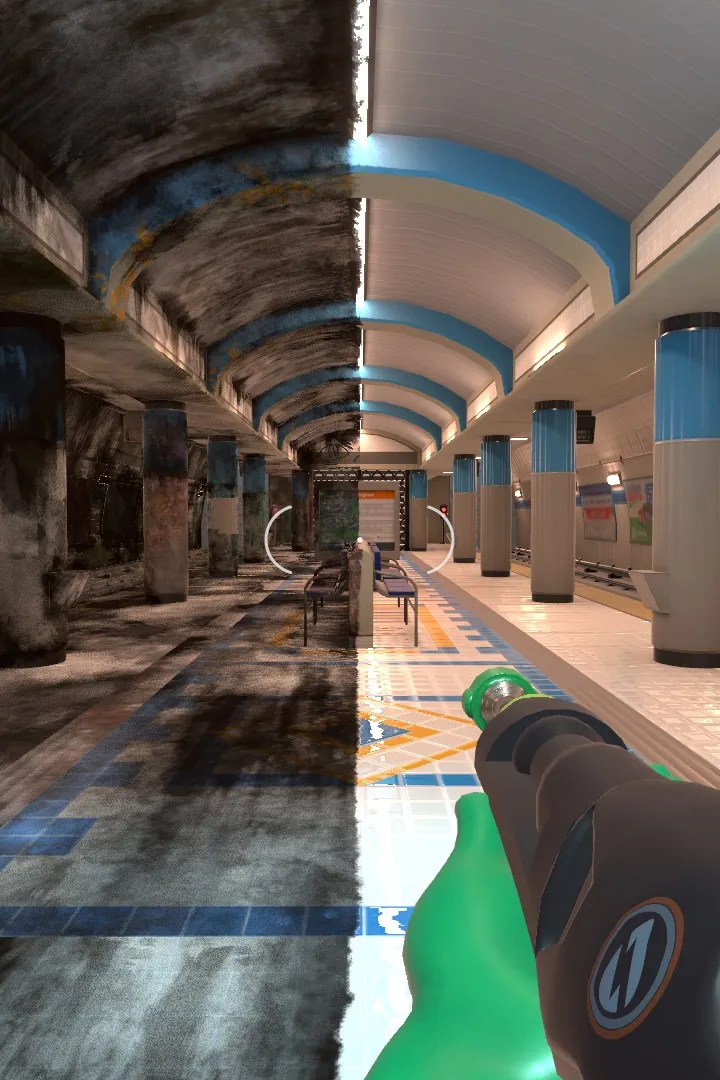
Navigate PowerWash Simulator with ease. This guide breaks down the user interface, controls, and essential game mechanics to enhance your cleaning experience.
This guide covers the user interface and controls for PowerWash Simulator. Understanding the UI is crucial for efficient cleaning and progression through the game's various jobs and challenges.
| Action | Button/Key |
|---|---|
| Move | Left Analog Stick / W, A, S, D |
| Look | Right Analog Stick / Mouse |
| Sprint | Left Stick Click / Left Shift |
| Crouch | B Button / Ctrl |
| Jump | A Button / Spacebar |
| Interact | X Button / E |
| Use Power Washer | Right Trigger / Left Mouse Button |
| Switch Nozzle | D-Pad Up/Down / Mouse Wheel |
| Change Water Pressure | D-Pad Left/Right / Q, E |
| Open Map | View Button / M |
| Open Tablet/Menu | Start Button / Tab |
| Toggle Lights | Y Button / L |
| Clean Specific Area | Right Stick Click / Middle Mouse Button |
| Pause Game | Start Button / Esc |
The in-game tablet provides access to your current job objectives, map, shop, and game settings. Familiarize yourself with its layout to quickly access necessary information.
100% Human-Written. AI Fact-Checked. Community Verified. Learn how AntMag verifies content