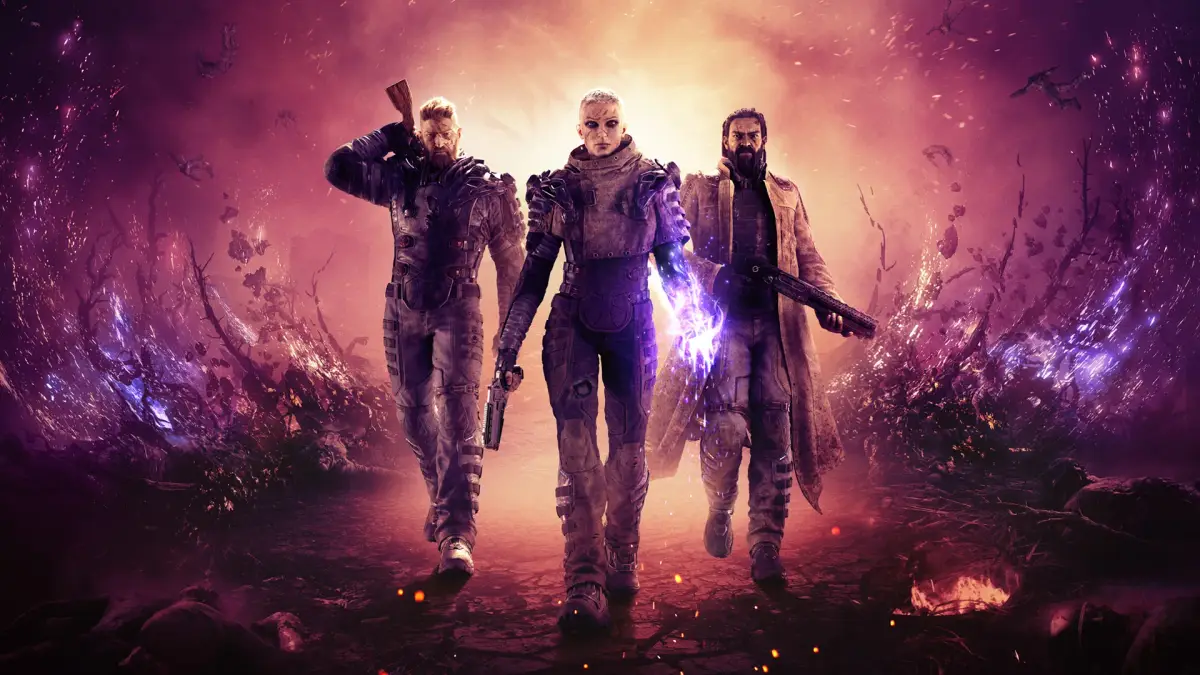
Learn how to join and host sessions in Outriders. Get tips on connecting with friends and other players to tackle challenges together. Your guide to co-op fun!
Hey there, fellow Outrider! Ready to team up and take on Enoch's challenges together? Playing with friends or other players can make the tough fights way more manageable, and honestly, it's just more fun. Let's walk through how you can get into multiplayer sessions, whether you're joining someone else or hosting your own game. ### Joining a Session So, you want to jump into someone else's game? It's pretty straightforward. When you're on the main menu, you'll want to look for the option to 'Join Game' or something similar. This usually brings up a list of your friends who are currently playing Outriders. * Friends List: If your friends are online and playing, you should see them listed here. Simply select their name and choose to 'Join Session'. * Matchmaking: If you're looking to play with random players or fill out your own game, you can use the matchmaking option. This will try to find an available session based on your current story progress or the mission you're trying to tackle. Pro-Tip: Make sure your network settings are good to go! Sometimes, strict firewall settings can prevent you from seeing or joining sessions. Double-check that Outriders is allowed through your firewall. ### Hosting a Session Want to be the one calling the shots? Hosting your own game is just as easy. 1. Start Your Game: Launch Outriders and head to the main menu. 2. Select 'Host Game' or 'Start Campaign': Depending on the menu flow, you'll want to initiate a new game or continue your campaign. This will automatically set you up as the host. 3. Invite Friends: Once your game is running, you can usually open up a social menu or friends list within the game itself. From there, you can invite your friends to join your session. They'll get an invite notification and can join you directly. 4. Open or Closed Session: You'll often have the option to set your session to 'Public' or 'Private'. * Private: Only players you specifically invite can join. Perfect for playing with your established crew. * Public: Anyone can join your game through matchmaking. This is great for finding help on a tough mission or if you just want to play with whoever's out there. Heads Up: If you're hosting a public session and want to ensure a smooth experience for everyone, try to be at a similar story or world tier progression. It helps keep things balanced. Also, be patient! Sometimes it takes a moment for players to join, especially if you're just starting out. That's pretty much it! With these steps, you'll be diving into co-op adventures in no time. Happy hunting, Outrider!100% Human-Written. AI Fact-Checked. Community Verified. Learn how AntMag verifies content