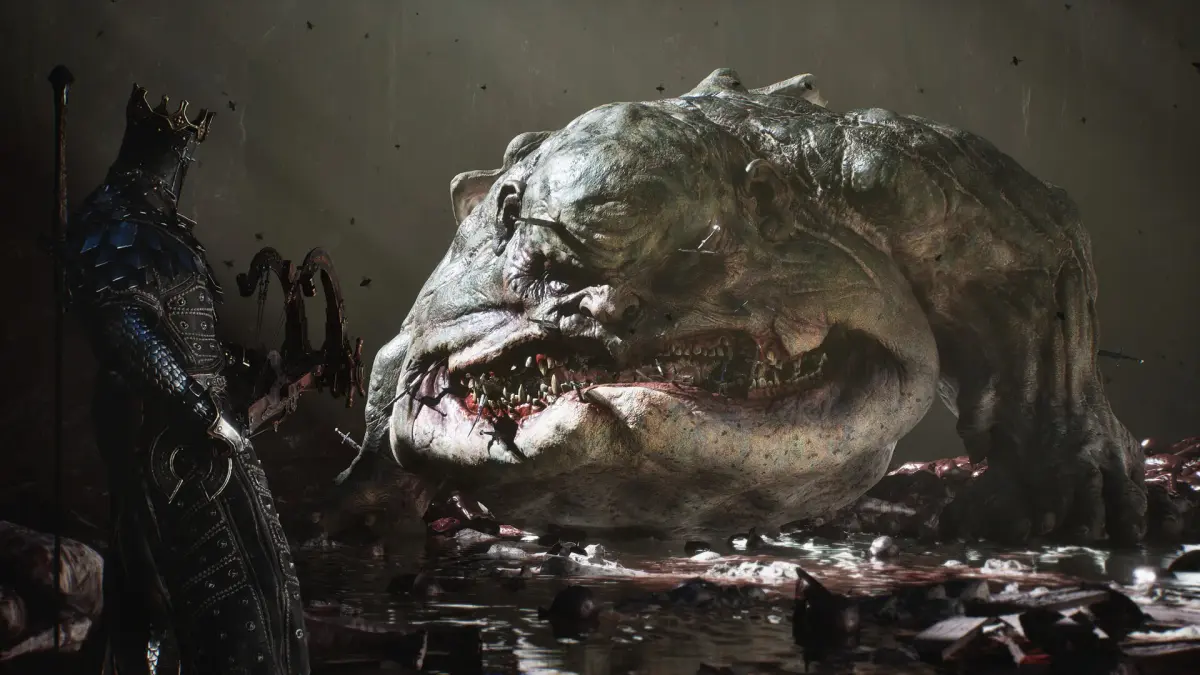
Learn about the Mortal Shell 2 starting screen options, including START GAME and OPTIONS, and what you can configure in the settings.
When you first launch Mortal Shell 2, you will be presented with the starting screen. From here, you have two primary choices: START GAME, which will begin a new adventure, or OPTIONS. Selecting OPTIONS will take you to a sub-menu with four distinct choices: CONTROLLER CONFIGURATION, SOUND CONFIGURATION, GAME SETTINGS, and LOAD GAME.
Within the OPTIONS menu, you can modify the default settings for controller input, audio levels, and general game parameters under CONTROLLER CONFIGURATION, SOUND CONFIGURATION, and GAME SETTINGS, respectively. The LOAD GAME option allows you to access and continue any previously saved progress.
- Explore the OPTIONS menu thoroughly to customize your Mortal Shell 2 experience before starting.
- Ensure your controller is configured correctly for optimal gameplay.
100% Human-Written. AI Fact-Checked. Community Verified. Learn how AntMag verifies content