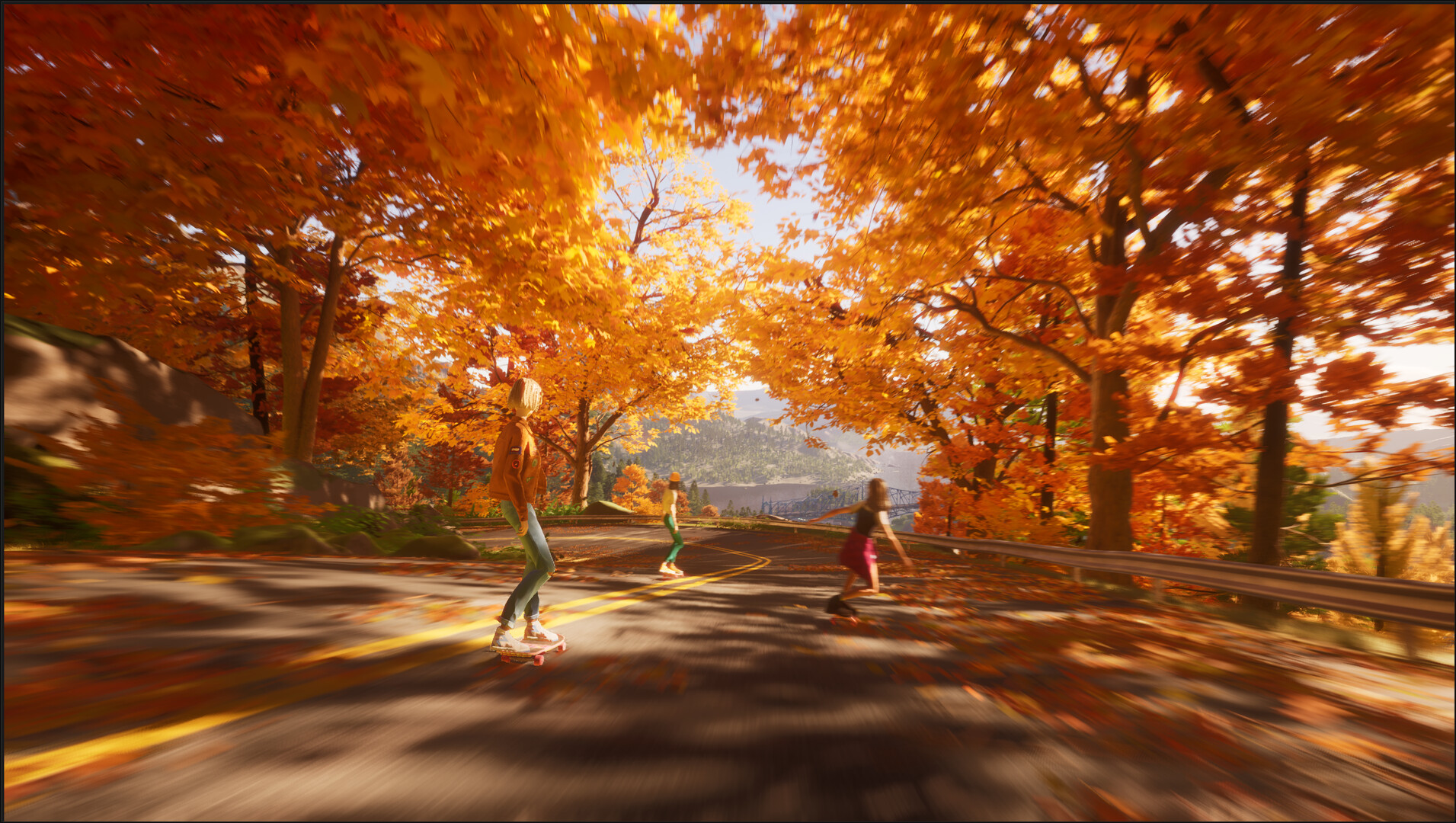

Help improve Mixtape (2025) by reporting bugs and issues. Learn the best channels to submit your feedback and suggestions to the developers.
Your feedback is invaluable in making Mixtape (2025) the best possible experience for everyone. If you encounter a bug, a glitch, or have a suggestion, reporting it through the proper channels ensures the developers are aware and can work towards a solution.
Where to Report
The primary avenues for reporting issues are typically found on the game's official platforms:
- Official Game Forums: Most games have dedicated forums hosted on their website or on platforms like Steam. These are excellent places to post detailed bug reports and see if others are experiencing similar problems.
- Developer's Website/Support Page: Look for a "Support," "Contact Us," or "Bug Report" section on the official Mixtape (2025) website.
- Digital Storefronts: On platforms like Steam, you can often report bugs directly through the game's community hub or store page.
- Social Media: While not always the primary channel for detailed reports, developers often monitor social media for general feedback and can direct you to the correct reporting method.
What to Include in Your Report
To make your report as effective as possible, please include the following information:
- Platform: Clearly state whether you are playing on PC, PlayStation 5, or Xbox Series S/X.
- Version Number: If available, note the current version of the game you are playing. This is usually found in the game's main menu or settings.
- Detailed Description of the Issue: Explain exactly what happened. Be as specific as possible. For example, instead of "the game crashed," say "the game crashed when I tried to enter the arcade after completing the 'Summer Job' quest."
- Steps to Reproduce: If you can, list the exact steps you took that led to the bug. This is crucial for developers to replicate and fix the problem.
- Screenshots or Video: Visual evidence is incredibly helpful. If the bug involves graphics, a screenshot or a short video clip can clearly illustrate the problem.
- Error Messages: If any error messages appear on screen, transcribe them exactly.
- Your System Specifications (PC): For PC players, include your CPU, GPU, RAM, and operating system.
- Controller Used: For console players, mention if you are using a standard controller or any third-party accessories.
General Etiquette
- Be Polite and Constructive: Developers are working hard to create a great game. Approach bug reporting with a helpful attitude.
- Search Before Posting: Before submitting a new report, check if someone else has already reported the same issue. You can often add your experience to an existing thread.
- Be Patient: Fixing bugs takes time. Developers will address issues as they can, prioritizing critical problems.
By following these guidelines, you contribute directly to the ongoing improvement of Mixtape (2025), ensuring a better experience for yourself and the entire player community.
100% Human-Written. AI Fact-Checked. Community Verified. Learn how AntMag verifies content