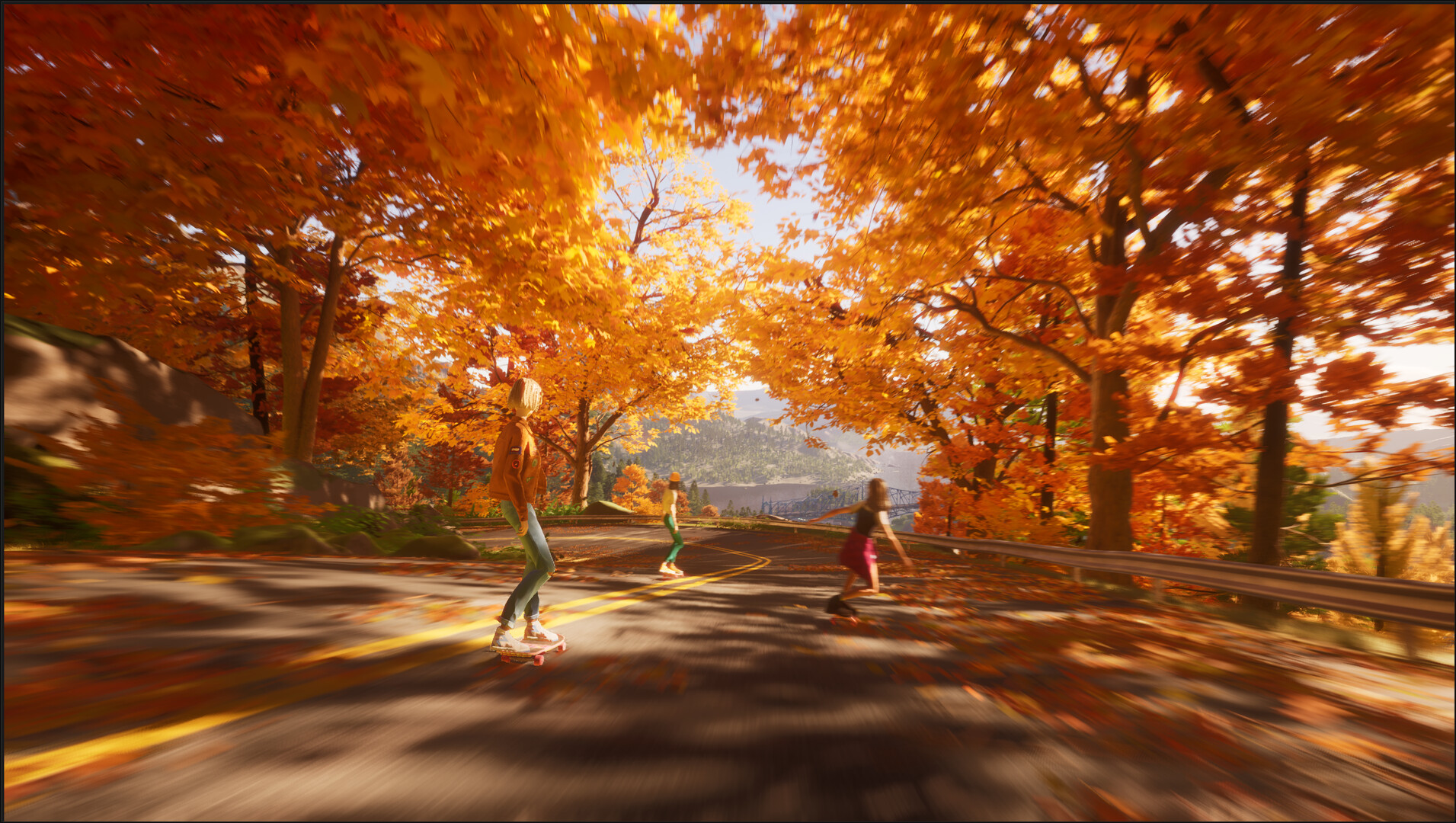
Master Mixtape (2025) PC controls with our keyboard and mouse guide. Learn keybinds for smooth skate tricks, environmental interaction, and dialogue choices.
Navigating the world of Mixtape (2025) with a keyboard and mouse offers a precise and responsive control scheme. Mastering these inputs will be key to executing smooth skate tricks, interacting with the environment, and making crucial dialogue choices.
| Action | Default Keybind |
|---|---|
| Movement (Forward/Backward/Left/Right) | W / S / A / D |
| Jump / Ollie | Spacebar |
| Crouch / Manual Balance | Ctrl (Hold) |
| Grind / Manual Start | Shift (Hold) |
| Interact / Confirm | E |
| Cancel / Back | Esc / Right Mouse Button |
| Camera Pan Left/Right | A / D (while holding Right Mouse Button) |
| Camera Zoom In/Out | Mouse Wheel Scroll |
| Open Mixtape Menu / Pause | Tab |
| Select Dialogue Option 1 | 1 |
| Select Dialogue Option 2 | 2 |
| Select Dialogue Option 3 | 3 |
| Special Trick Modifier | Q (Hold) |
| Flip Trick Modifier | R (Hold) |
Advanced Control Tips:
- Combining Inputs: Many advanced tricks involve combining directional inputs with modifier keys (Q for flips, R for grabs) and the jump button. Experiment with different combinations.
- Manual Balance: Holding Ctrl while on your back wheels (manual) allows for fine adjustments. Use A and D to steer.
- Grinding: Approaching a ledge or rail and pressing Shift will initiate a grind. Movement keys can influence your position on the rail.
These controls are designed to be intuitive, allowing players to focus on the narrative and the freedom of movement. Remember to check the in-game settings menu for any remapping options if the default binds don't suit your playstyle.
100% Human-Written. AI Fact-Checked. Community Verified. Learn how AntMag verifies content