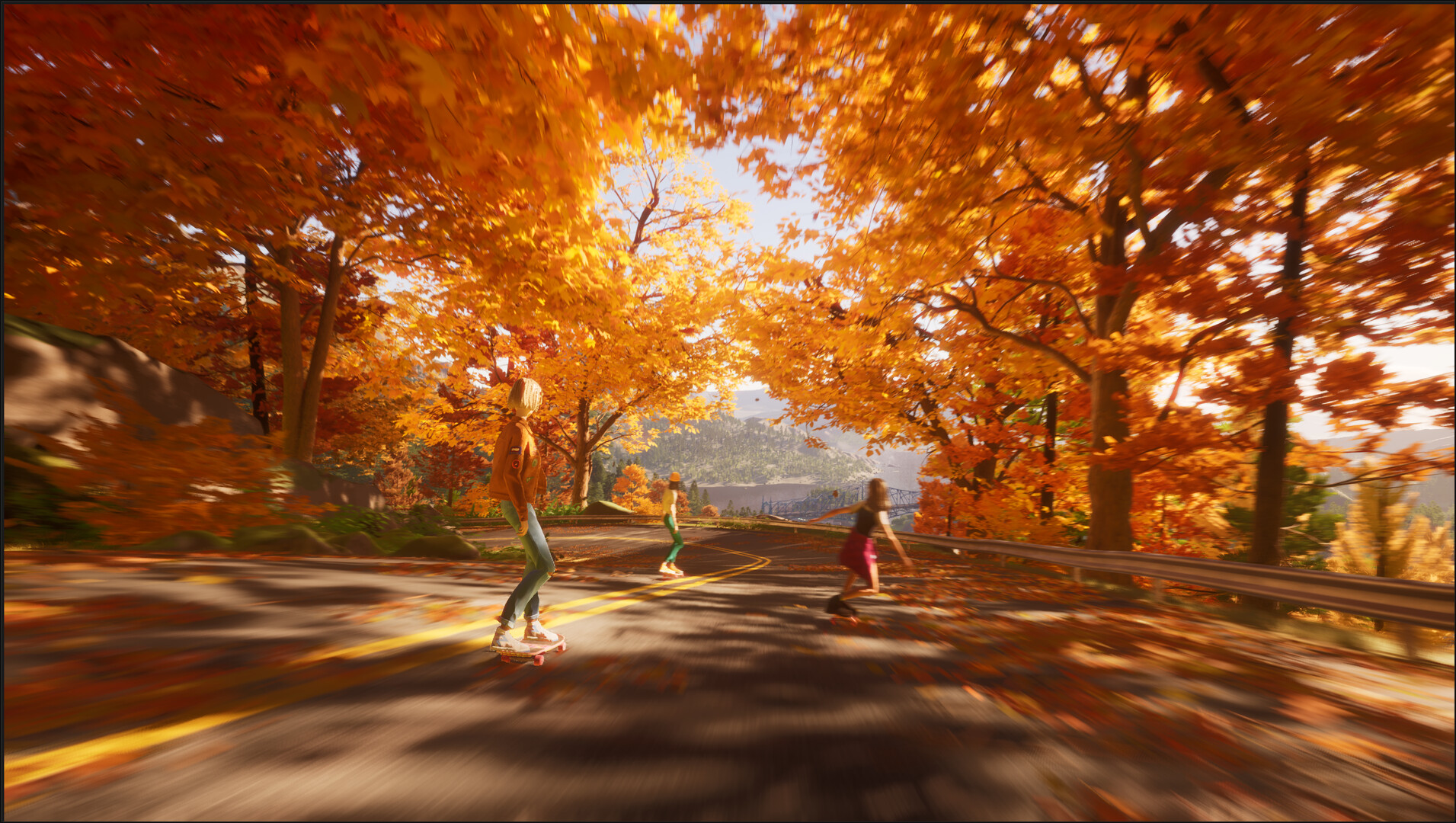
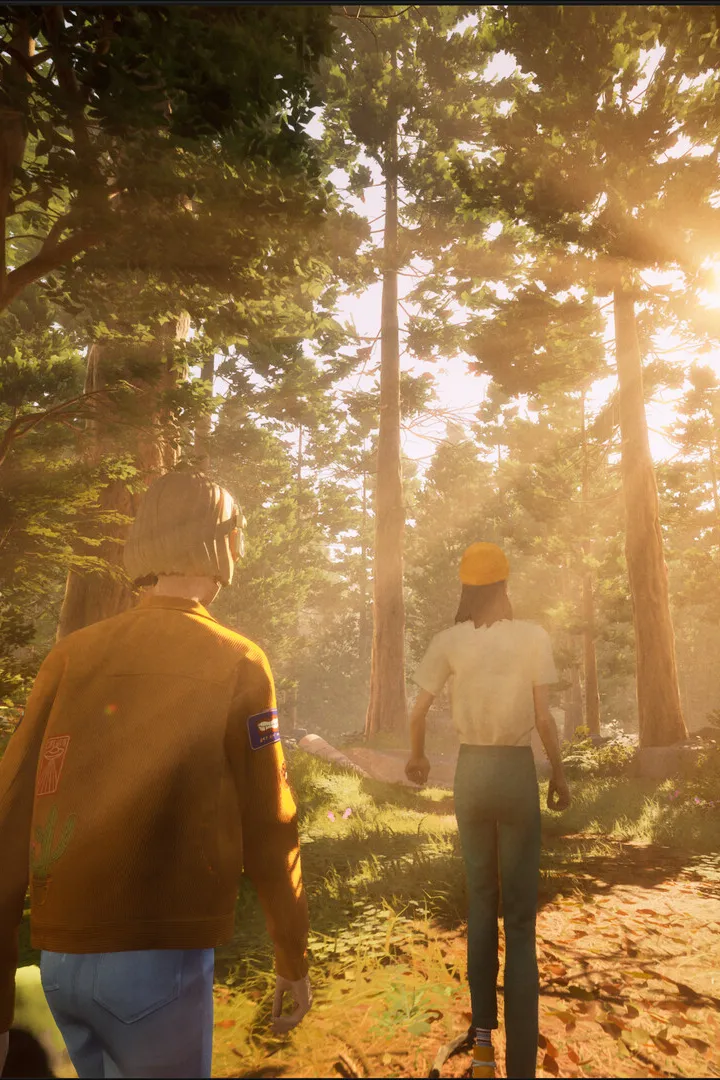
Master Mixtape's Camera & Photo Mode! Learn how to capture stunning shots, adjust settings, and make your in-game memories last. Your friendly guide to in-game photography.
Hey there! So, you're diving into Mixtape (2025) and want to get some awesome shots with the Camera & Photo Mode? It's a super fun way to capture your adventures, and I'm here to walk you through it. Think of it like having your own virtual camera to document everything. Accessing Photo Mode Whenever you want to snap a pic, just hit the designated button prompt. It's usually something like holding down the View button on your controller, but keep an eye on the on-screen prompts as they can change depending on what you're doing. Once you're in, time kind of slows down, giving you the perfect window to set up your shot. Framing Your Masterpiece This is where the magic happens! You'll have a lot of control here: * Camera Movement: You can pan, tilt, and zoom to get the perfect angle. Want to get a low-angle shot of your ride? Or maybe a sweeping panorama of the landscape? You've got the freedom to do it. * Focus: Just like a real camera, you can control the focus. This is great for making your subject pop while blurring the background, or vice-versa. Experiment with shallow depth of field for that professional look. * Filters & Effects: Mixtape offers a bunch of filters to change the mood of your photos. Want a vintage vibe? Go for a sepia tone. Need something dramatic? Try a high-contrast black and white. There are also options for things like bloom and lens flare to add that extra cinematic touch. * Exposure & Color: You can tweak brightness, contrast, and saturation to really nail the look you're going for. Don't be afraid to play around with these settings – sometimes the best shots come from a bit of experimentation. Pro Tips for Awesome Photos * Rule of Thirds: Imagine your screen divided into nine equal parts by two horizontal and two vertical lines. Placing your subject along these lines or at their intersections often makes for a more balanced and engaging photo. * Lighting is Key: Pay attention to the in-game lighting. Golden hour (just after sunrise or before sunset) often provides the most beautiful, soft light. Dramatic shadows can also add a lot of character. * Capture the Action: Don't just take static shots. Try to capture moments of action – a car mid-drift, a character in a dynamic pose, or a stunning environmental effect. * Save Often: You'll get a notification when your photo is saved. Make sure you're happy with it before moving on, though you can always go back and review your gallery. Where to Find Your Photos All the amazing shots you take will be saved in your game's photo gallery. You can usually access this from the main menu or a dedicated 'Media' section. It's a great way to look back at your journey and share your favorite moments. Have fun with it! The Camera & Photo Mode is your tool to create lasting memories of your time in Mixtape. Happy snapping!100% Human-Written. AI Fact-Checked. Community Verified. Learn how AntMag verifies content