
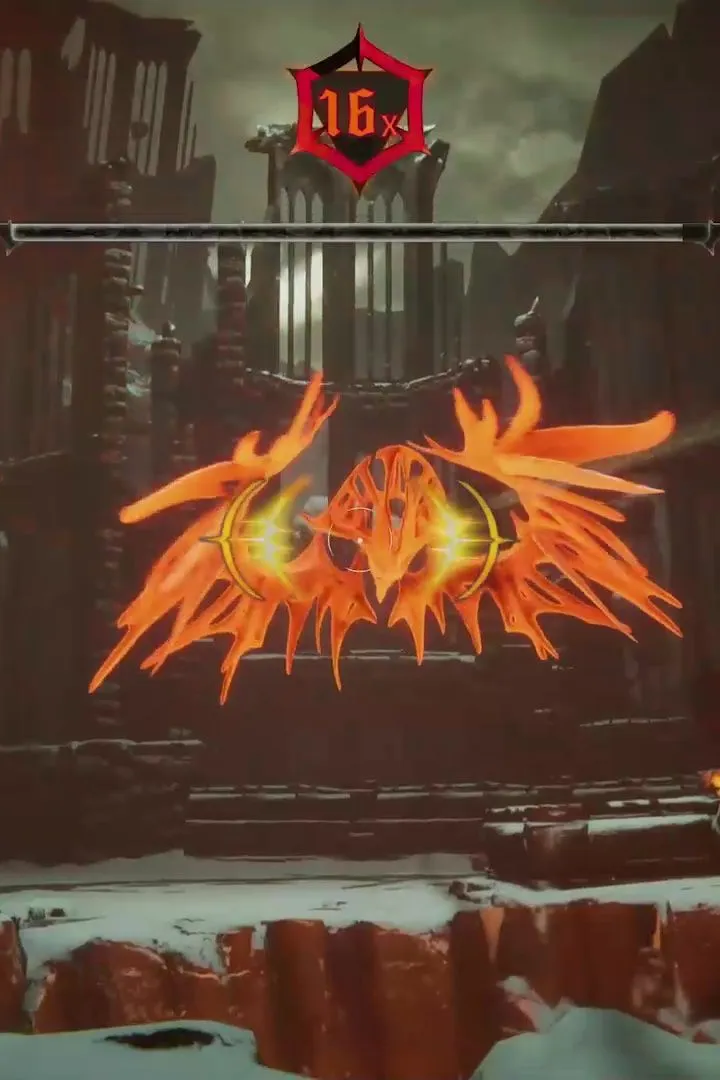
Get the most out of Metal: Hellsinger! Learn how to calibrate audio and video, adjust FOV, and use settings to your advantage for a better rhythm-shooter experience.
Hey there! So, you're diving into the awesome world of Metal: Hellsinger, huh? This game is all about slaying demons to the beat, and to really nail that, you gotta make sure your audio and video are locked in. If they're off, you'll be struggling to keep up. Don't worry, though, it's super easy to get this sorted right from the start.
First things first, head into the Calibration menu. You'll see some lights flash and hear a specific sound. Your job is to tap a button right when that happens. It only takes a minute, and trust me, it makes a HUGE difference in how well you can sync up with the music. If you ever feel like things are a bit wonky later on, you can always pop back into the Options menu and recalibrate. No biggie!
Next up, let's talk about your view. The action in Hell moves at lightning speed, and knowing where all those nasty demons are is key to staying alive. So, you'll want to crank up your Field of View (FOV). Dive into the Options menu and push that slider as high as it'll go. If you're not used to a wide FOV, it might feel a little strange at first, but you'll quickly get used to seeing more of your surroundings, which is a lifesaver when you're dodging attacks and lining up your shots.
100% Human-Written. AI Fact-Checked. Community Verified. Learn how AntMag verifies content