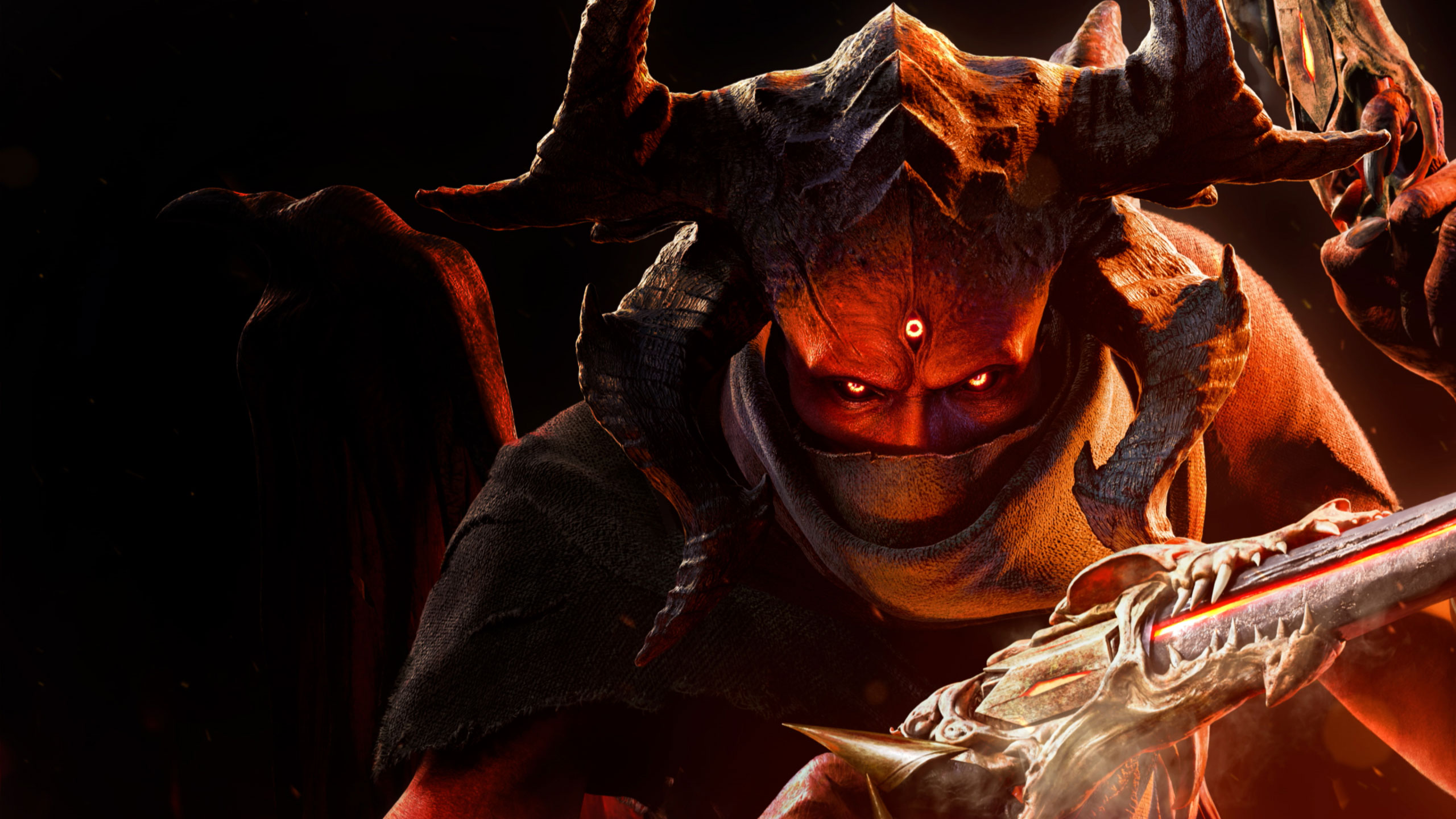
Get a grip on Metal: Hellsinger! Learn the Xbox and PlayStation controller layouts to slay to the beat and dominate Hell.
Alright, so you're diving into the wild world of Metal: Hellsinger! It's a total blast, but figuring out all the buttons can be a bit much at first. Don't sweat it, though. I'm here to break down exactly what each button does on both Xbox and PlayStation controllers so you can start shredding through those demons without missing a beat.
Think of this as your cheat sheet to becoming a rhythm-slaying machine. We'll cover the essentials so you can focus on the music and the mayhem.
Xbox Controller Layout
On Xbox, it's pretty standard stuff for an FPS, but with a few rhythm-game twists. Here’s the rundown:
| Action | Button |
|---|---|
| Move | Left Analog Stick |
| Camera / Aim | Right Analog Stick |
| Jump | A Button |
| Crouch / Dash (Hold) | B Button |
| Reload / Quick Reload | X Button |
| Melee / Execution | Y Button |
| Weapon Wheel | Left Bumper (LB) |
| Ultimate Ability | Right Bumper (RB) |
| Crouch / Dash (Tap) | Left Stick Button (LSB) |
| Aim Down Sights (ADS) / Special Ability | Right Stick Button (RSB) |
| Interact / Use | Right Trigger (RT) |
| Fire Weapon | Left Trigger (LT) |
| Pause / Menu | Start Button |
| Scoreboard / Player List | View Button |
| D-Pad | Weapon Switching / Other Functions |
PlayStation Controller Layout
PlayStation players, don't worry, it's super similar! Most actions map directly. Just remember the button names are different.
| Action | Button |
|---|---|
| Move | Left Analog Stick |
| Camera / Aim | Right Analog Stick |
| Jump | X Button |
| Crouch / Dash (Hold) | Circle Button |
| Reload / Quick Reload | Square Button |
| Melee / Execution | Triangle Button |
| Weapon Wheel | Left Bumper (L1) |
| Ultimate Ability | Right Bumper (R1) |
| Crouch / Dash (Tap) | Left Stick Button (L3) |
| Aim Down Sights (ADS) / Special Ability | Right Stick Button (R3) |
| Interact / Use | Right Trigger (R2) |
| Fire Weapon | Left Trigger (L2) |
| Pause / Menu | Options Button |
| Scoreboard / Player List | Share Button |
| D-Pad | Weapon Switching / Other Functions |
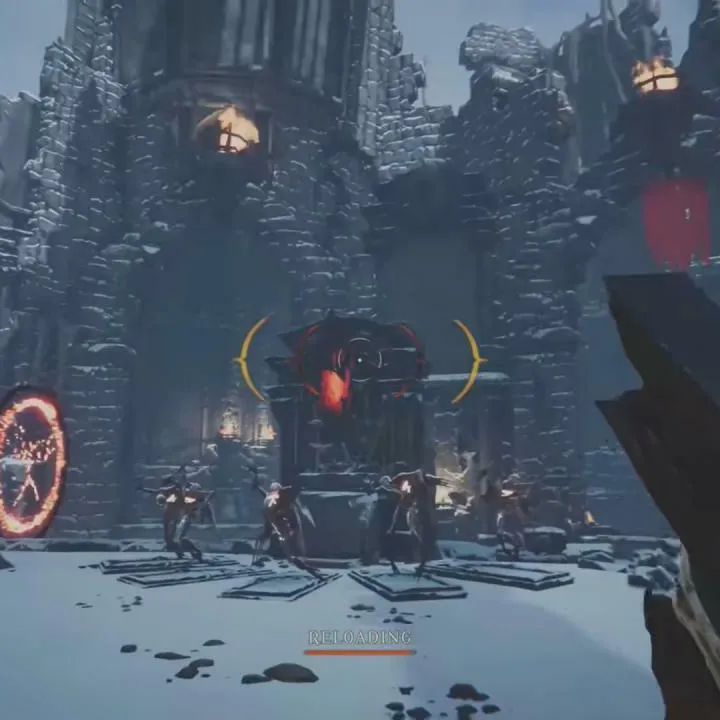
Quick Reload Tip: Remember that quick reload on X (Xbox) or Square (PS)? That's HUGE. When you see the prompt, watch that rhythm indicator and press the button right on the golden beat marker. Nail it, and you'll be back in the fight way faster. Mess it up, and you're stuck with a longer, vulnerable reload animation. Definitely worth practicing!
Executions: Don't forget about executions! When an enemy is staggered, aim at them and hit Y (Xbox) or Triangle (PS). It's a great way to finish off a tough foe and get a chunk of health back. Plus, you can do it from a decent distance, which is super handy.
Mastering these layouts is your first step to truly grooving with Metal: Hellsinger. Now go out there and make some noise!
100% Human-Written. AI Fact-Checked. Community Verified. Learn how AntMag verifies content